In PublishPress Cart, you can see all subscriptions under WP-admin > Cart > Subscriptions:
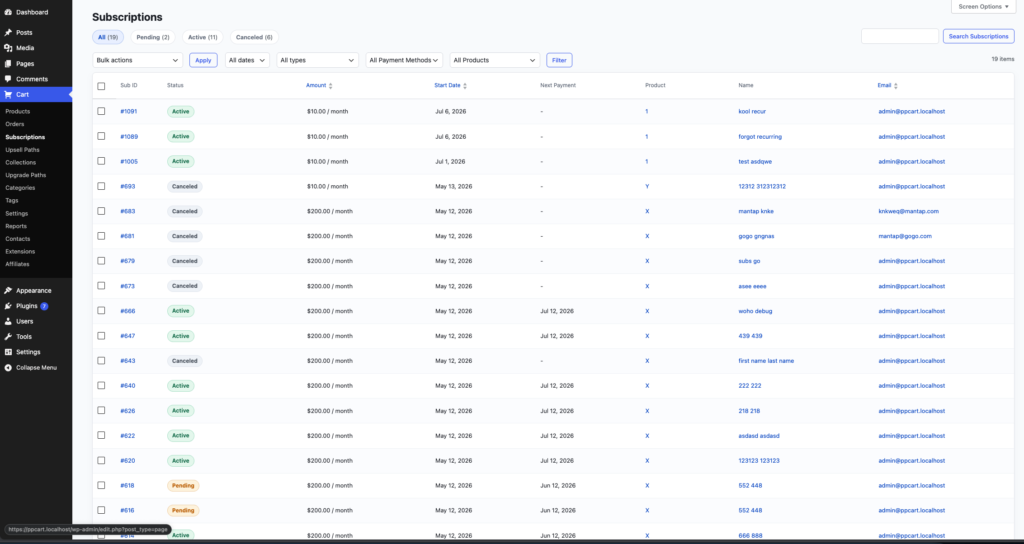
In this screen, you can see the information from subscription ID, the status, the amount, the expires, the products and also the client’s email.
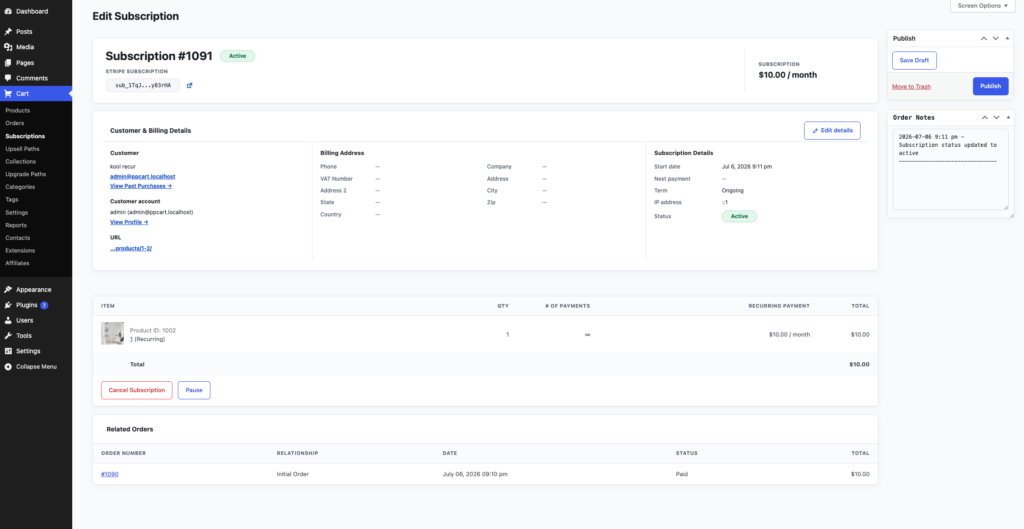
If you click on one of them, you will be brought to more details on that subscription including subscription ID (top left), edit customer’s detail, cancel and pause subscription.