
To use the MemberVault integration, head over to Cart > Settings > Integrations in your admin dashboard and enter your business’s name (the name used in your MemberVault URL, e.g. yourname.vipmembervault.com) and your MemberVault API key.
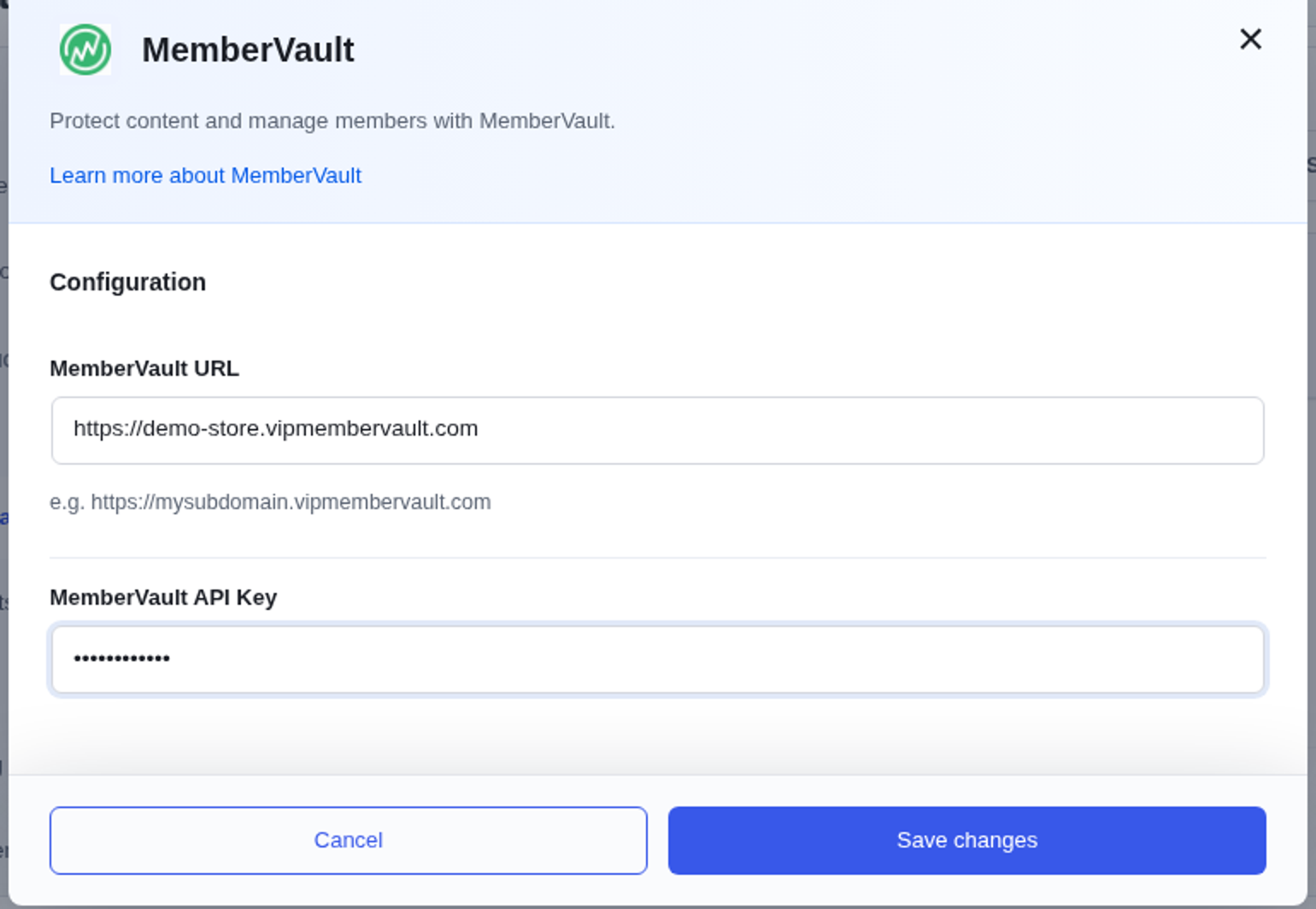
You can find the API key in your MemberVault settings under Advanced Integrations > Generic Webhooks.
Once this information has been entered, MemberVault will show up as an available service under Integrations when editing a product. Choose to add or remove a user from a course and enter in the course’s MemberVault ID.
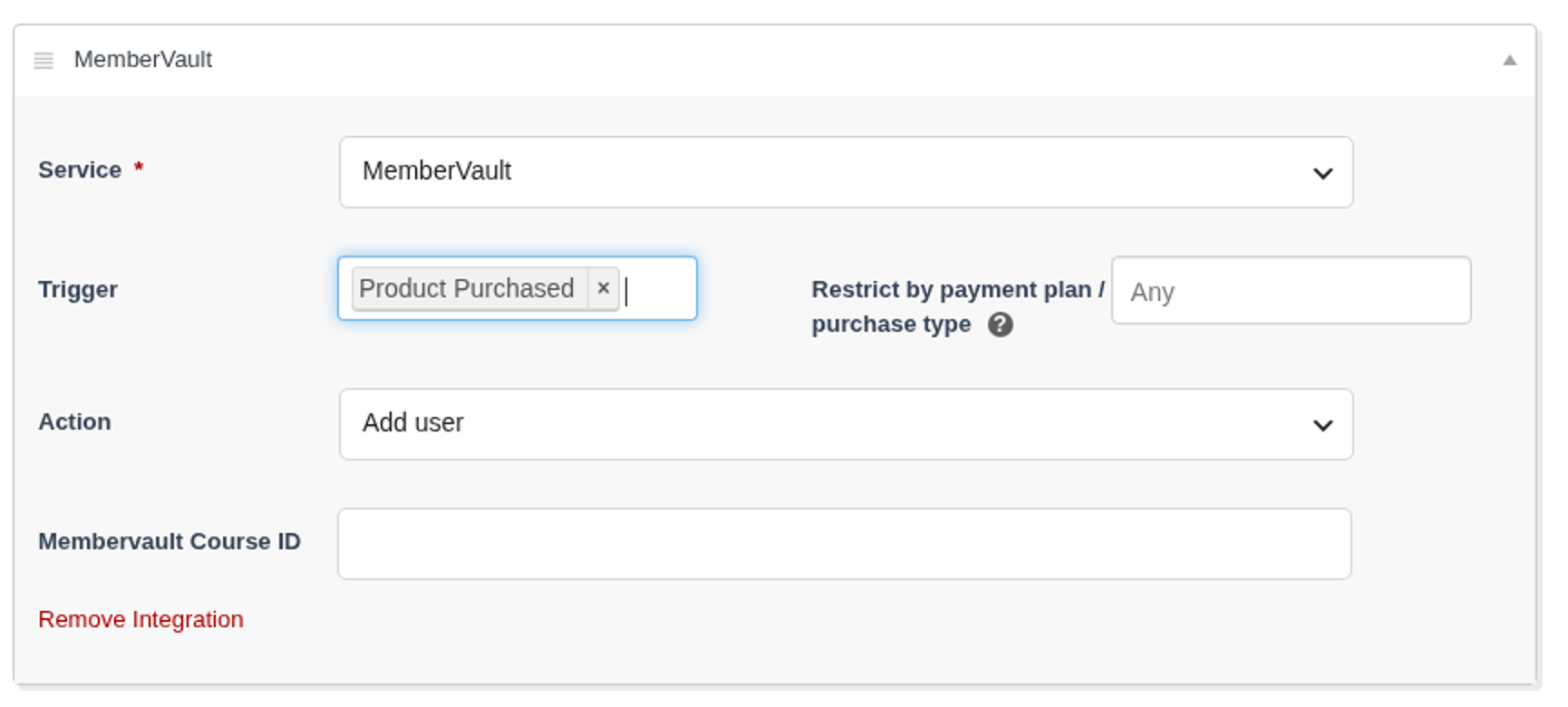
To find a course’s ID in MemberVault, you can see it by clicking the course’s edit link and looking at the number at the end of the edit page’s URL.