
If your customer is not happy with your product or services and they are expecting for a refund, you could do this steps:
- Go to WP-Admin > Orders:

- Open the customer order:
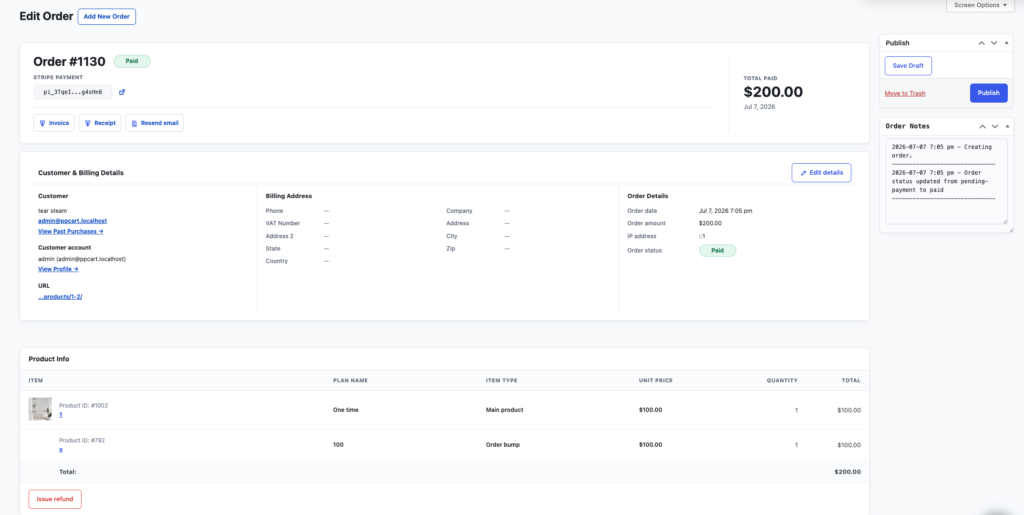
- On the bottom left, click “Issue refund“, it will show this modal:
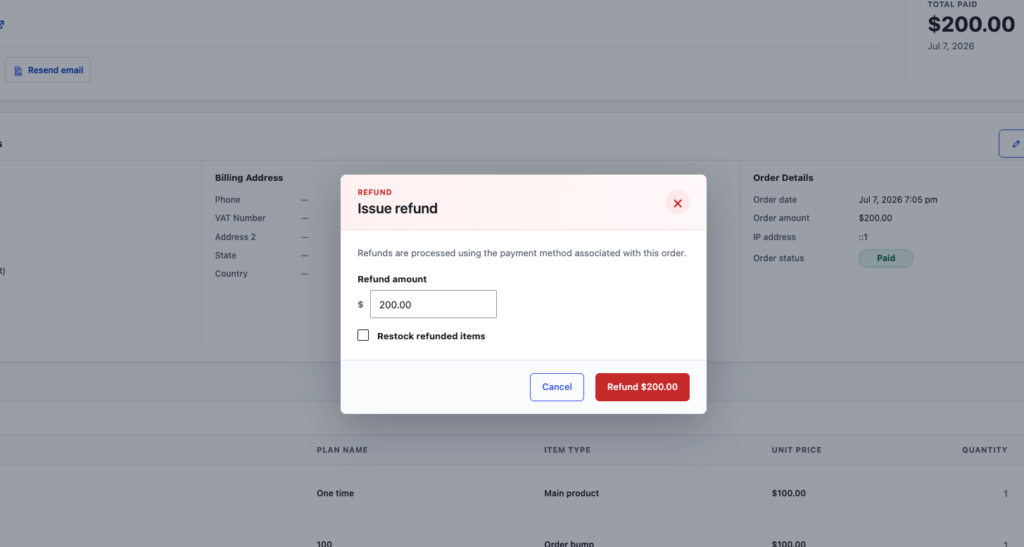
- By default it will have the full amount, but you can fill it any amount for doing partial refund.
Notes:
- If it’s an item that have a stock, check the “Restock refunded items” will restock the item.
- If the order has subscription, refunding the order will cancel the subscriptions.