
In PublishPress Cart, we have a feature called “Collections”. Collection are multiple products that are bundled together. Users can purchase that the collection product and they will receive the multiple products you selected.
Here are steps to add a collection:
Go to Cart > Collections:
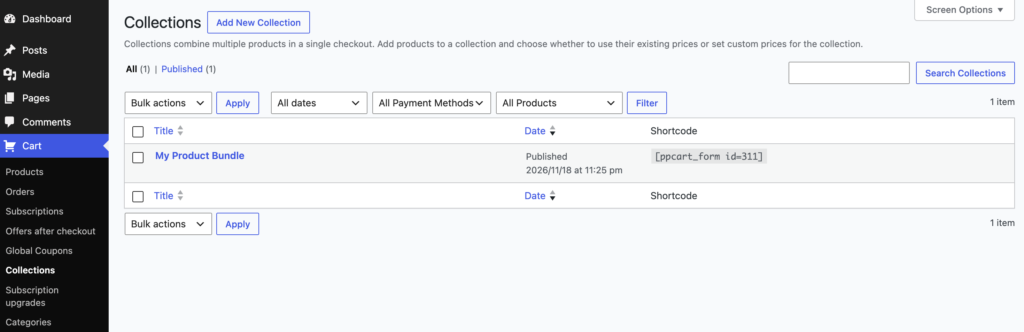
Click “Add New Collection”.
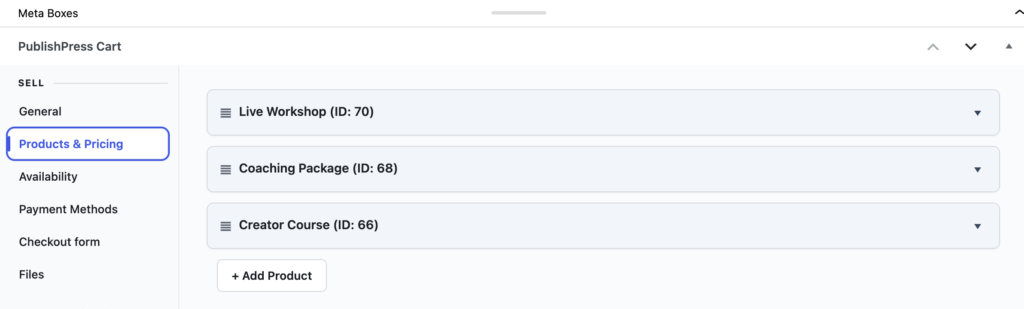
Under the “Products & Pricing” tab, click “Add Product” and choose the products you want to include in this collection.
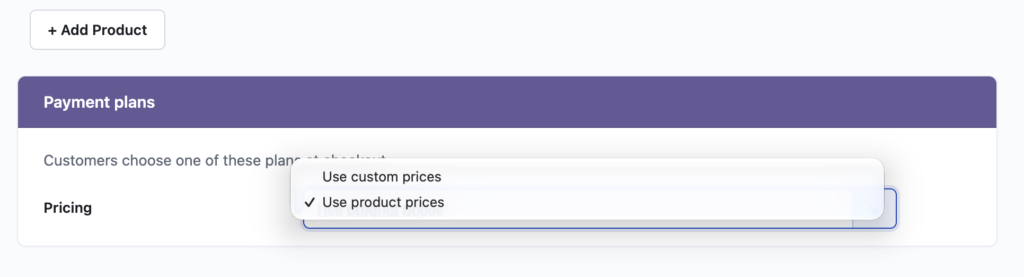
The other big decision is to choose between Use product prices or Use custom prices:
- Use product prices: this cost of the collection will be the total cost of all the products in the bundle.
- Use custom prices: you will have the option to choose a unique price for this collection of products. This payment plan will overwrite the actual product pricing.
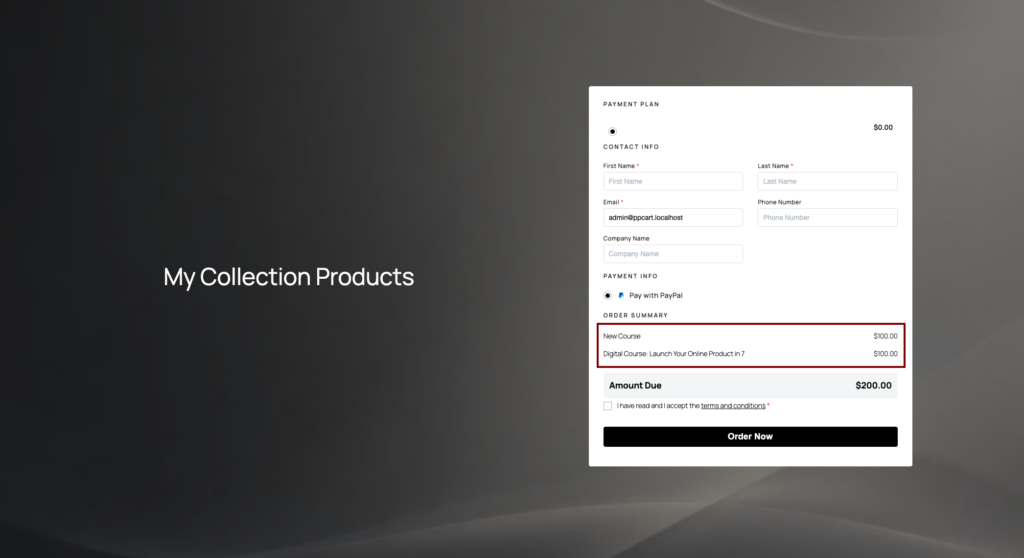
After you done configuring your collection, save and publish it. This is how it looks on the frontend after publication:
Here’s a video guide to using collections in PublishPress Cart: