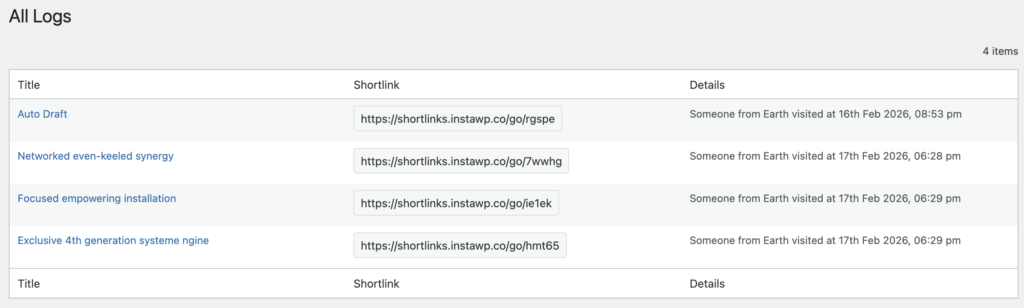
The PublishPress Shortlinks plugin has a Logs feature that records everyone who clicks your links. These logs are then turned into analytics charts so you can see how popular each shortlink is.
These logs are available by going to Shortlinks > Logs.
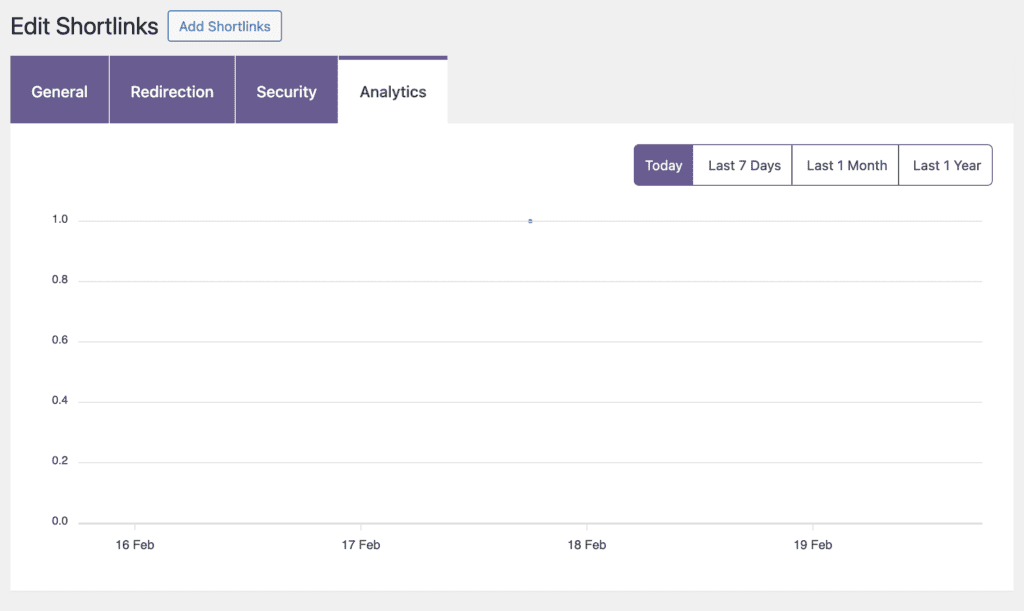
This data is collected and then displayed individually for each link. To find this information, go to Shortlinks > All Shortlinks in your WordPress admin menu. Choose a shortlink to edit and then click the “Analytics” tab, as in the screenshot below.