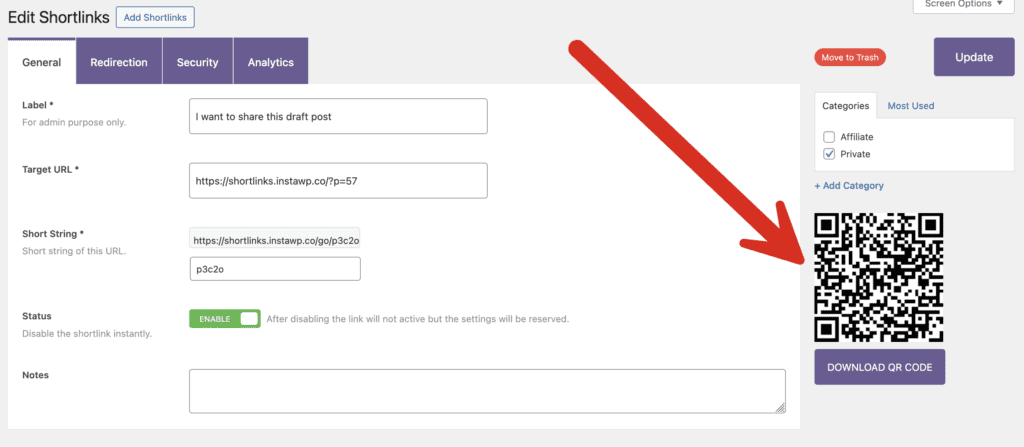
The PublishPress Shortlinks plugin will automatically create a QR code for each link. This makes it easy to download and share the QR code so people can visit your URL. This is great for advertisements, brochures, PDFs, restaurant menus, or anywhere you want to use a QR code.
These QR codes are available by going to Shortlinks > All Shortlinks in your WordPress admin menu. Edit any existing shortlink and you’ll see the QR code in the right sidebar. Click the “Download QR Code” link.