This feature requires the Pro version of the PublishPress Checklists plugin.
With the PublishPress Checklists plugin, you can require a maximum and minimum number of video items for your WordPress posts.
If there’s the wrong number of video items, you can choose to show a warning, or prevent the post from being published.
This task cover a wide range of video content from self-hosted video to YouTube, Vimeo, VideoPress and more. Here are the specifics:
- Counts native HTML video.
- Counts supported iframe embeds from YouTube, Vimeo, and Dailymotion.
- Counts WordPress embed blocks for YouTube and Vimeo.
- Counts direct links to video files with these extensions: mp4, mov, webm, m4v, ogg, and ogv.
- Does not count other video providers unless they match one of the supported patterns above.
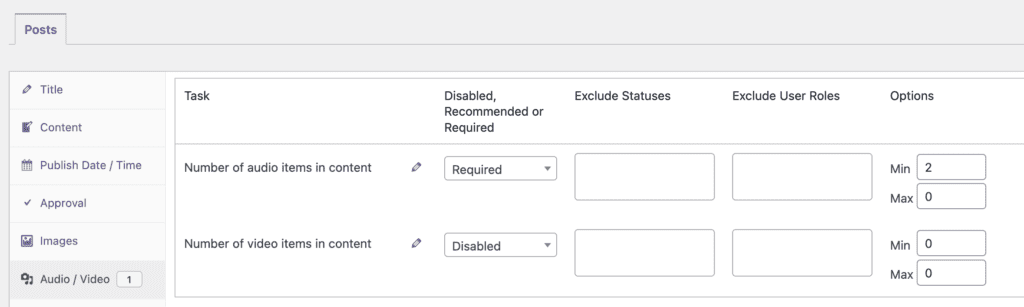
In the screenshot below, you can see the options for the “Number of video items in content” task.
- You can choose from “Disabled, Recommended, or Required” options.
- You can enter choices for “Min” and “Max”.
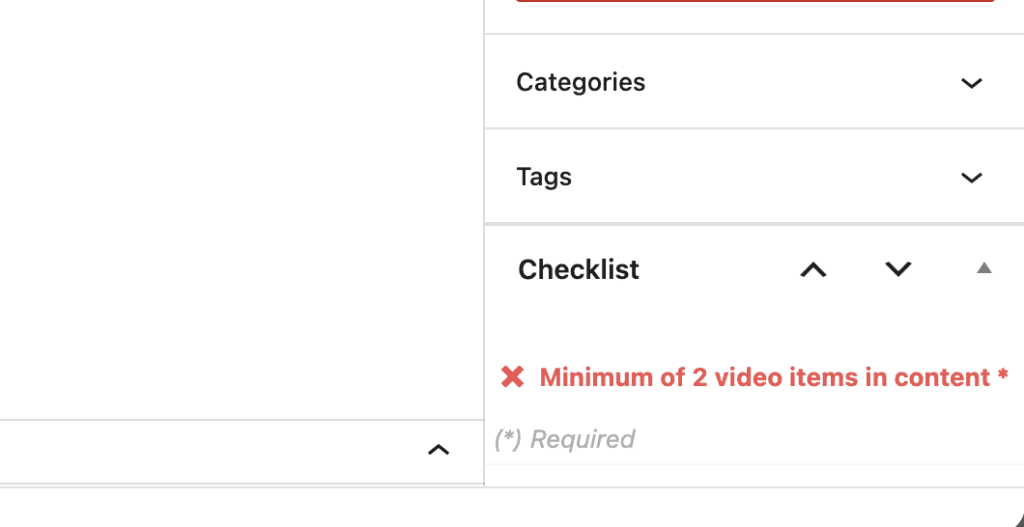
If you enable this video task, it will be visible when you edit a post. If you don’t have enough video items, this task will be marked in red in the sidebar.
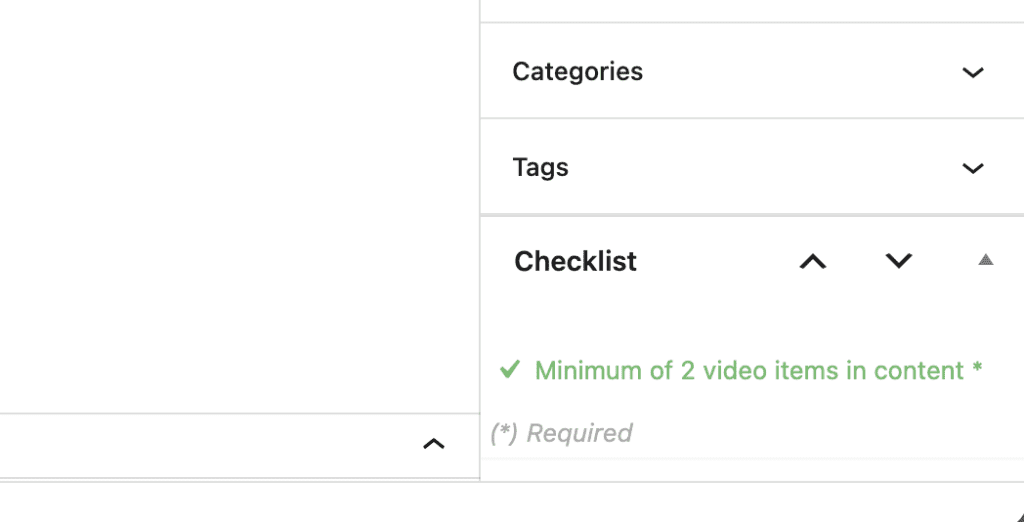
If you do have the correct number of video items, this task will be marked in green in the sidebar.