
This guide has advice for what to do if your scheduled revisions are not publishing at the correct time.
Disable Any Cache Plugins or Options #
Caching plugins may impact the visibility of your scheduled revisions. PublishPress Revisions does attempt to clear many types of WordPress cache when a scheduled revisions is published. But to debug this issues, it is worth disabling any caching systems on your site and then testing the scheduling of revisions.
Use WP Control or a Similar Plugin #
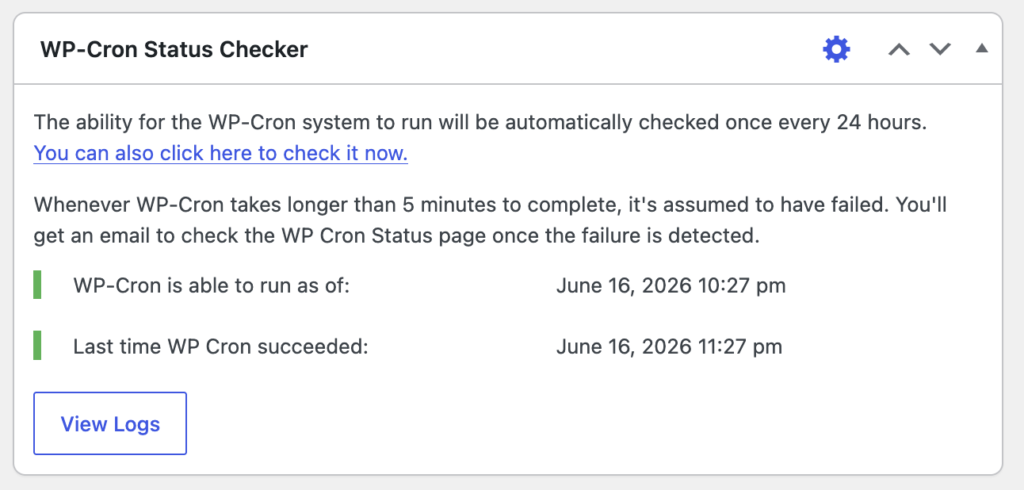
If revisions are not publishing at the scheduled time, try a plugin such as WP-Cron Status Checker. This plugin will add a widget to your WordPress dashboard showing if WP-Cron is working correctly on your site.
Check Your Site’s Time Zone #
A common source of scheduled publishing problems is an incorrect time zone. The timezone on your server and the timezone inside the WordPress admin area should be the same. Your site’s timezone can be found by going to the “Settings” tab in WordPress. Finding the timezone of your server is more complex and will depend on your hosting company. Their support team or documentation should be able to help.
