This feature requires the Pro version of the PublishPress Checklists plugin.
With the Pro version of the PublishPress Checklists plugin, you can ensure that posts on your WordPress site have headings in the correct order. For example: the heading order in your posts should be H1, H2, and then H3. This is important for your site’s accessibility and SEO.
This task will allow you to enter tags in order. So H1, then H2, then H3 will be allowed. However, this task will not allow you to jump levels with your headings. So using H1 then H4 will be marked as incorrect.
If the headings are correct, you can choose to show a warning, or prevent the post from being published.
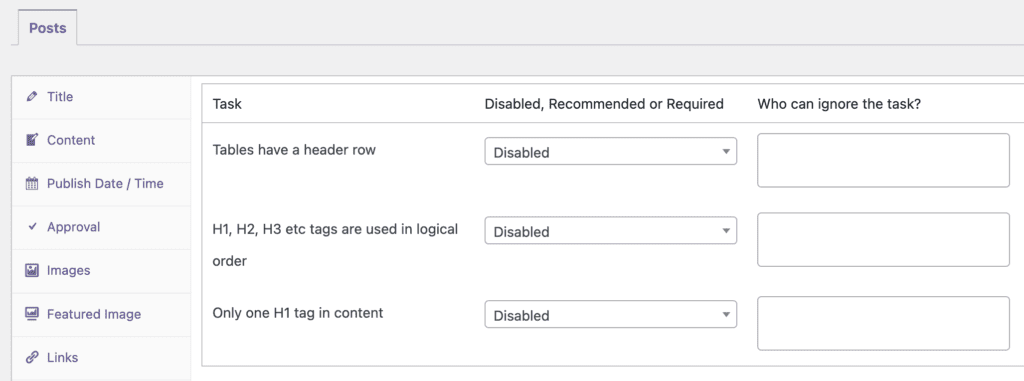
- Click the “Accessibility” tab. The screenshot below shows the “H1, H2, H3 etc tags are used in logical order” option.
- You can choose “Who can ignore this task?”
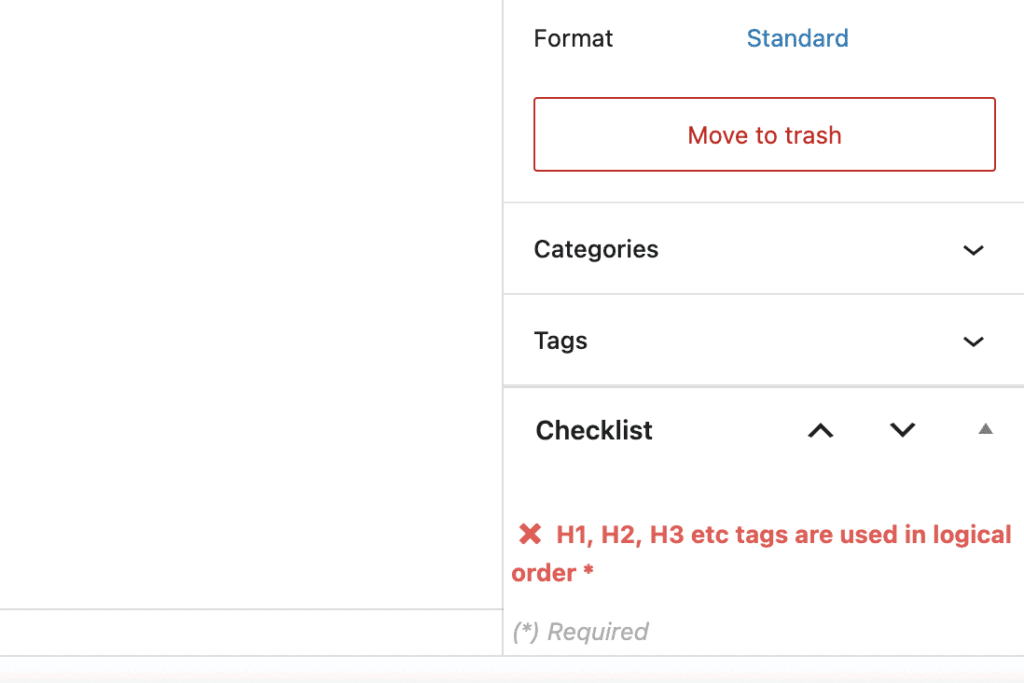
If you enable the “H1, H2, H3 etc tags are used in logical order” option, it will be visible when you edit a post. If your heading order is not correct, this task will be marked in red in the sidebar.
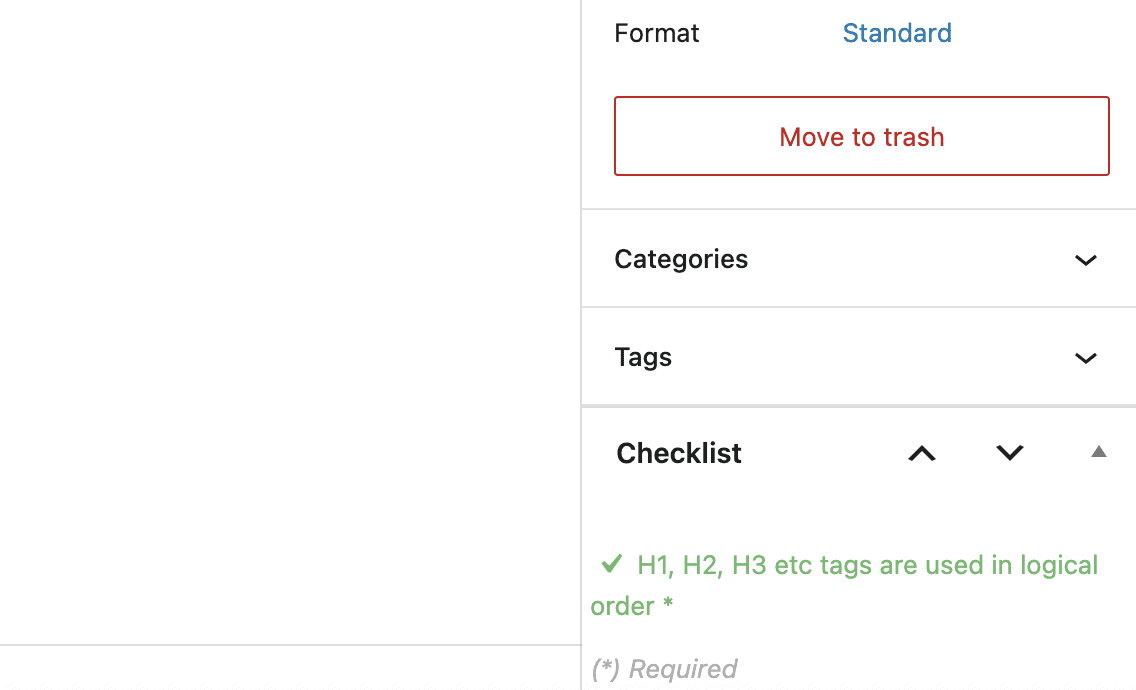
If your heading order is correct, this task will be marked in green in the sidebar.