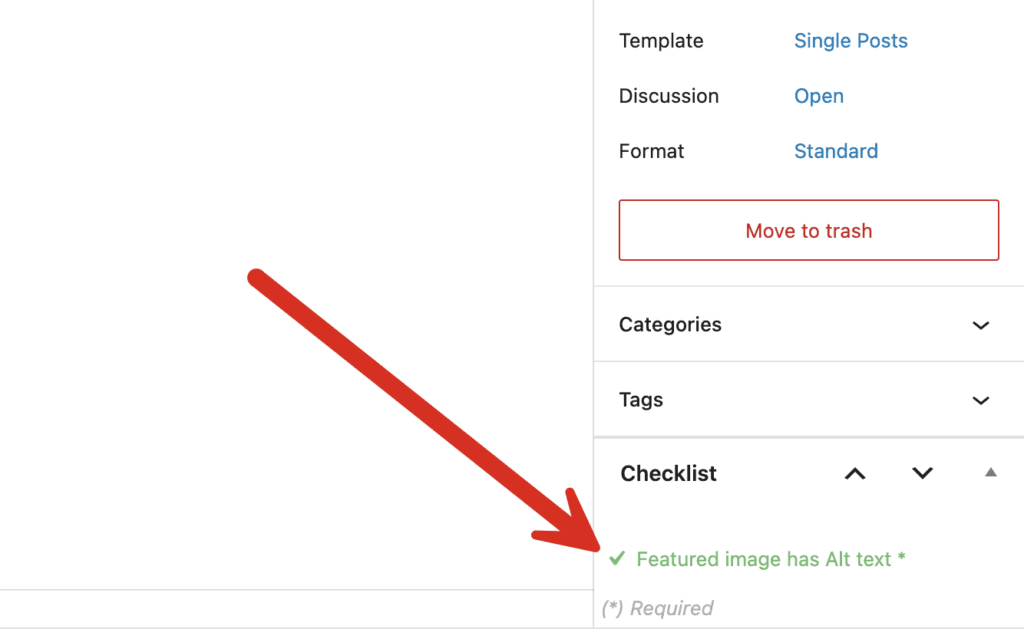
With the PublishPress Checklists plugin, you can require that Featured images has Alt text. This is important to make sure your posts are optimized for SEO and accessibility. If the Featured Image is missing the Alt text, you can choose to show a warning, or prevent the post from being published.
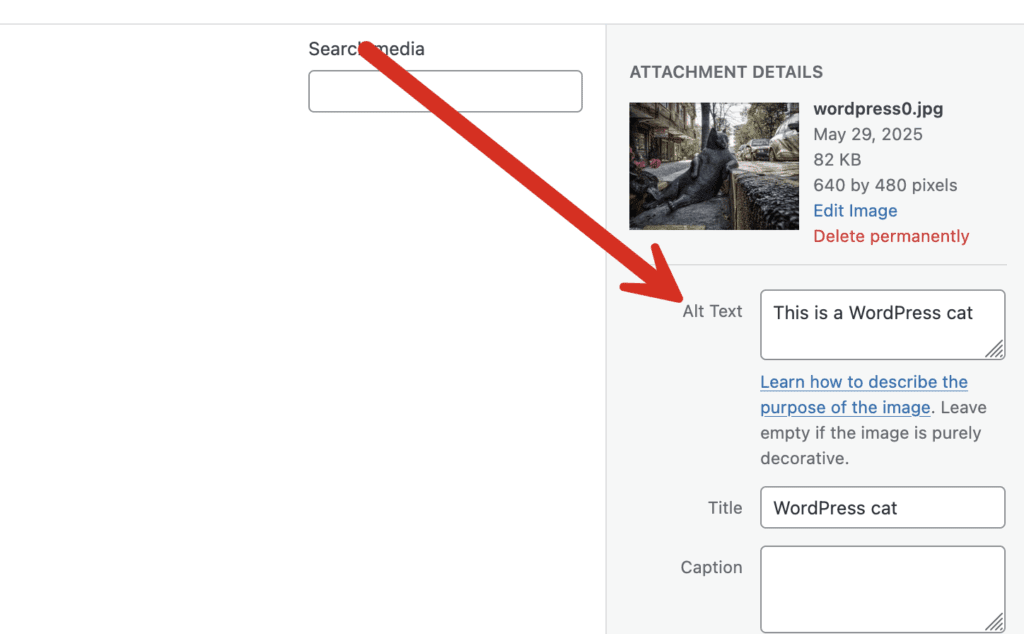
The Alt text for each image in WordPress can be set using the option shown in this screenshot:
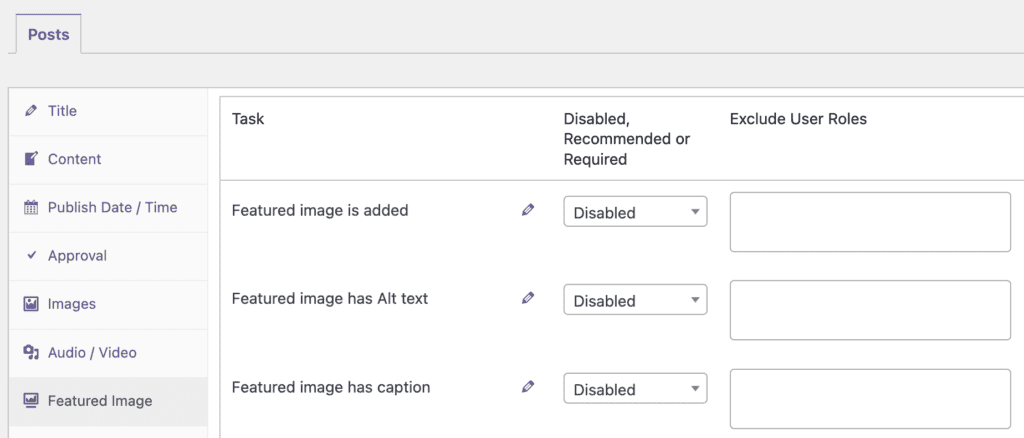
- Click the “Featured Image” tab. Select the “Featured image has Alt text” option.
- You can choose from “Disabled, Recommended, or Required” options
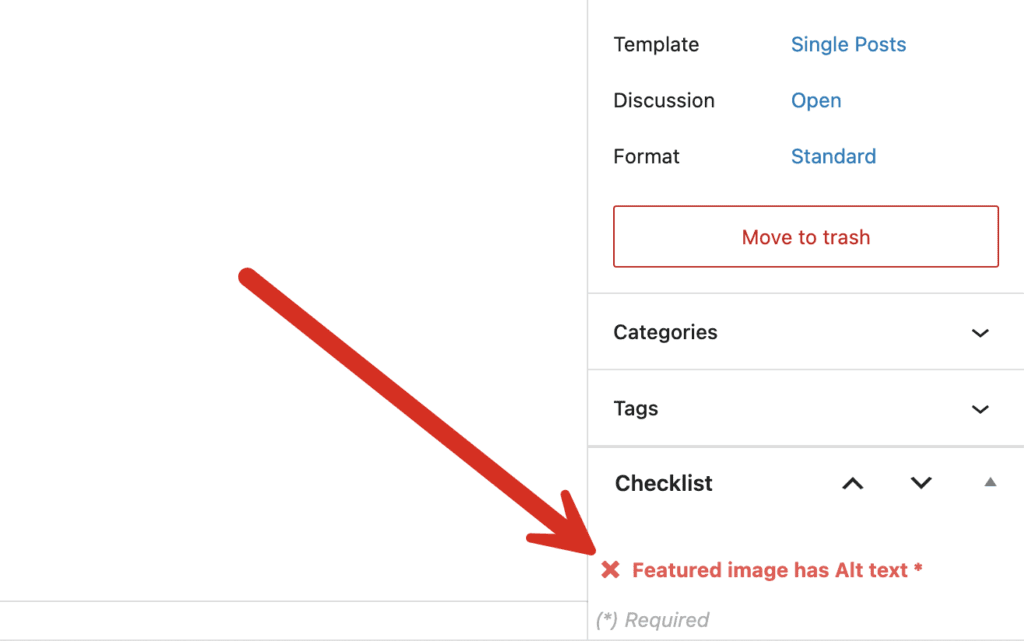
If you enable the “Featured image has Alt text” option, it will be visible when you edit content. If your Featured image box does not have a Alt text, this task will be marked in red in the sidebar:
If your Featured image box has an image, this task will be marked in green in the sidebar: