This feature requires the Pro version of the PublishPress Checklists plugin.
One of the features in the Pro version of PublishPress Checklists is support for the Advanced Custom Fields (ACF) plugin. For example, you can require that text fields have a certain number of characters, or that image fields are filled in.
If these requirements are not met for your ACF fields, you can choose to show a warning, or prevent the post from being published.
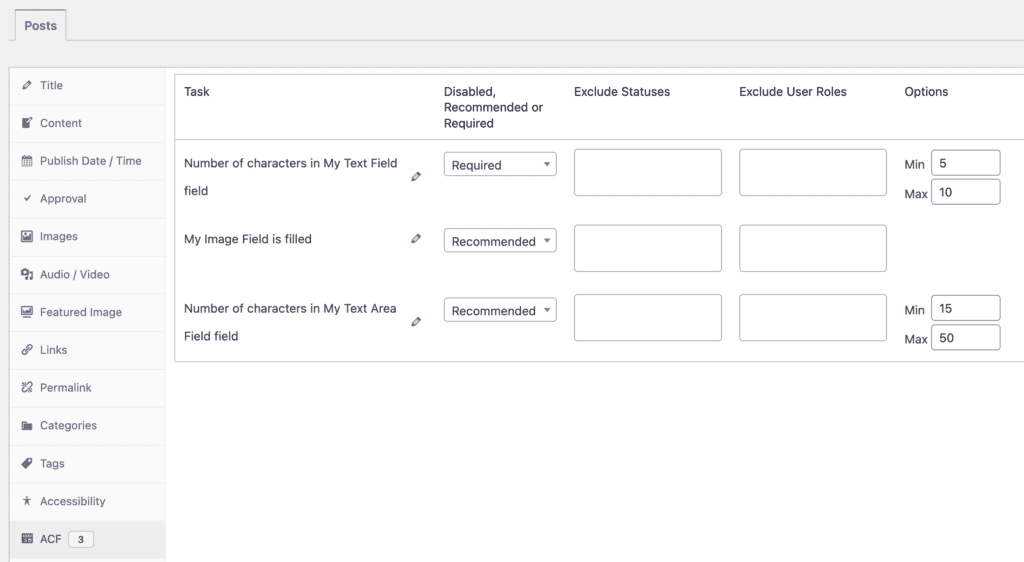
The screenshot below shows the requirements for three ACF fields. These settings will apply to any post type with these fields attached.
- You can choose from “Disabled, Recommended, or Required” options.
- You can enter choices for “Min” and “Max” for the two text fields. You can decide if the image field is required.
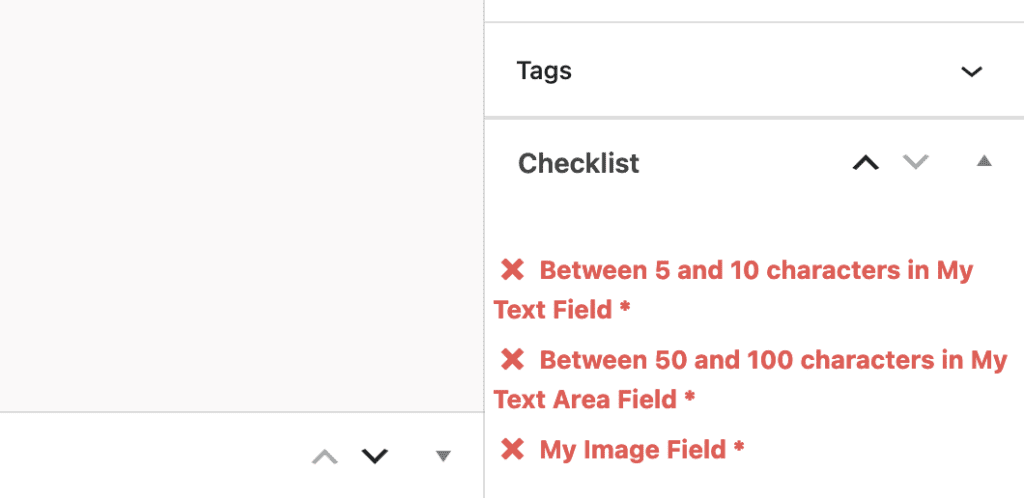
If you enable these ACF options, they will be visible when you edit content. If your ACF fields are not entered correctly, these tasks will be marked in red in the sidebar:
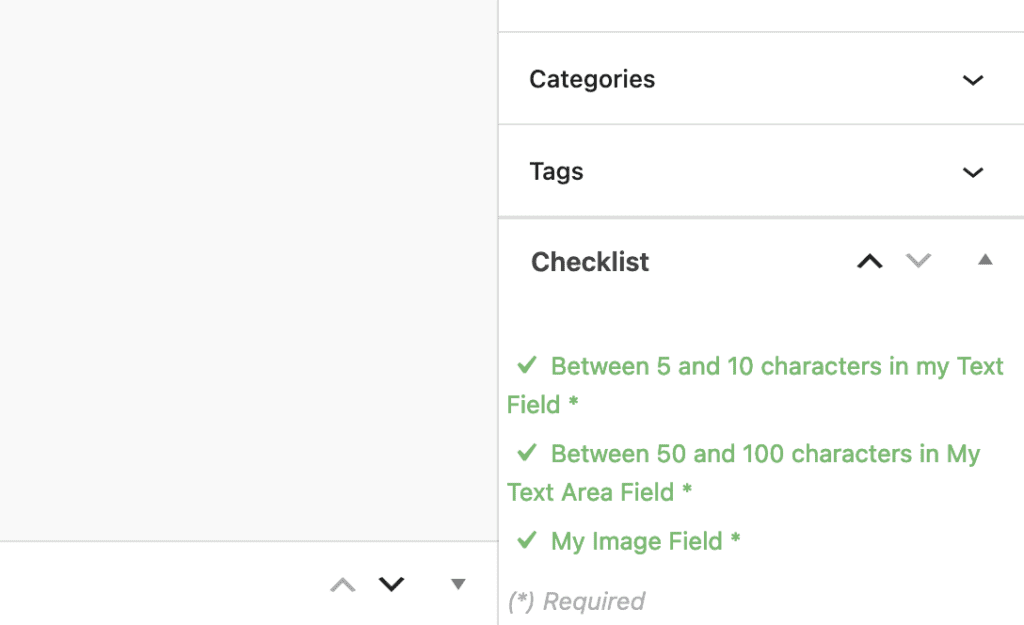
If your ACF fields are entered correctly, these tasks will be marked in green in the sidebar: