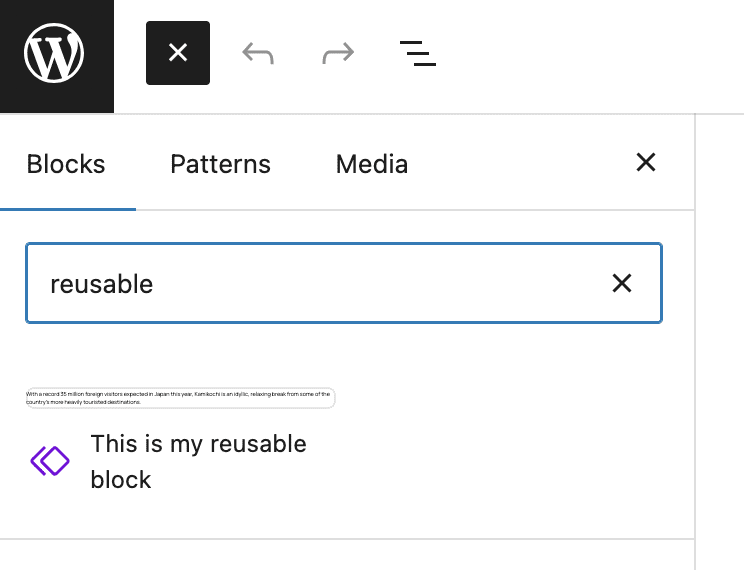
When you are using PublishPress Blocks, you will find a “Reusable Blocks” screen. This feature allows you to create blocks that can be used multiple times across your WordPress site. When you update the block once, it will then be updated across all the posts where it is used.
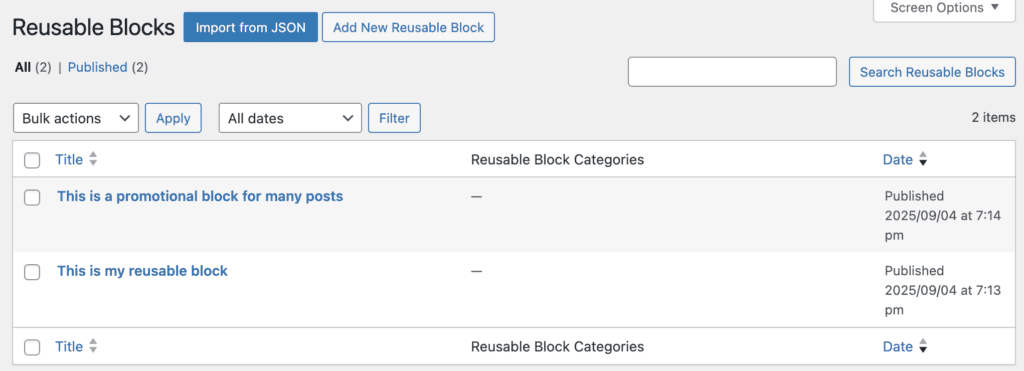
- On this screen, click the “Add New Resuable Block” button.
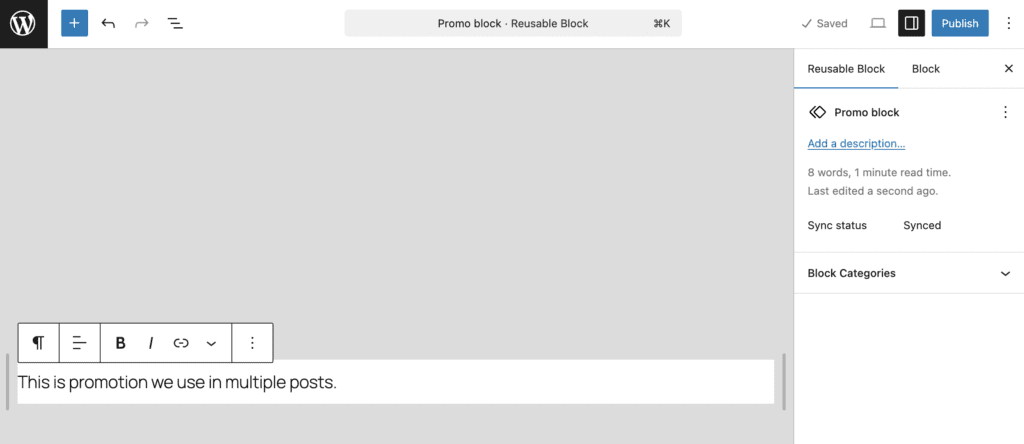
- You can now create and save new a block, as in this screenshot below.
- Whenever you create a new post, you will now be able to search for and add your reusable block.