The PublishPress Checklists plugin does support custom post types. This guide will show you how to add checklists to your custom post type.
- Click “Checklists” then “Settings” in your WordPress admin menu.
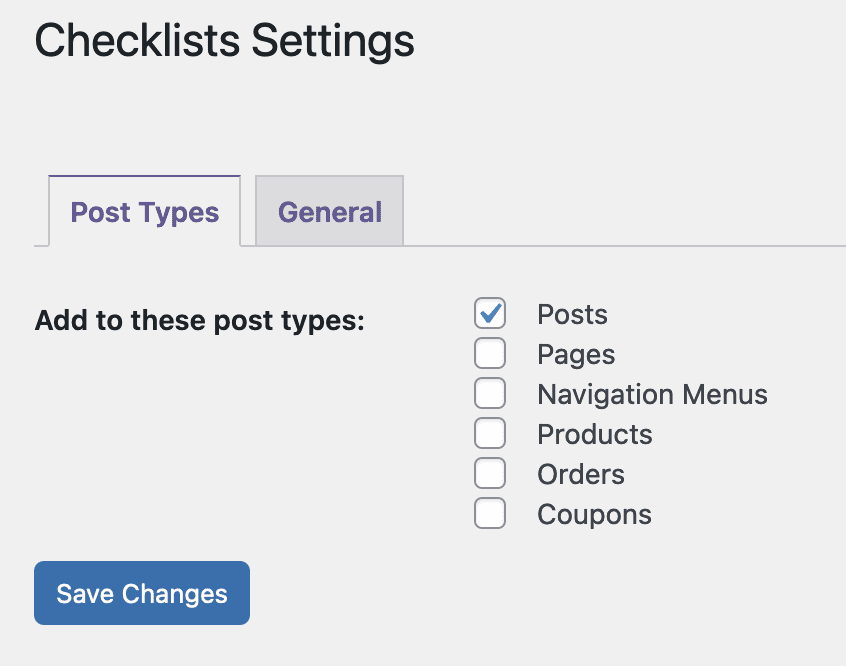
- Any custom post types will appear on this screen. In the image below, the WooCommerce plugin is installed on the site so the screenshot shows Products, Orders, and Coupons which are WooCommerce post types.
- Go to “Checklists” then “Checklists” in your WordPress admin menu.
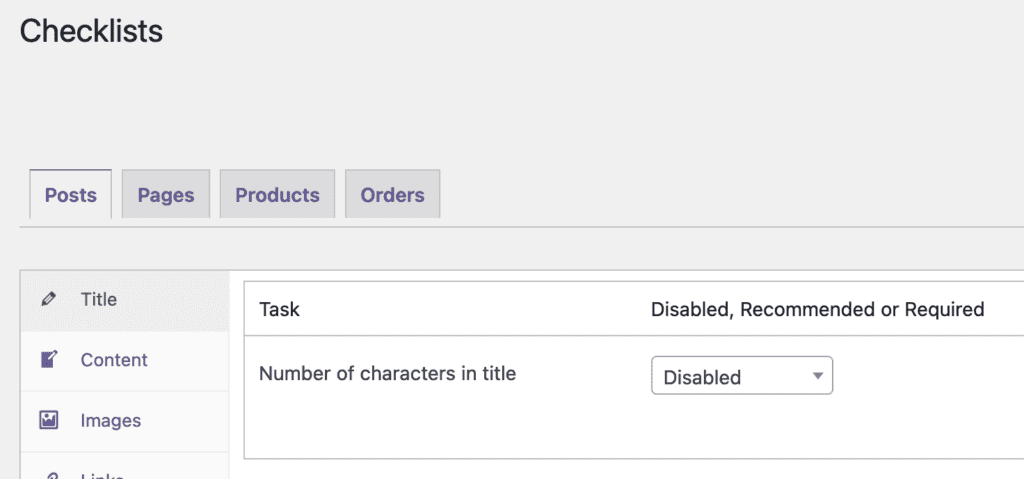
- Here you will be able to choose the custom post type you want to use with PublishPress Checklists. The post types will appear as tabs across the top of the screen.