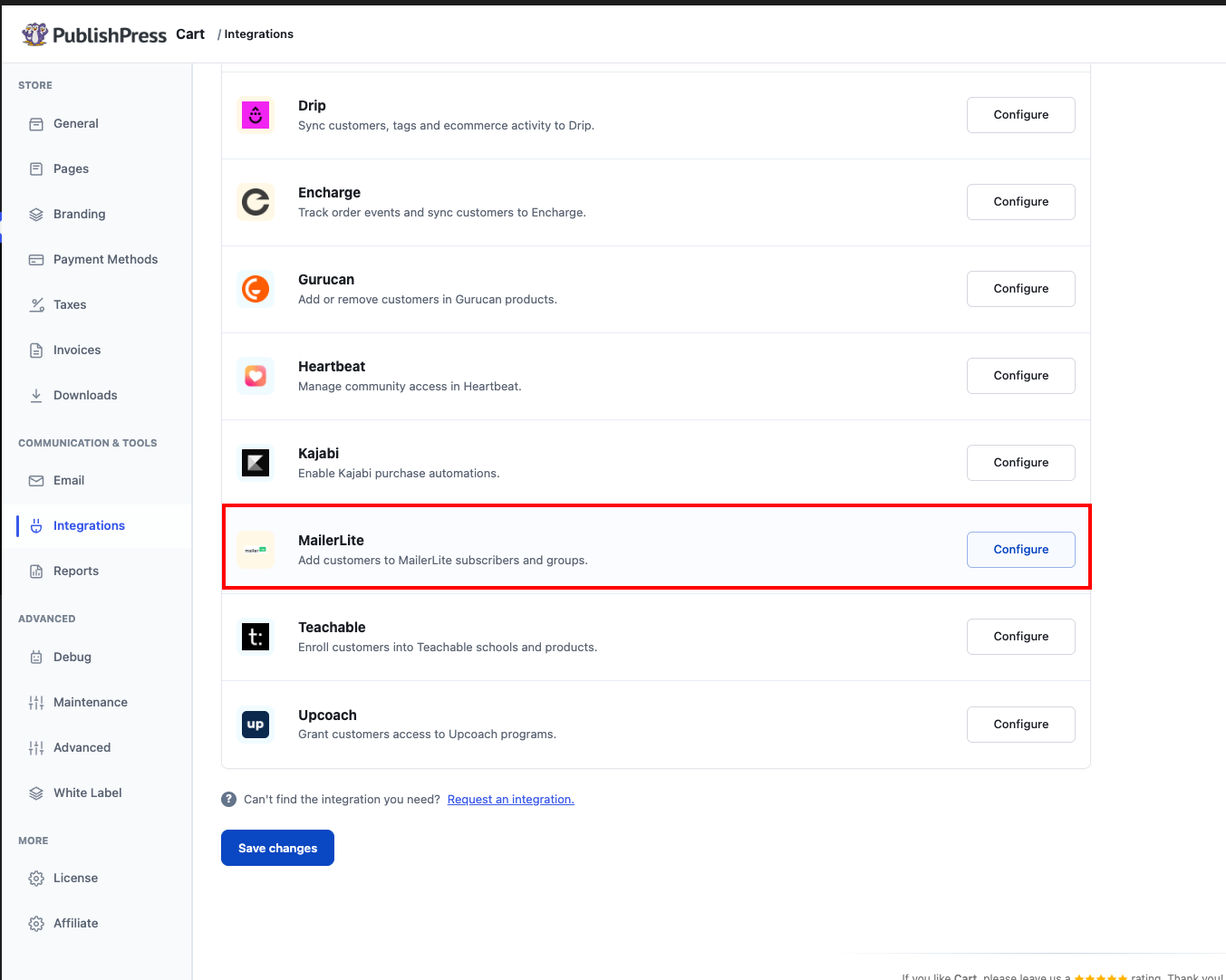
Do you use MailerLite for email marketing? You can integrate your MailerLite account with PublishPress Cart by adding your MailerLite API Key to the Integration Settings.
How To Integrate MailerLite With PublishPress Cart
Log in to your MailerLite account. Go to the Integrations page and select the Use button under MailerLite API. Then copy and paste the MailerLite API Key into the PublishPress Cart Integration Settings, found in Cart > Settings > Integrations > MailerLite.
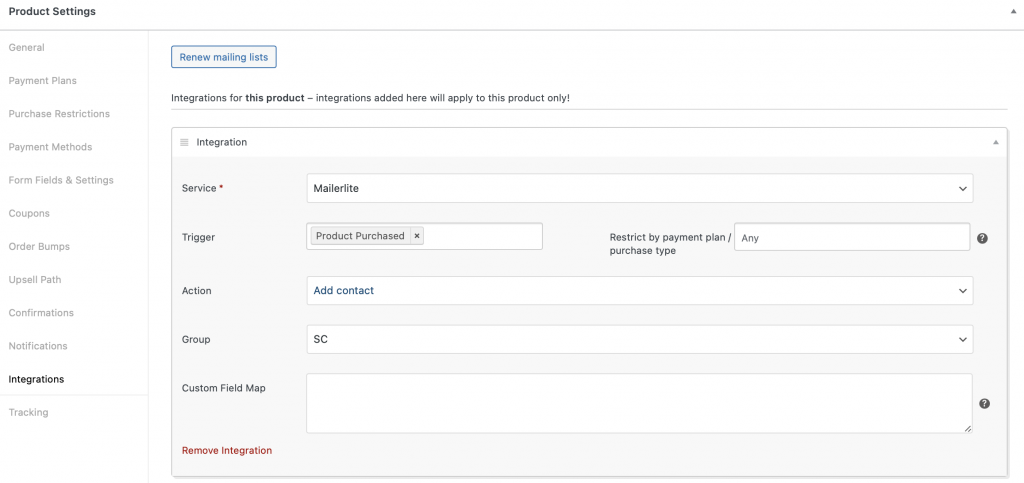
From here you can set up a MailerLite integration by going to a PublishPress Cart product and selecting “Mailerlite” from the services menu in the Integrations tab. You’ll see a Group dropdown with a list of all the groups you previously created in MailerLite. Choose the group you would like to link to this product.
Note: If your MailerLite groups are not showing up in the dropdown, click the Renew mailing lists button to fetch your latest mailing list info.
In the example below the following will occur from the settings chosen. When a product is purchased with any payment plan a contact is added to the chosen group in MailerLite.