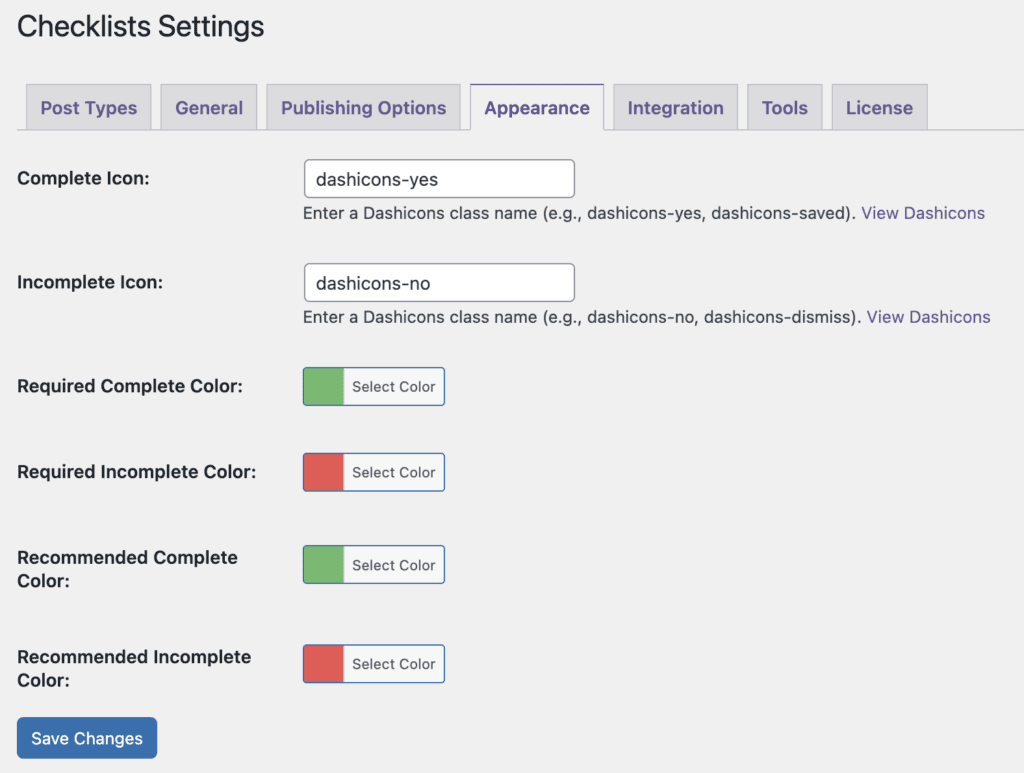
By default, the PublishPress Checklists plugin uses green for completed tasks and red for incomplete tasks. This can be customized by going to “Checklists” then “Settings” and clicking the “Appearance” tab.
On this screen you can replace both the “Complete” and “Incomplete” icons with your choice of Dashicon. It’s also possible to change the color of the icons.
For example, in this next screenshot we have changed the colors. We’ve also changed the dashicons to use dashicons-thumbs-up for complete tasks and dashicons-thumbs-down for incomplete tasks.