In this guide, we’ll introduce the display on a single post in a series.
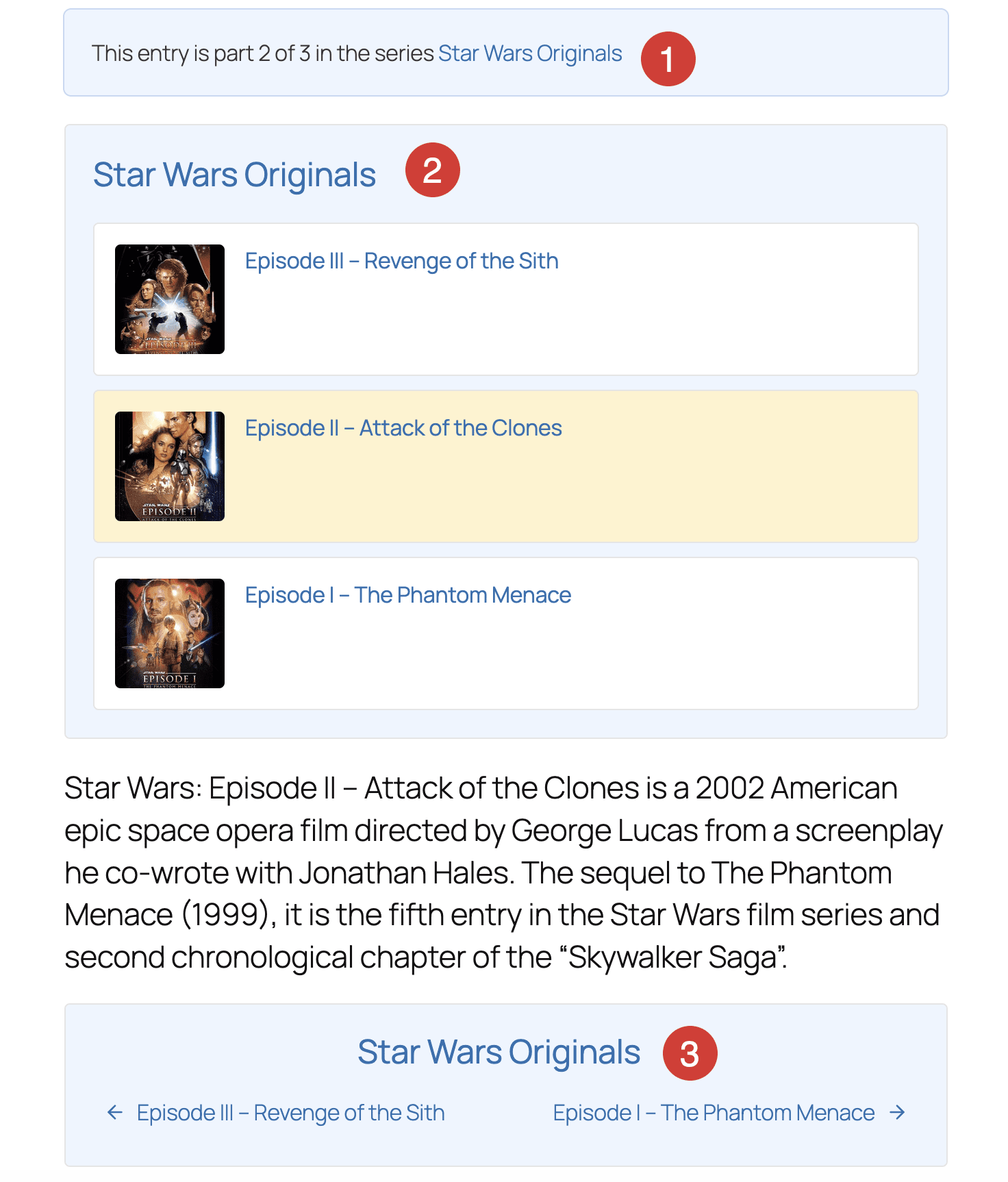
The display in a screenshot below is a default WordPress post, with extra features added by PublishPress Series. There are three items created by the PublishPress Series plugin.
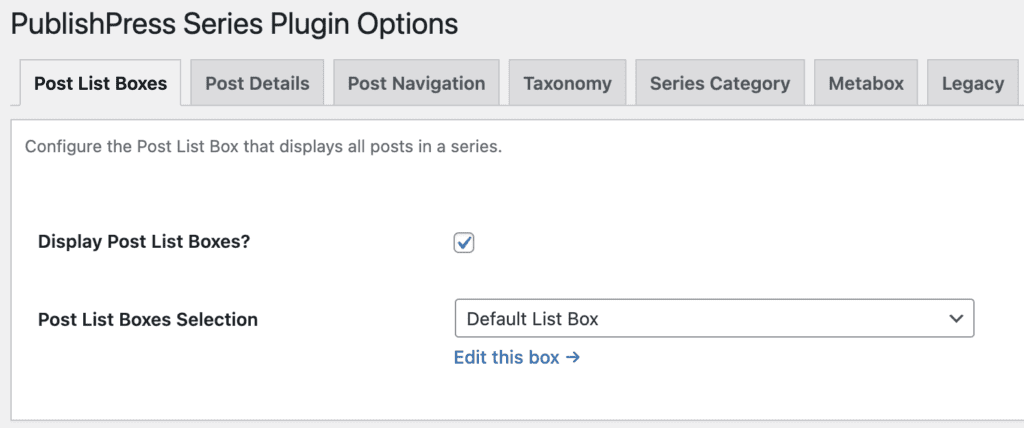
The settings for this display are controlled by going to Series > Settings.
- Post Details: This shows information about where this post in the series. For example, the Post Details box may say “This entry is Part 2 of 3 in the series”.
- Post List Boxes: This is the Series Post List Box option. It shows a list of all the posts in the series.
- Post Navigation links: This is the Series Post Navigation feature. It shows “Previous” and “Next” links so users can navigate to other posts in the series.