In the PublishPress Authors plugin, it is possible to add icons to display in your site’s Author Boxes. For example, you can show an email icon next to an “Email Address” field, or a Facebook icon next to a “Facebook Profile” field. Click here to find out more about Author Fields.
PublishPress Authors supports two sources of icons: Dashicons and Font Awesome. Dashicons are part of the WordPress core which means it is a lightweight and reliable source for icons. Font Awesome is a very popular source of icons for web projects.
Here’s how to add icons to your author fields.
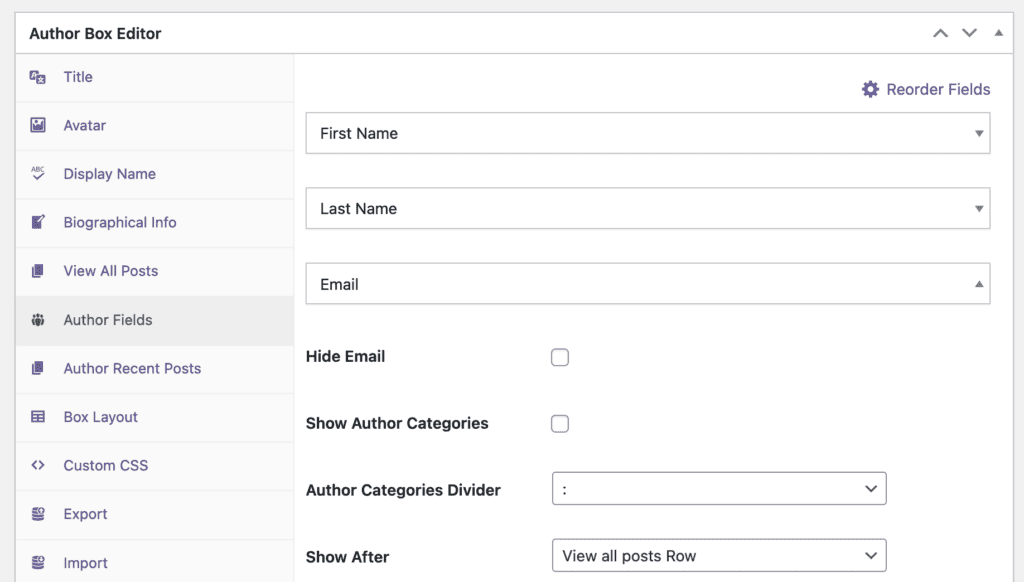
- Go to “Authors”, then “Author Boxes“.
- Click the “Author Fields” tab.
- Click on the title of the field you’re editing. In this screenshot below, we’re editing the “Email” field.
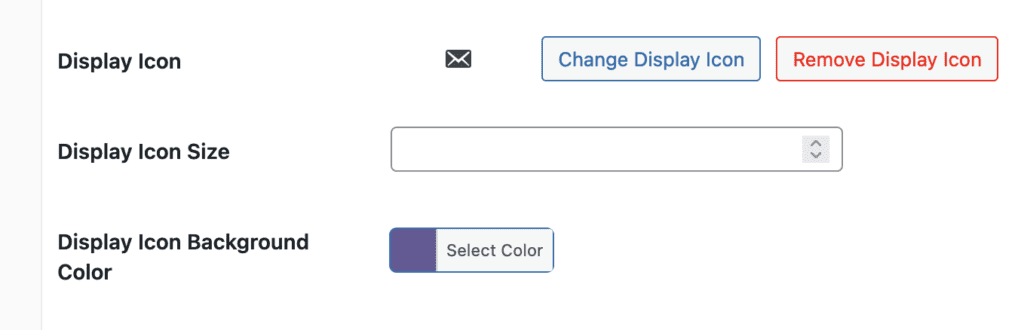
- Scroll down to the “Display Icon” field.
- Click the “Change Display Icon” option.
- You will now see a modal window. You can search for either a Dashicon or a Font Awesome icon. Click on the icon you want to use.
- Click update to save your new icon.

In this screenshot below, we’ve replaced the default email icon with a new Font Awesome icon: