This feature requires the Pro version of the PublishPress Capabilities plugin.
The Pro version of the PublishPress Capabilities plugin allows to you block access to any URL in the WordPress admin area. This is possible using the “Admin Features” option in the plugin.
In this example, we will block access to the Settings screen in the PublishPress Series plugin.
- Go to “Capabilities” and then “Admin Features”.
- Click the “Block by URL” tab.
- Choose the user role for which you want to hide the search box.
- Give a Label to this setting.
- Enter the URL of the screen you want to block.
- Click “Add New”.

- Log in to your site as a user in the role you have blocked. When you try to access the URL, you will see the message, “You do not have permission to access this page.”

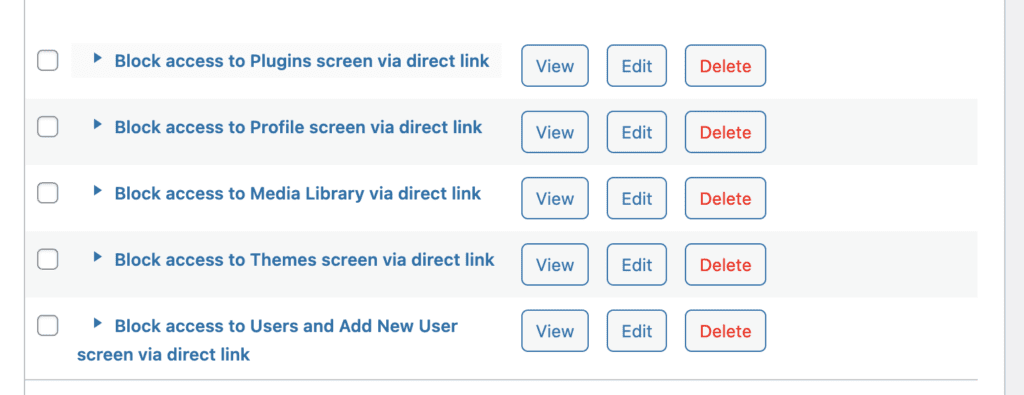
If you want to try this feature before creating your own use cases, the plugin does provide five examples, as you can see in the screenshot below.