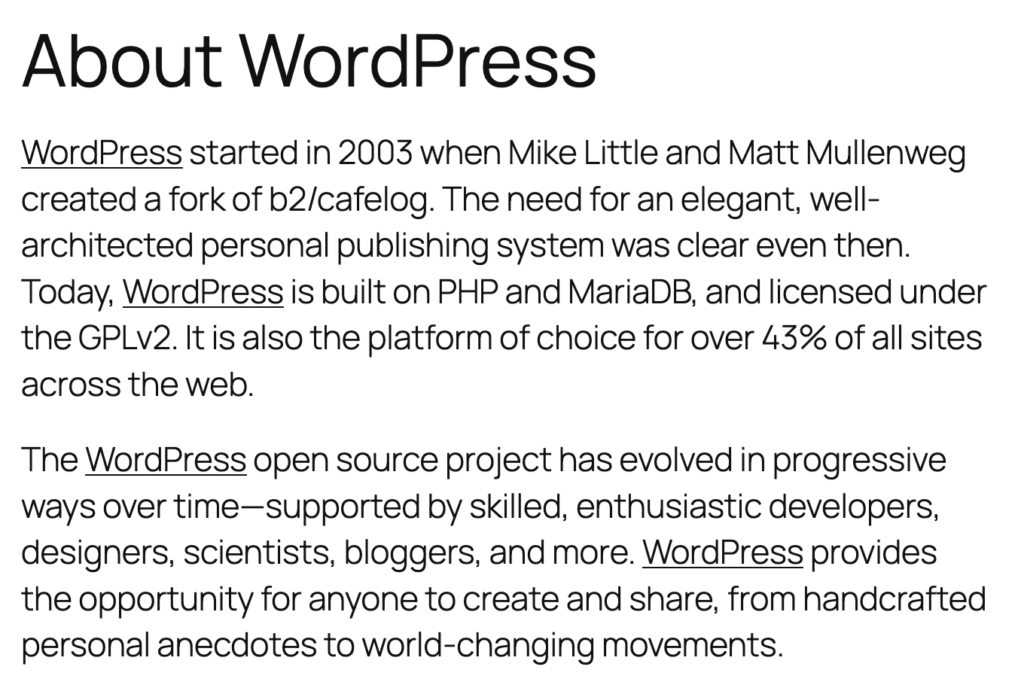
The PublishPress Shortlinks plugin allows you to automatically add links to keywords in your content. To see how this feature works, we’ll use the example of an “About WordPress” post that you can see in the screenshot below.
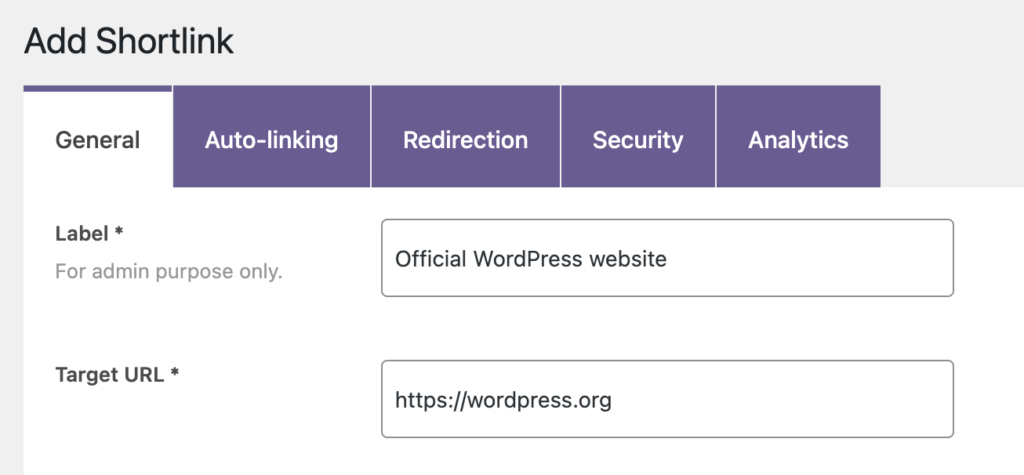
First, create a Shortlink and add the URL that you want to use for the automatic links. In the screenshot below, we’re linking to the official WordPress website.
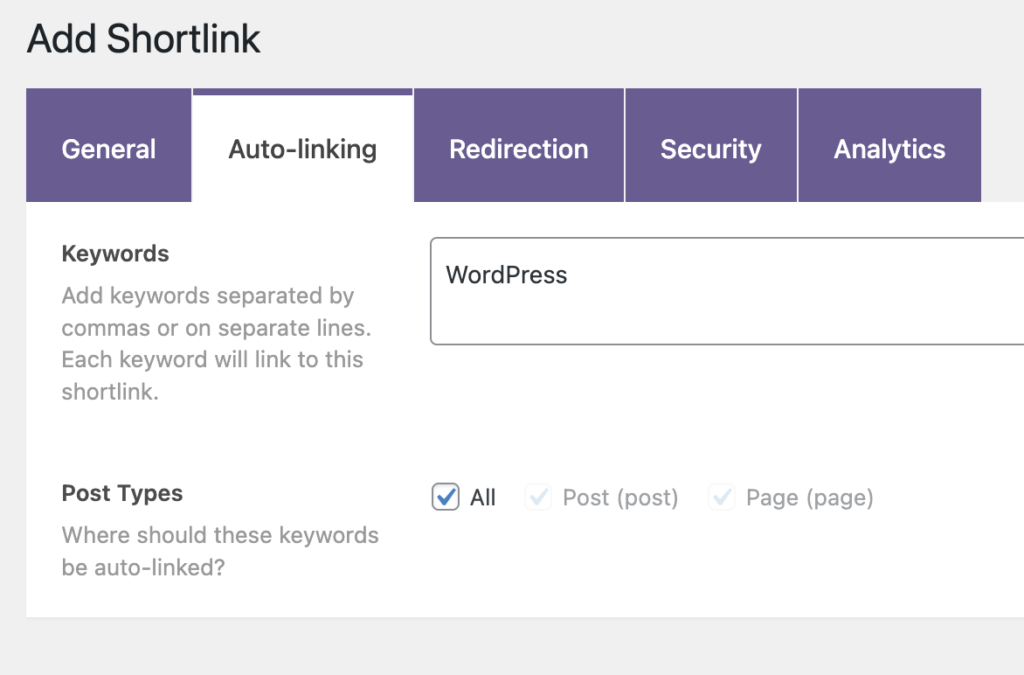
Under the “Auto-linking” tab, enter the keywords that you want to add this link to. We’re going to automatically add our new shortlink every time the word “WordPress” appears in a post.
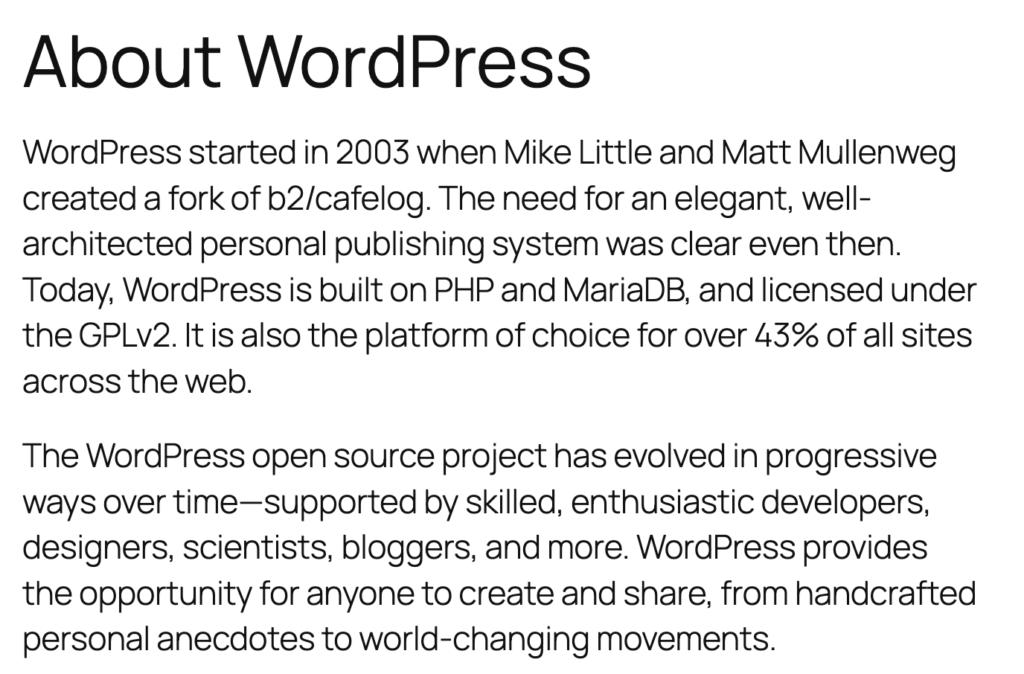
Now go back to your original post and you’ll see that the word “WordPress” is automatically linked to the Shortlink you created.