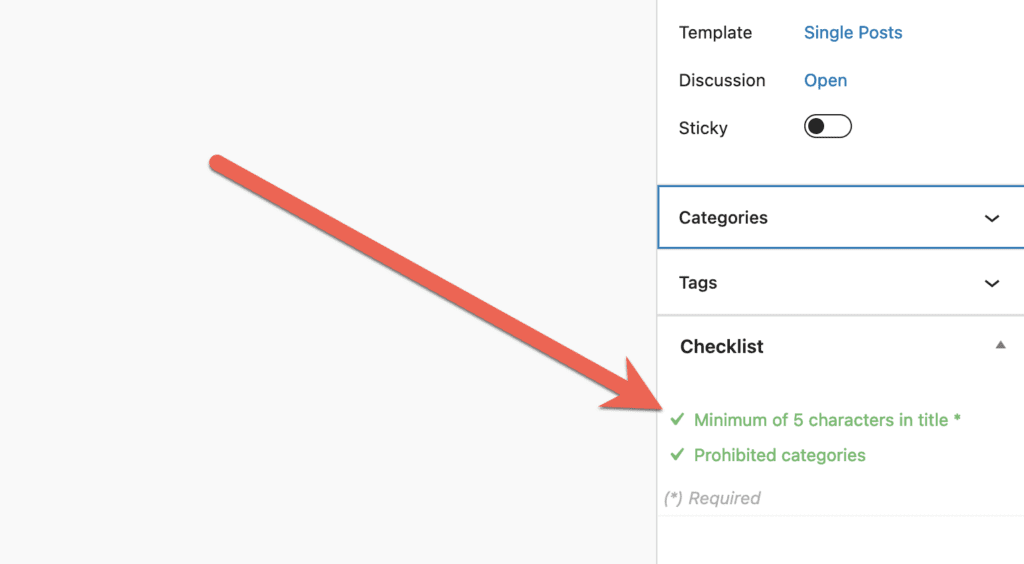
With the PublishPress Checklists plugin, you can require that all your posts do not have specific terms such as Tags or Categories. If a post has the chosen term, you can choose to show a warning, or prevent the post from being published.
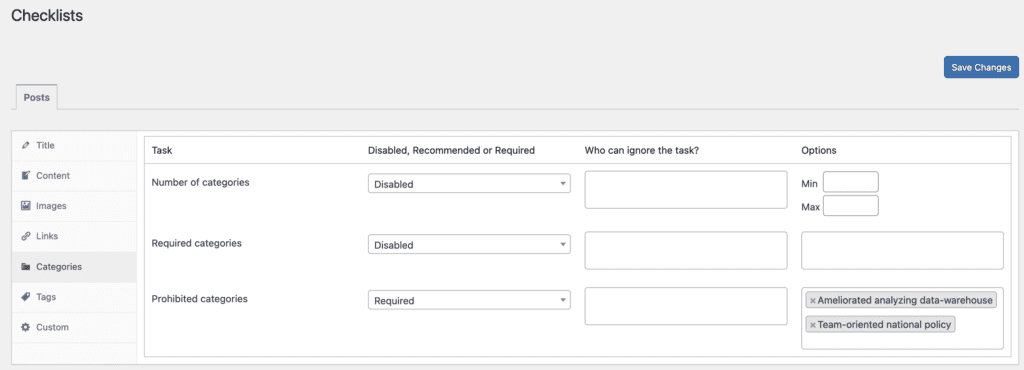
- Go to the “Tags” or “Categories” tab. The image below shows the Prohibited Categories options.
- You can choose from “Disabled, Recommended, or Required” options.
- You can enter choices for which terms are prohibited.
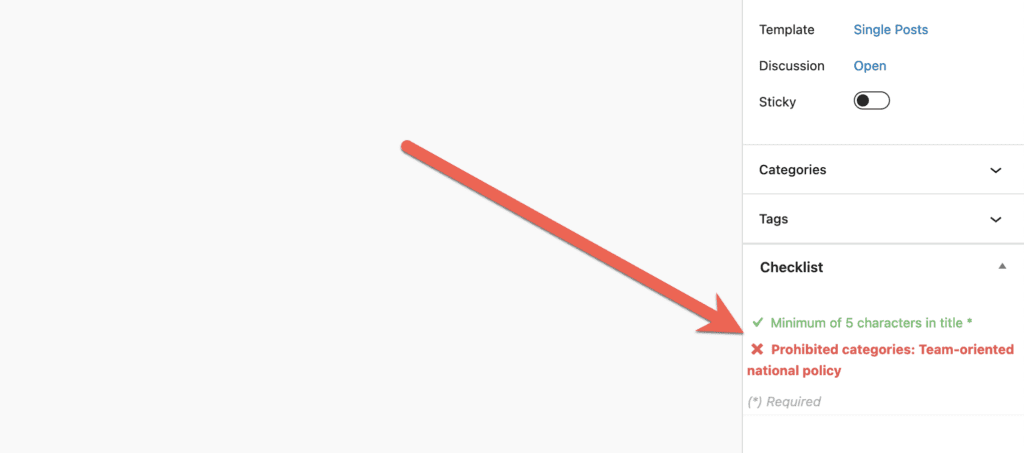
If you enable the prohibited terms option, it will be visible in the “Checklists” area when you edit content. If your post does have the forbidden terms, this task will be marked in red in the sidebar:
If your post does not have the forbidden terms, this task will be marked in green in the sidebar: