This feature requires the Pro version of the PublishPress Permissions plugin.
The PublishPress Permissions Pro plugin allows you to create single page for each user. For example, you can generate profile pages where each user can update their own page.
This is possible in WordPress with the “User Posts” feature in the PublishPress Permissions Pro plugin.
- Start by creating the user accounts on your site, or by creating a new user role. In the example, below, we have some existing users, but this process will also work for new users.
- Go to Permissions > Settings > User Posts.
- Check the “Create Posts for Users” box.
- Choose whether or not to check the “Grant Author Permissions” box.
- Check the “Posts” box.

Now you can choose your settings in the image above:
- New Users: Do you want to create pages for new users when they register?
- Current Users: Do you want to create pages for existing users?
- Role: You can choose which user groups will have their own posts.
- Quantity: Choose how many posts will be created for each user.
- Status: Choose which status the new posts will be created in.
If you click the down arrow next to each post type there are additional settings. These will help you avoid creating duplicate posts for users.
- Post Match Field: This is the post field that will be used to look for a duplicate.
- User Match Field: This is the user field that will be used to look for a duplicate.
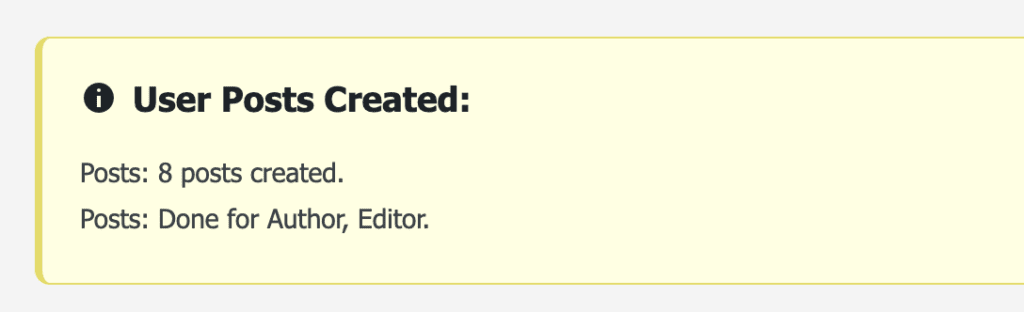
After you have chosen your settings, click “Save Changes”. You will see a confirmation message saying that new posts were created:
- Go to the “Posts” screen.
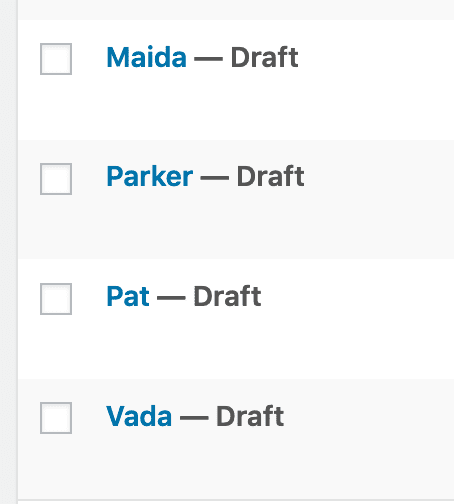
- You’ll now see each user on your site has a page in their name. They are the author of that page and can edit it. You can now publish these pages, or allow the users to edit and publish their own pages when ready.
We recommend that you test some of these accounts to make sure they can successfully access their posts. This is easier to do with the PublishPress Capabilities user testing feature.