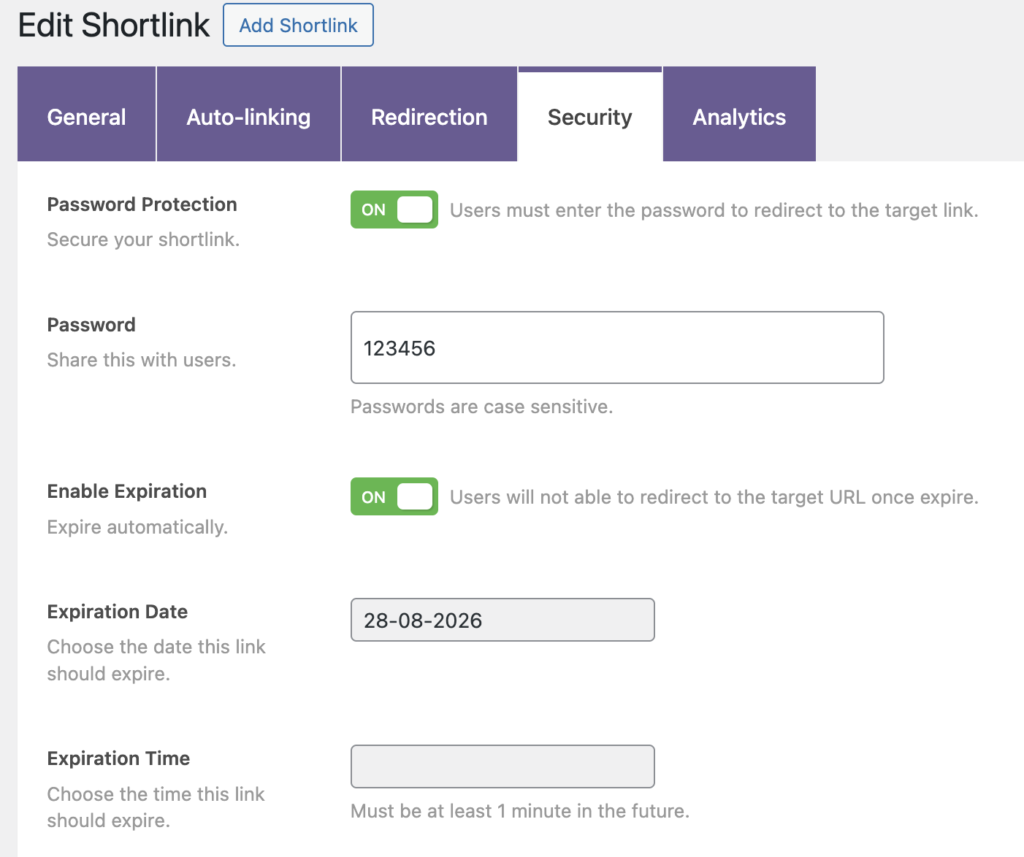
With the PublishPress Shortlinks plugin it is possible to protect your shortlinks. You can require users to enter a password to access the shortlink. You can also chose to have the shortlink expire on a specific date.
To control these settings, go to All Shortlinks and choose to edit a shortlink. Click the “Security” tab. You will see the options in the screenshot below.
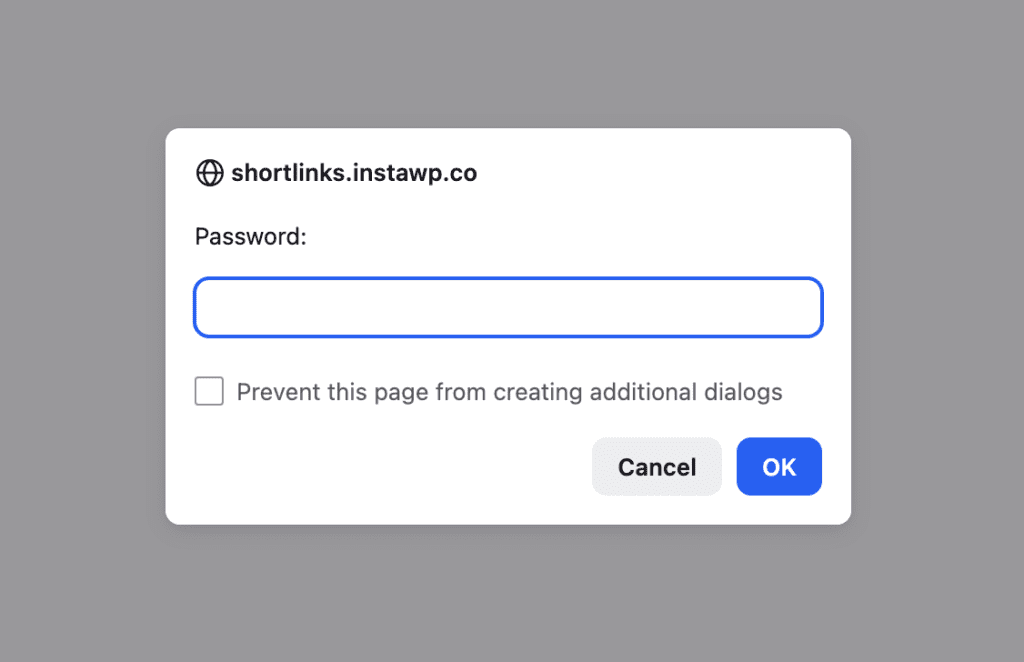
If you require a password, users will be forced to enter that password before they can view the post.
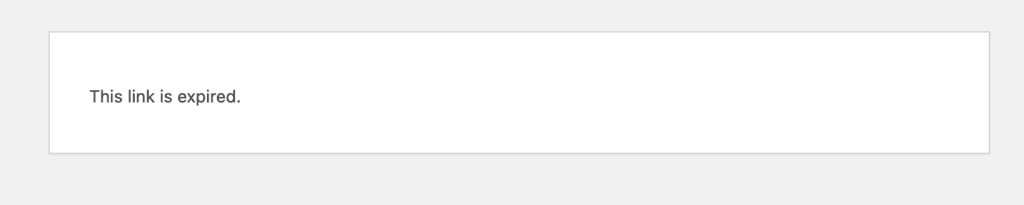
If you set an expiry date for the shortlink, anyone who tried to view the post after that date will see a message saying that the link has expired.
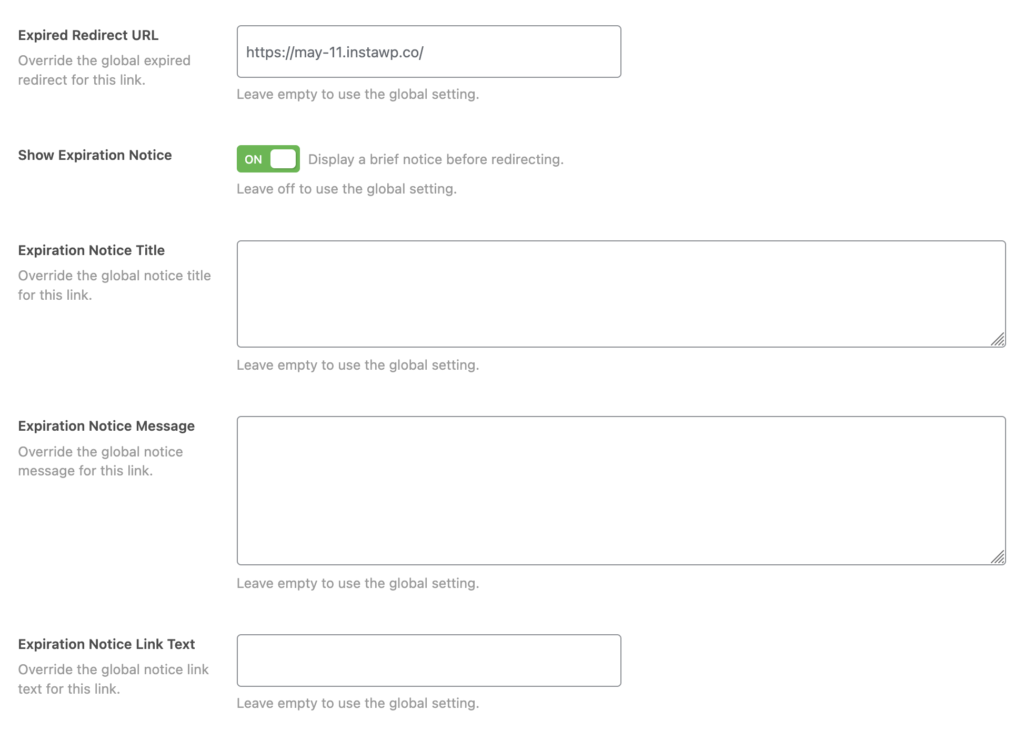
This feature requires the Pro version of the PublishPress Shortlinks plugin.
The Pro version of PublishPress Shortlinks allows you to expand the expiration features. You can control the following features for when the shortlink expires:
- Expired Redirect URL: Override the global expired redirect for this link.
- Show Expiration Notice: Display a brief notice before redirecting.
- Expiration Notice Title: Override the global notice title for this link.
- Expiration Notice Message: Override the global notice message for this link.
- Expiration Notice Link Text: Override the global notice link text for this link.