
PublishPress Shortlinks v1.9: Scheduled Expiration for Shortlinks
This post is about a release of the PublishPress Shortlinks plugin. This is the link manger for WordPress. The plugin is ideal for affiliate marketers or anyone who needs to track the performance of links on their website.
PublishPress Shortlinks 1.9.0 adds two important ways to manage shortlinks with more control: scheduled expiration and conditional routing. This update is especially useful for site owners running campaigns, promotions, time-sensitive pages, or links that need to behave differently depending on the situation.
Table of Contents
Scheduled shortlink expiration
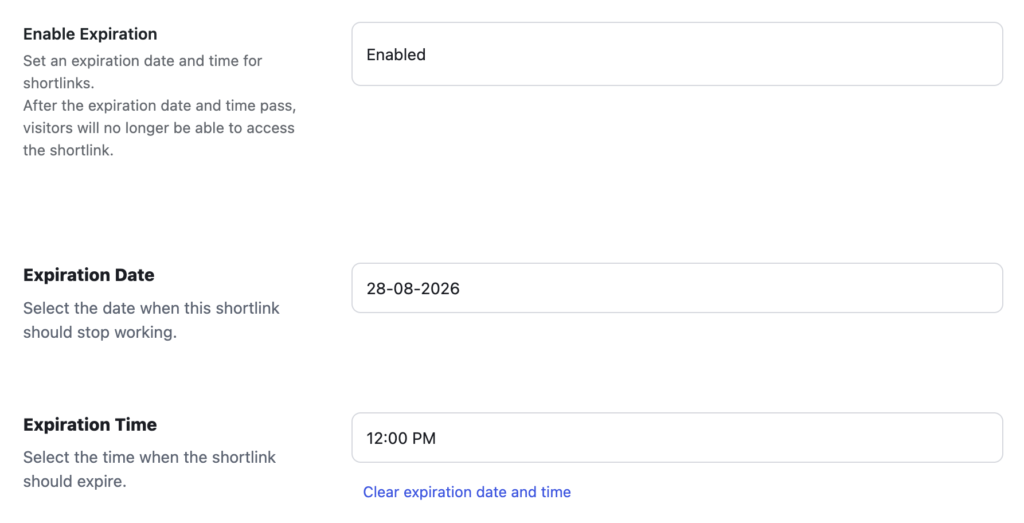
In Shortlinks Pro, you can now plan when a shortlink should stop being active, which helps prevent outdated campaign links from staying live too long. Go to the “Security” tab for any shortlink, and you can choose when that shortlink will expire.
The new expiration feature should be particularly helpful for marketing teams and publishers who regularly create limited-time links. Instead of remembering to manually disable or change a shortlink after a sale, event, or announcement ends, you can schedule that behavior ahead of time.
Conditional shortlink routing
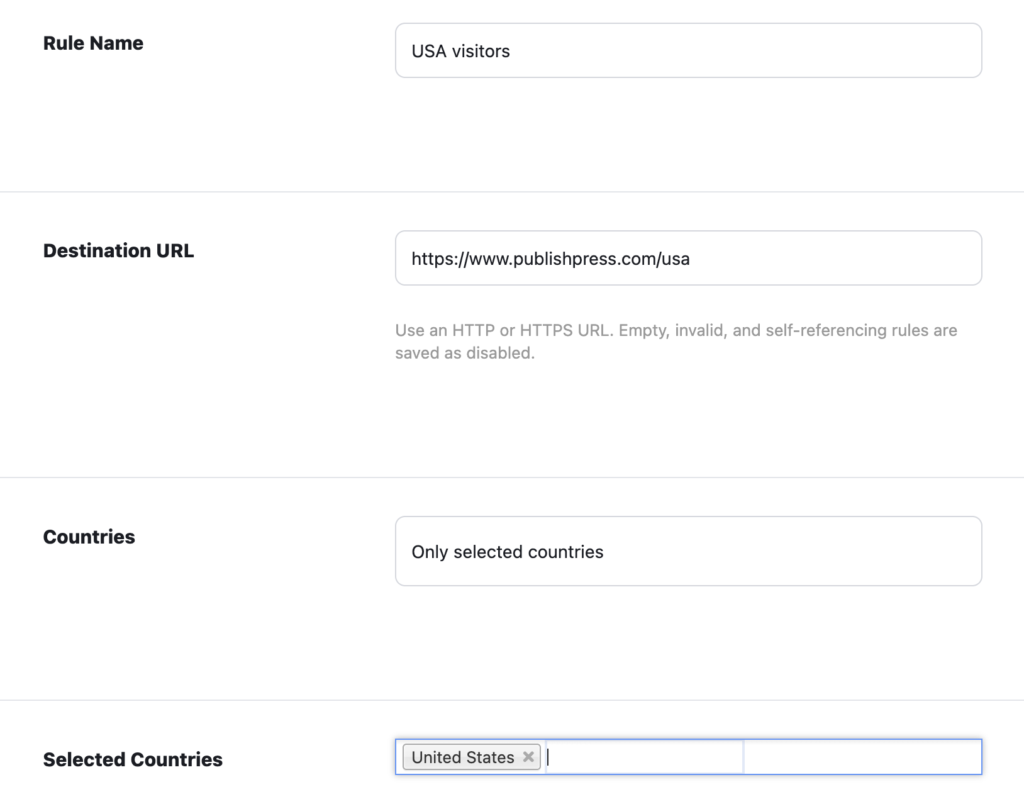
Shortlinks Pro can now use routing logic to send visitors to different destinations based on configured conditions. Here’s an example in the screenshot below: you can use your shortlink to send all visitors to one specific URL, except for visitors from the USA, who are directed to a custom target page.
You can route your visitors based on three different criteria:
- Country: Route visitors based on their country.
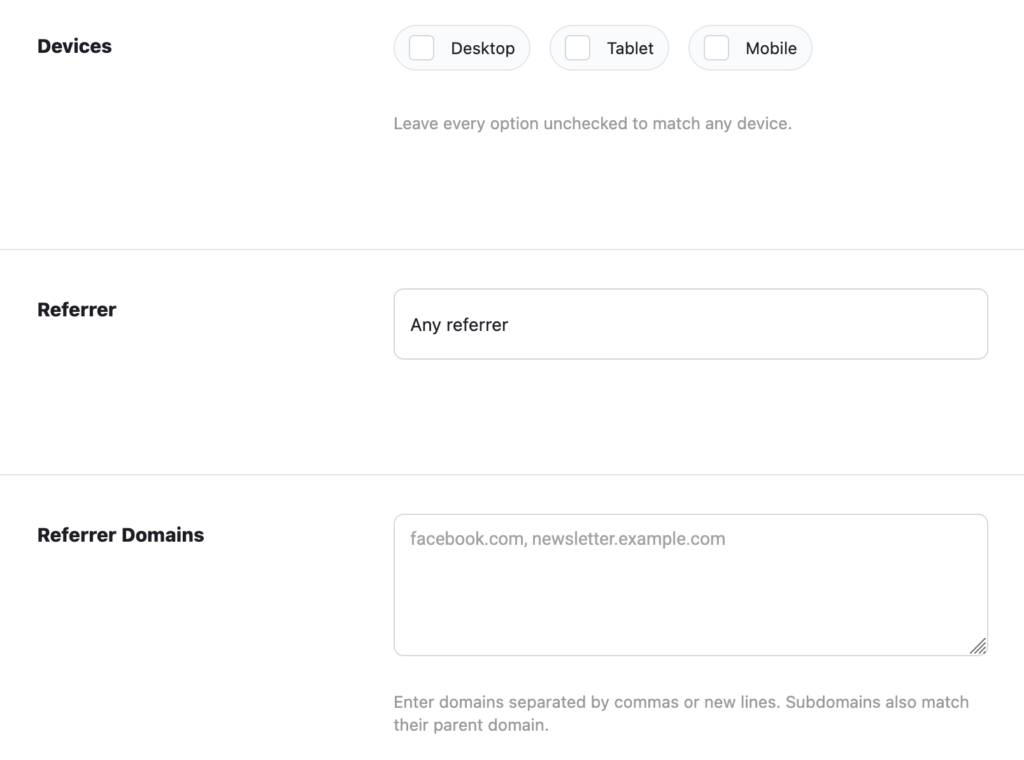
- Devices: Route visitors based on whether they’re viewing your site on a desktop, tablet, or mobile device.
- Referrer: Route visitors based on the website they clicked from to reach your site.
Improved analytics interface
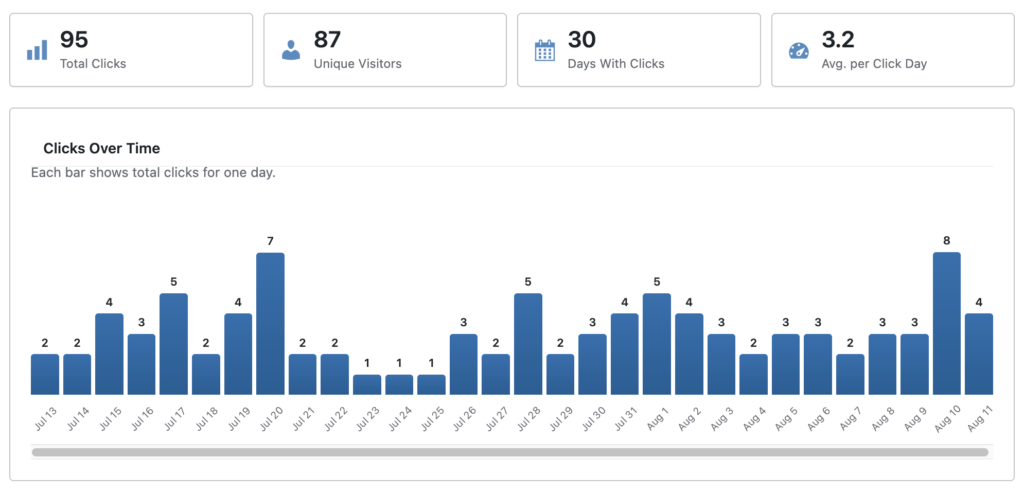
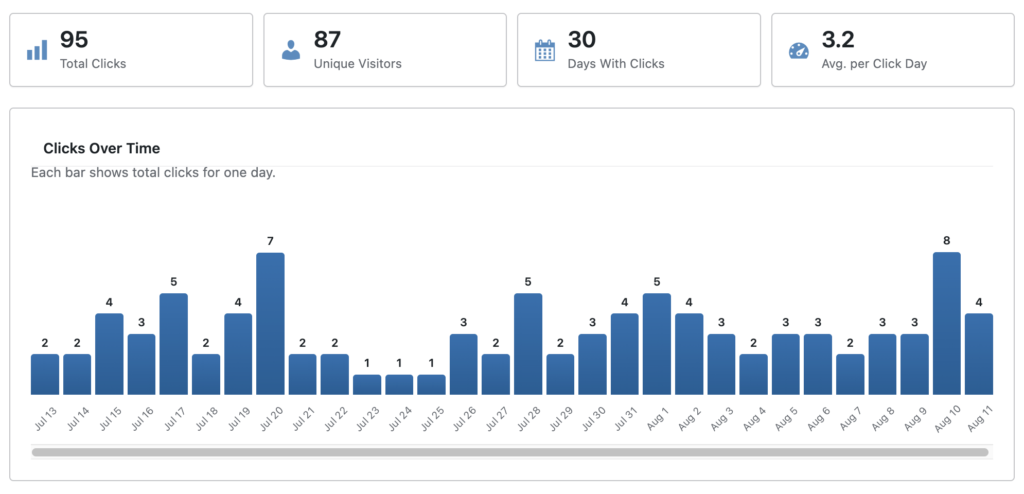
The “Analytics” screen for individual shortlinks has been refined so it more closely matches the “Reports” tab. Previously these two screens had different designs. This screenshot shows the “Analytics” screen for one shortlink.
This next screenshot shows the “Reports” screen with data for all the shortlinks on a website:
Other improvements and fixes
- Plugin deletion notice: The free plugin deletion notice now persists correctly when the Pro version is active.
- Admin design fix: A metabox design issue in the WordPress admin has been corrected.
- Import and export reliability: Shortlink status is now preserved more reliably when transferring data between Free and Pro versions.
- Release workflow update: The team added a changelog sync workflow to improve release management.
This is a practical update for anyone using shortlinks as part of publishing workflows, marketing campaigns, or site management. The headline additions give you more control over when links work and where they send visitors, while the interface and reliability fixes help make everyday use smoother.
This post provides an overview of the new features in this release of the PublishPress Shortlinks plugin. The complete changelogs for both Free and Pro versions are available in our Docs area.

The link manager for WordPress
With PublishPress Shortlinks you can create custom links for your posts. These links are brandable, trackable, and can have custom view permissions.
