It's possible to combine the PublishPress Revisions and PublishPress Planner plugins.
In the Revisions plugin, you can schedule revisions to be automatically published in the future. This allows you to update content now, but publish those changes at a later date.
In the Planner plugin, you can use the Content Calendar screen to see all your planned content.
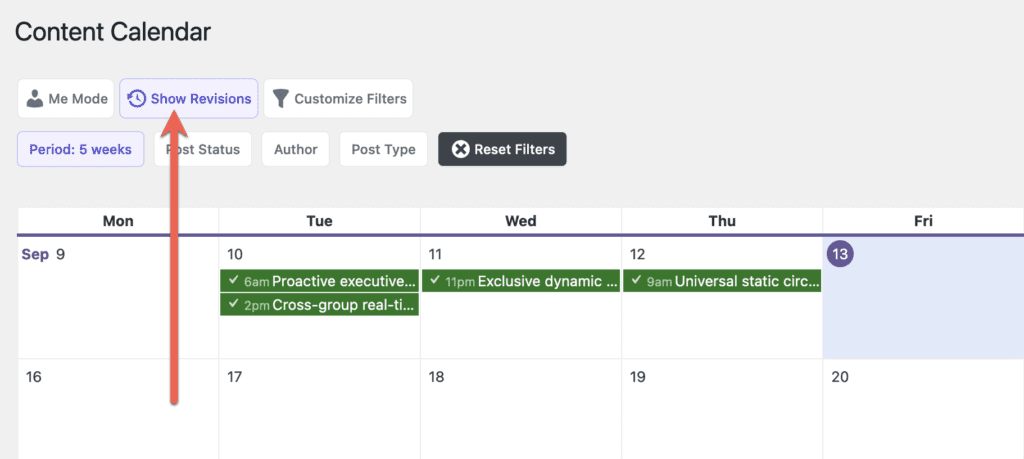
You can see all your scheduled revisions on the Content Calendar screen. If you're using the Pro version of PublishPress Planner, you'll see the “Show Revisions” button in the screenshot below.
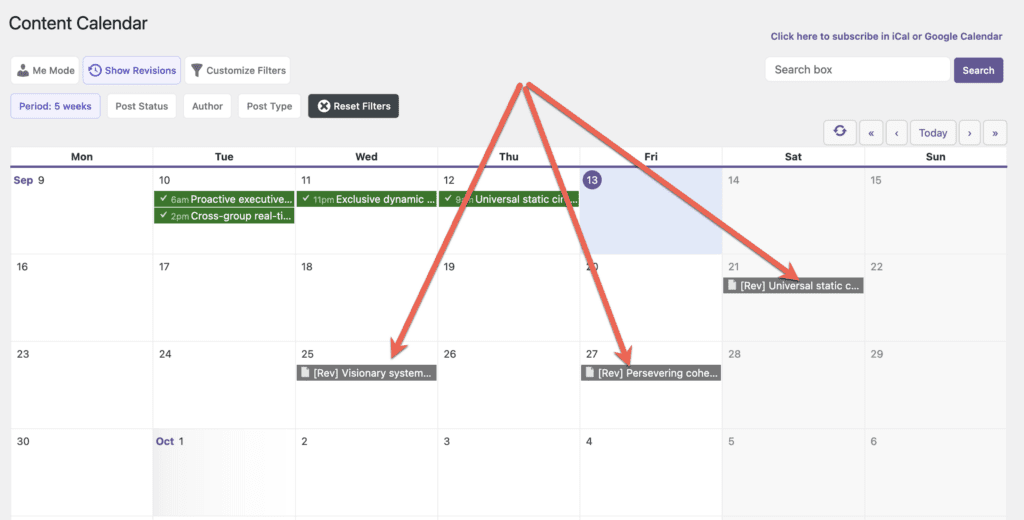
After you click the “Show Revisions” button, you'll be able to see all your scheduled revisions, as in this screenshot below:
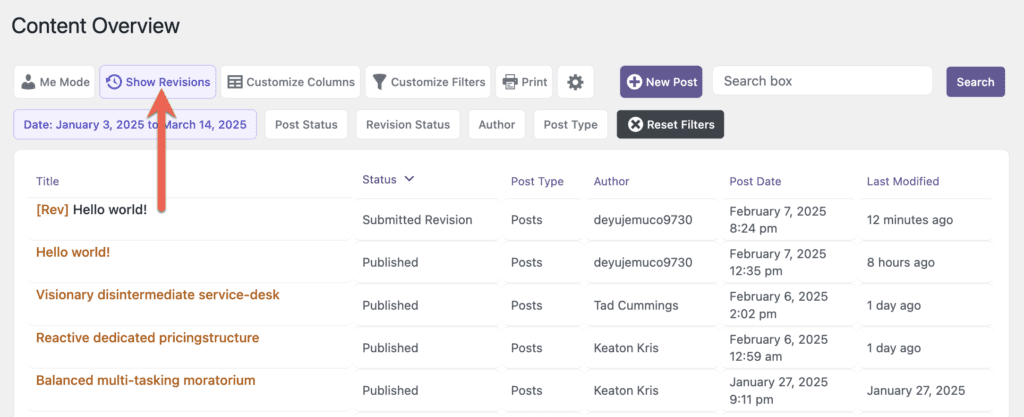
This approach also works for the Content Overview and Content Board screens. This next screen shows how to view revisions on the Content Overview screen:
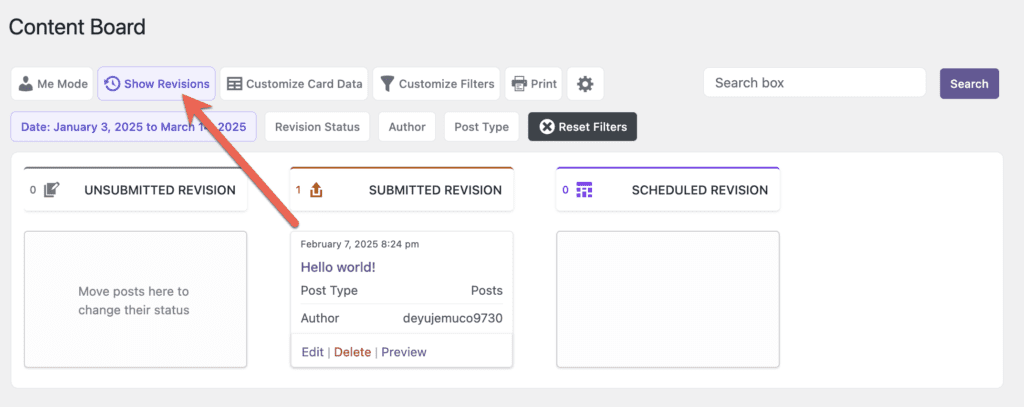
This next screen shows how to view revisions on the Content Board screen. If you click “Show Revisions”, only the revision statuses will be shown.