The Content Overview screen is a companion to the PublishPress Planner Calendar screen. The Calendar allows you to see content organized by dates. The Content Overview screen allows you to drill down and see content organized by status, categories, authors and much more.
Introducing the Content Overview Screen #
By default the Content Overview screen provides 5 filters and 6 columns.
- Default filters: Date, Post Status, Categories, Author, Post Type.
- Default columns: Title, Status, Post Type, Author, Post Date, Last Modified
You can customize the columns and filters that are used on this screen. Here is our guide to custom columns and here is our guide to custom filters.

There is a “Me Mode” available on this screen. When you enable the Me Mode, you will only see posts where you are the author.

There is also a “Print” button available so you can print a copy of all your scheduled content.

The Modal Editing Window #
This feature requires the Pro version of the PublishPress Planner plugin.
If you're using the Pro version of PublishPress Planner, you can click on any post and see a larger modal that allows you to edit many details of each post:

Content Overview Default Settings #
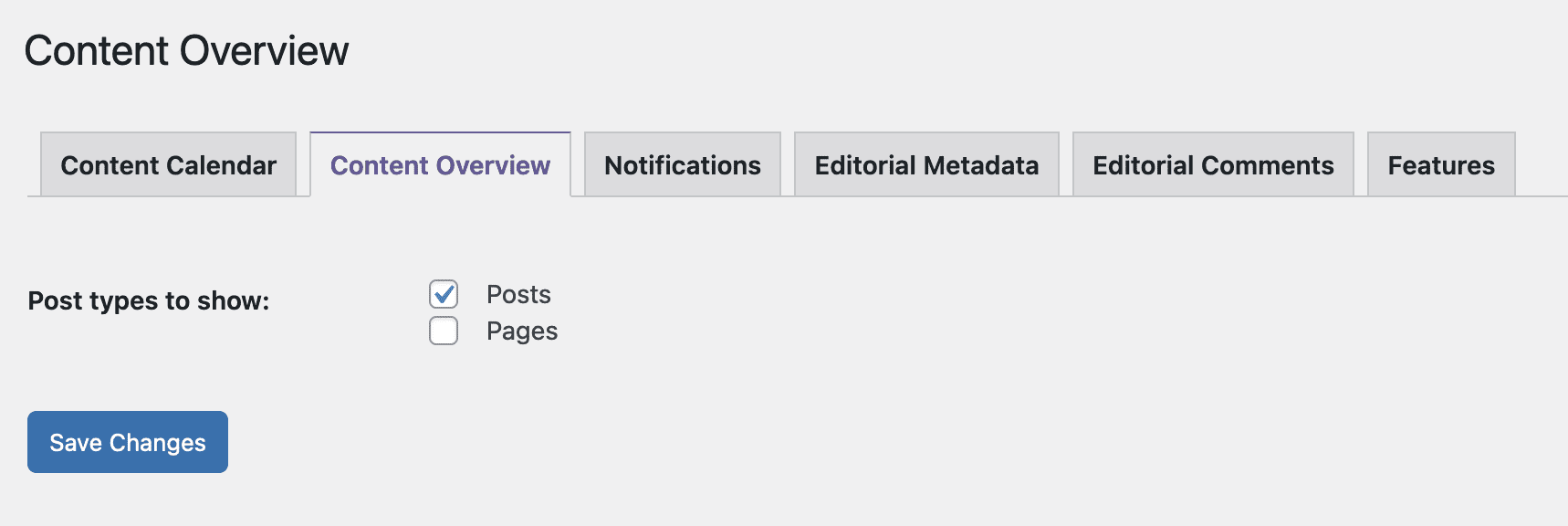
You can change what post types are visible by default on this screen by going to Planner > Settings > Content Overview.