This feature requires the Pro version of the PublishPress Future plugin.
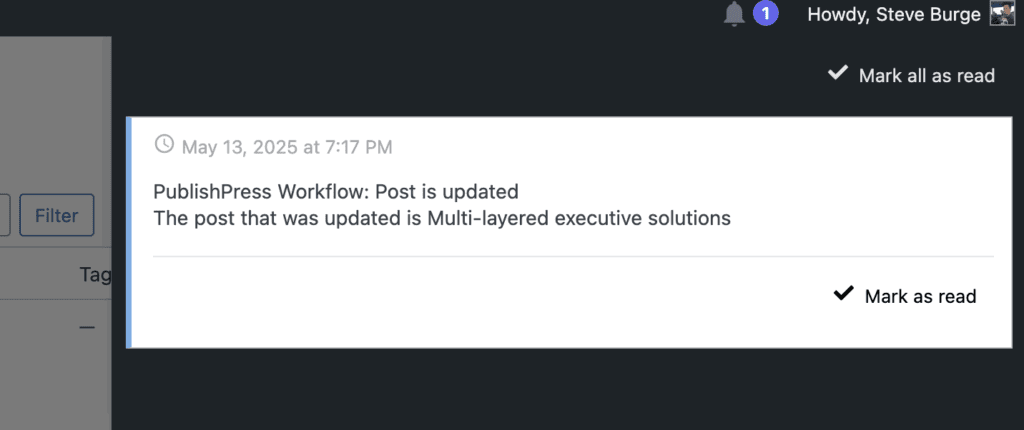
“Send in-site notification” is one of the steps available in the “Action Workflows” feature of the PublishPress Future Pro plugin. This step will send a customizable message that can be seen inside your WordPress site. In this screenshot below, you can see an alert notification:

When the notification icon is clicked, you will see a notification sidebar appear with your message, as in this screenshot below.
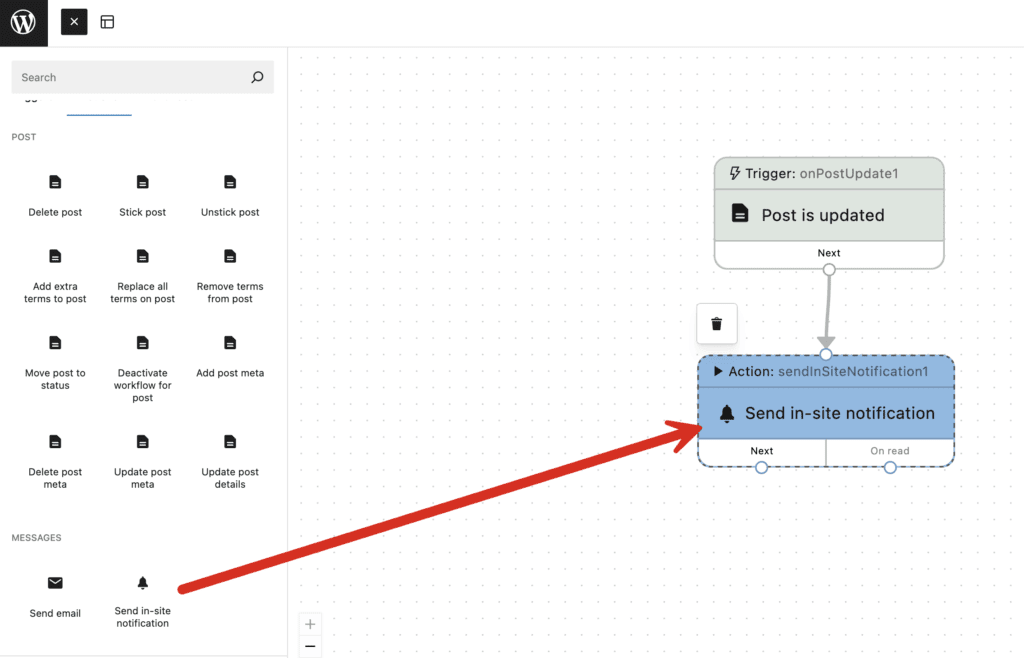
You can add an “Send in-site notification” step from the “Actions” tab of the “Action Workflows” area.
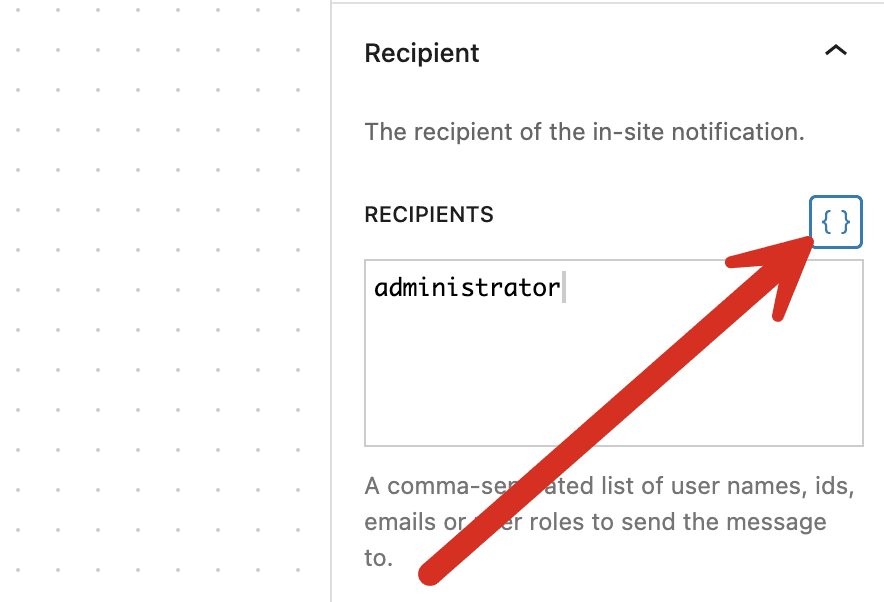
The settings for the Send Email step are available in the right sidebar:
- Recipient: A comma-separated list of user names, ids, emails or user roles to send the message to.
- Subject: This can be customized and will appear in the notification area.
- Message: This can be customized and will appear in the notification area.

There are variables available to customize the notifications sent by Action Workflows. To see the variables, click the brackets icon shown in this screenshot:
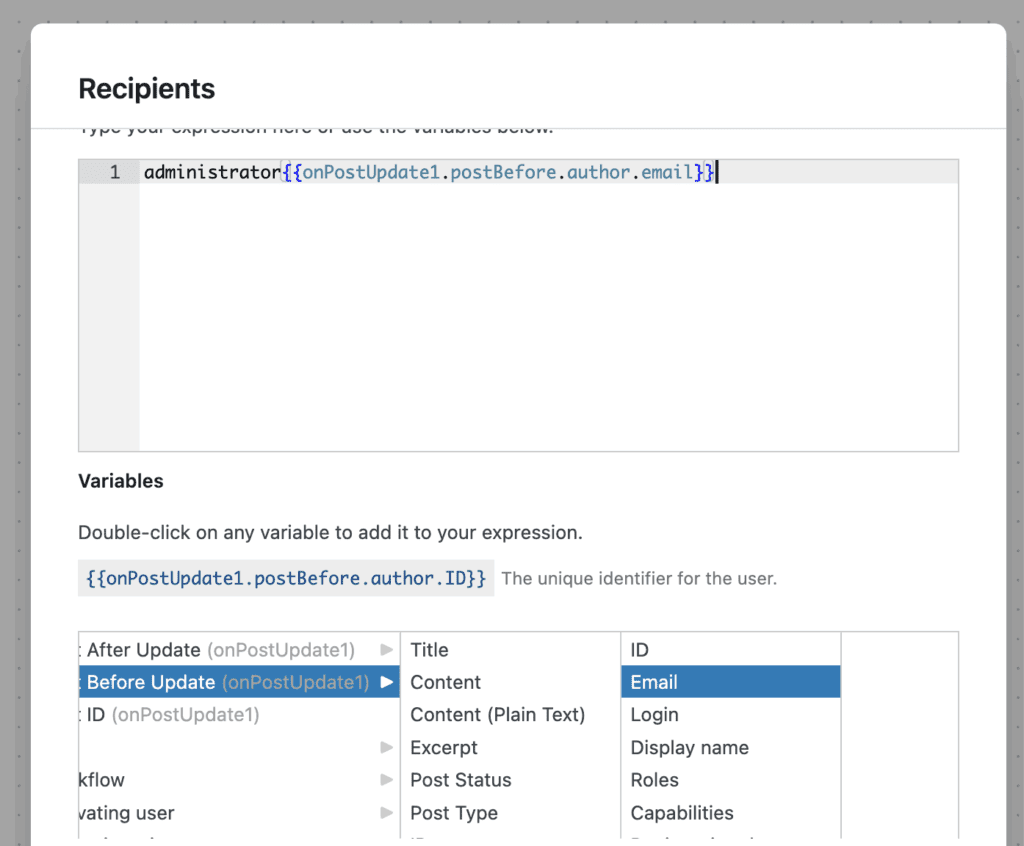
You will now see a selection of variables that can be added to your notification settings, as in this screenshot below: