
This feature requires the Pro version of the PublishPress Authors plugin.
In the Pro version of PublishPress Authors it's possible to add to show a search box on your Author List. If you have a busy site with many authors, you want to add a search box to the Authors List.
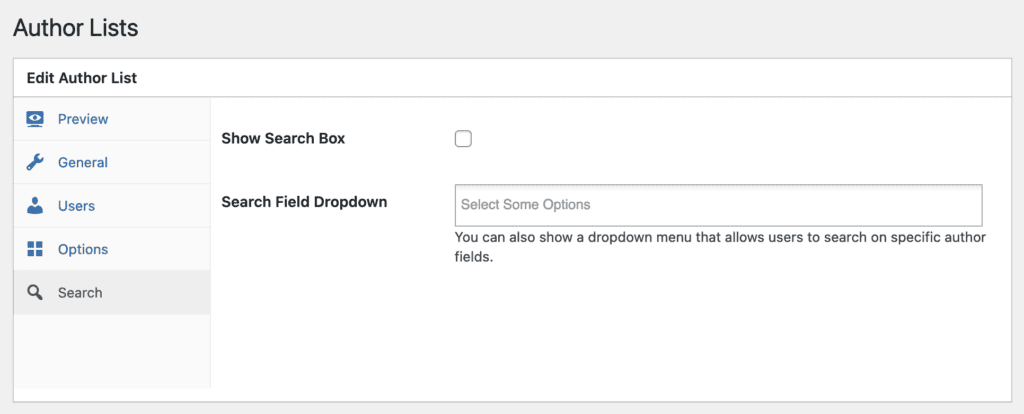
This feature can be controlled from the “Search” tab of the Author Lists feature.
- Show Search Box: This displays a simple search box.
- Search Field Dropdown: This adds a dropdown menu that allows users to search on specific Author Fields. You can choose one or more fields that users can select to search with.
In the screenshot below, you can see that a search box has been added to the Author Lists layout.

You can extend this search option and allow users to search on custom fields. This feature supports all core WordPress fields and all custom fields in PublishPress Authors Pro.
This image below shows the output with the field dropdown. The extra fields are placed next to the search box:
