
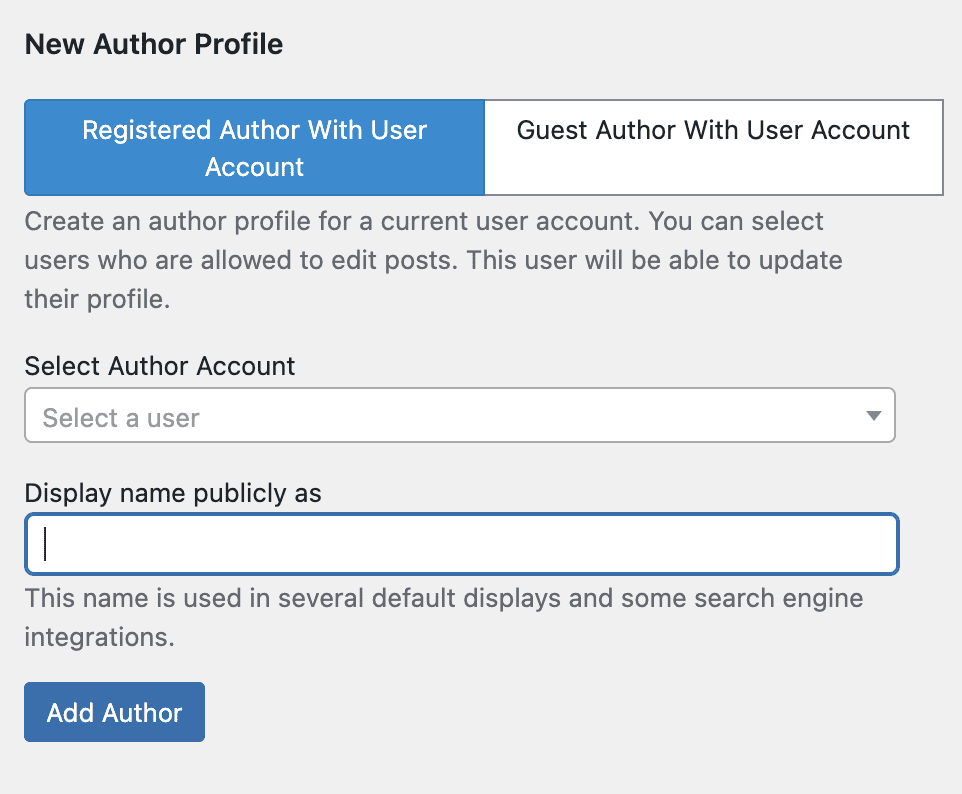
The PublishPress Authors plugin offers two ways to create author profiles:
- Registered Author With User Account: This is an author profile for a current user account. You can select users who are allowed to edit posts. This user will be able to update their profile. Click here for more details.
- Guest Author With User Account: This is an author profile and a linked user account. This account will be in the “Guest Author” role and will not be able to login to the WordPress dashboard or update their profile. This option is best for compatibility with other themes and plugins. Click here for more details.
Note: There is a third, legacy option that we recommend not using. This legacy option is “Guest Author With No User Account” .This is an author profile with no linked user account. This option is lightweight but may have compatibility issues with other themes and plugins. This option is disabled by default and can be enabled in the “Settings” area of the plugin.