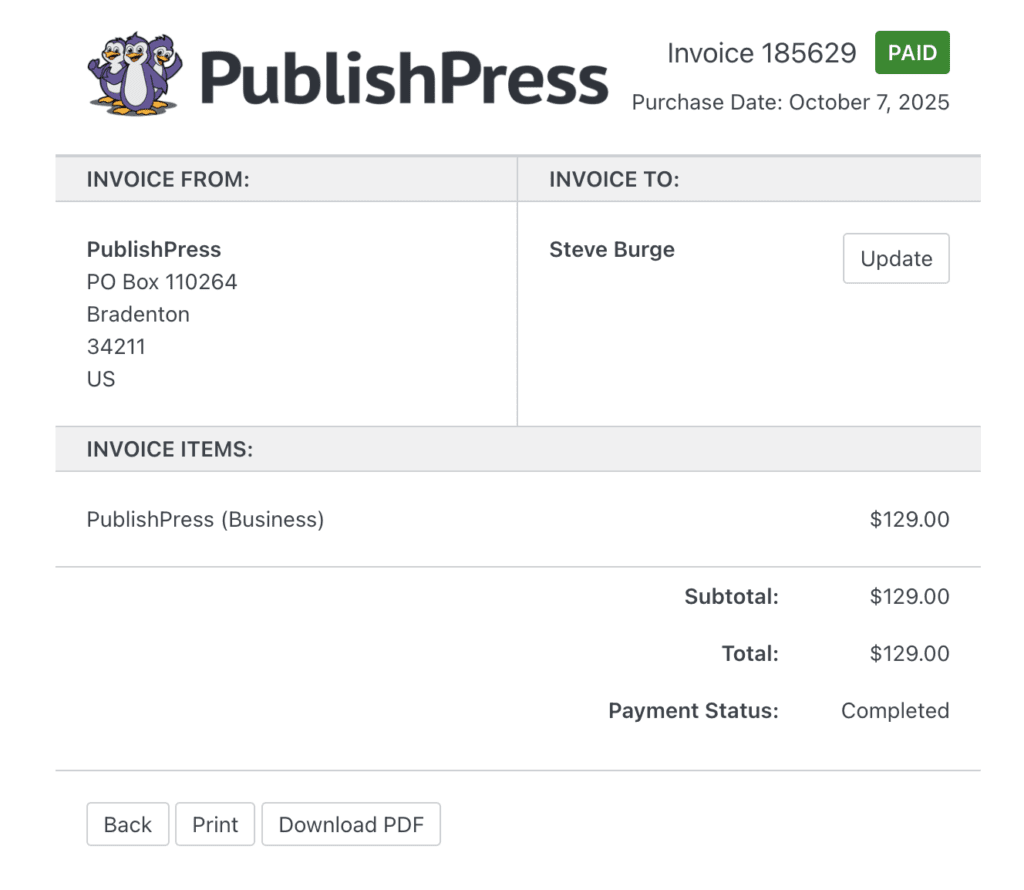
After you make a purchase here at PublishPress, you will automatically receive an invoice for your purchase. You can download the invoice by following this guide.
- Log in to your PublishPress account.
- Go to the “Account” page.
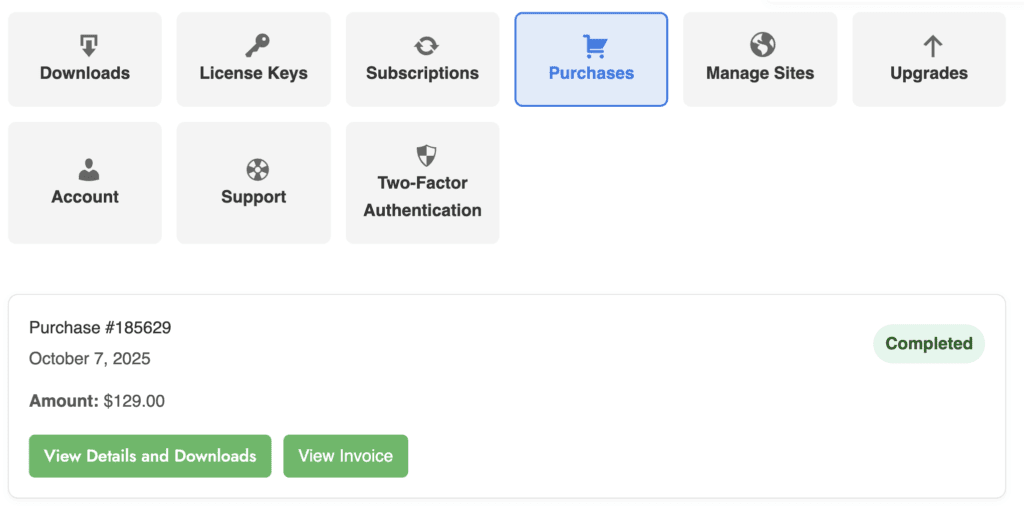
- Go to “Purchases” tab.
- On this screen you will see your purchases. Click the “View Invoice” button.
- You will be taken to a new screen that shows your invoice.
- Click the “Download PDF” button to download your invoice.
- Click the “Update” button to modify the data in the invoice.