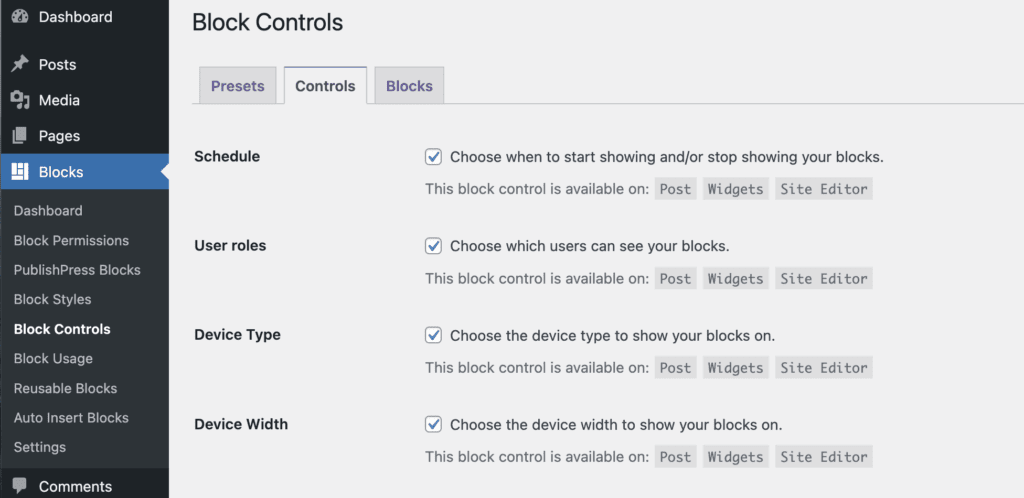
You can enable or disable specific Block Controls per block type by going to “Blocks”, then “Block Controls” then visiting the “Controls” tab. Uncheck any Block Control to disable that feature for your site.
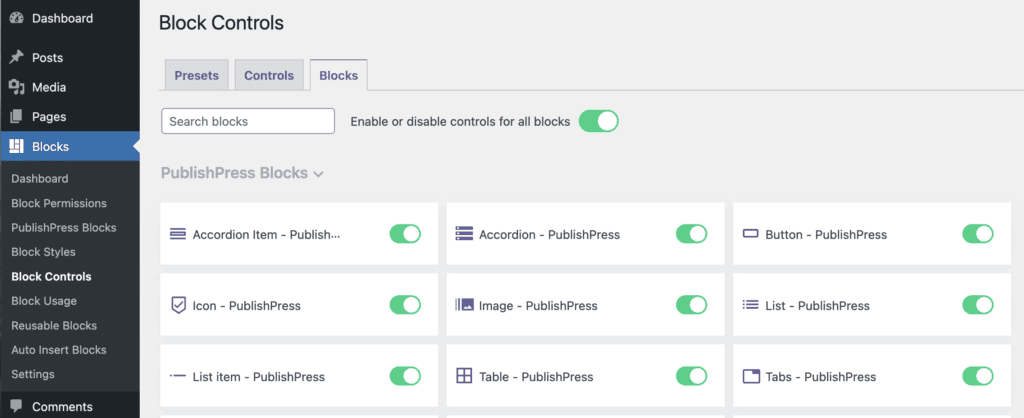
You can also enable or disable Block Controls per block type by going to “Blocks”, then “Block Controls” then visiting the “Blocks” tab.
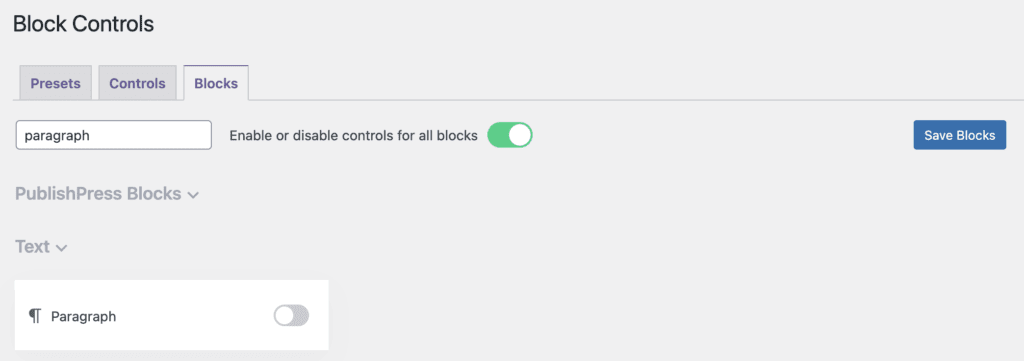
For example, there's the process to disable Block Controls support for Paragraph blocks.
- Search for the “Paragraph” block.
- Disable the toggle for the “Paragraph” block.
- Click “Save Blocks”.
From now, if you edit a Paragraph block, Block Controls won't be available for this block type. The rest of blocks will still have support for Block Controls.