
An Action Workflow in PublishPress Future Pro refers to a predefined sequence of steps that you can create and automate using our Action Workflow Builder. These steps streamline tasks such as:
- Scheduling content updates
- Changing post statuses
- Sending emails
- Integrating with other plugins to enhance your site's functionality.
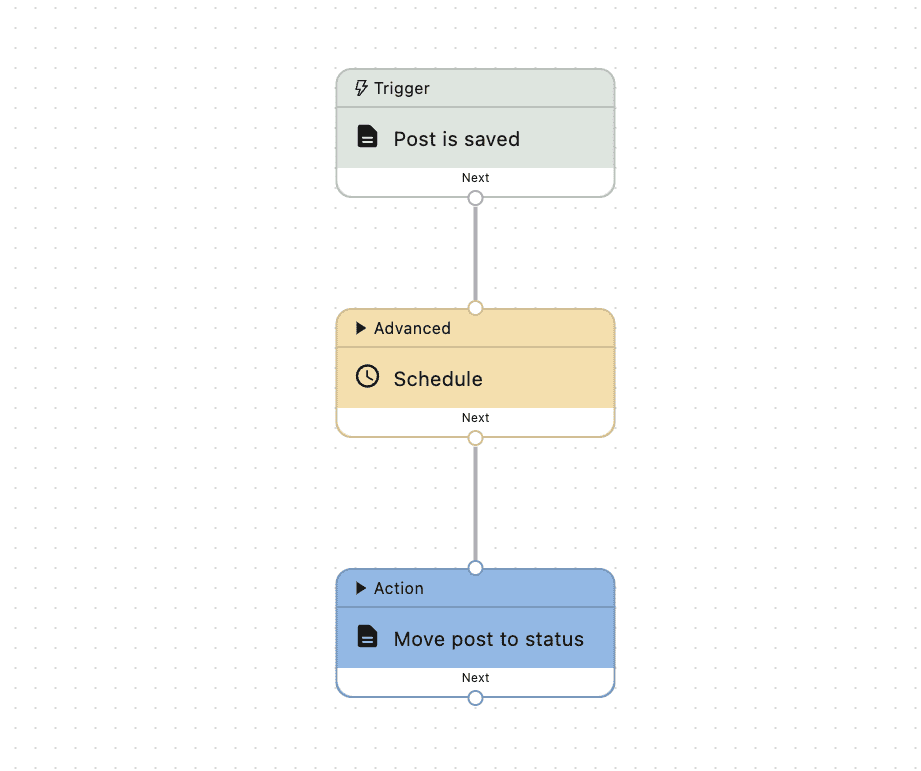
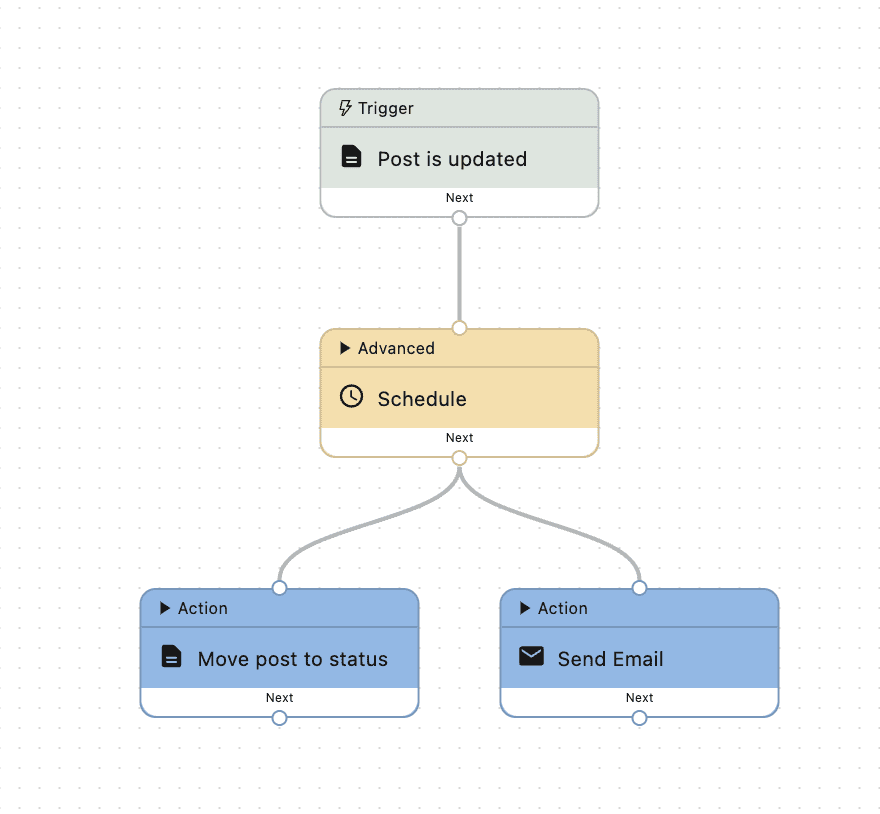
These screenshots below are two example workflows:
Definitions #
Step #
A step represents a specific task or operation within a workflow. Each step is defined by a set of settings and rules, which determine its behavior and requirements. Steps are connected to each other, forming a sequence of operations that constitute the workflow.
Each step can have input and output data, which are passed along the workflow from one step to the next.
The execution of a step can also be influenced by the “connections” it has with other steps.
In the context of PublishPress Future, a step could represent tasks like removing terms from a post, changing post statuses, sending emails, a WordPress action hook for triggering the workflow, or any other automated operation.
Trigger #
The trigger is the initial step that kicks off the entire workflow, which could be a specific time, a user action, or a change in data. It's like the green light that starts the process and gets the data flowing. Each trigger waits for a specific event or condition to happen. Once that occurs, it springs into action, activating the workflow.
Triggers do not receive incoming connections and must be connected to at least one subsequent step.
Action #
An action is a step representing a specific task or operation that will be executed following the connections in the flow. Actions can include tasks such as data processing, decision-making, user input, API calls, or any other operation contributing to the overall workflow process.
Actions must receive incoming connections from a trigger or another step, and they can either be connected to subsequent steps or not. Actions can not be connected directly to themselves (output to input), as this would create an infinite loop.
Connection #
A connection represents the link between steps in a workflow. It signifies the path along which data or control flow moves from one step to another, enabling the sequential execution of tasks or processes defined by the steps. Handles, as the endpoint of a step, are the points where connections are made or broken. The direction of the connection, from one handle to another, indicates the direction of the data or control flow.
Handle #
A handle represents the endpoint of a step in a workflow. It's like a “grab point” that allows you to connect this step to another one, establishing the flow of data and the sequence of operations.
Handles play a crucial role in defining the structure and behavior of a workflow, as they determine how steps are linked and in what order they execute.