
You can use shortcodes to show the PublishPress Future action date inside your post content.
Default Shortcode #
The default shortcode is [postexpirator]. This will show the action date. In the image below, you can see the output from that shortcode:

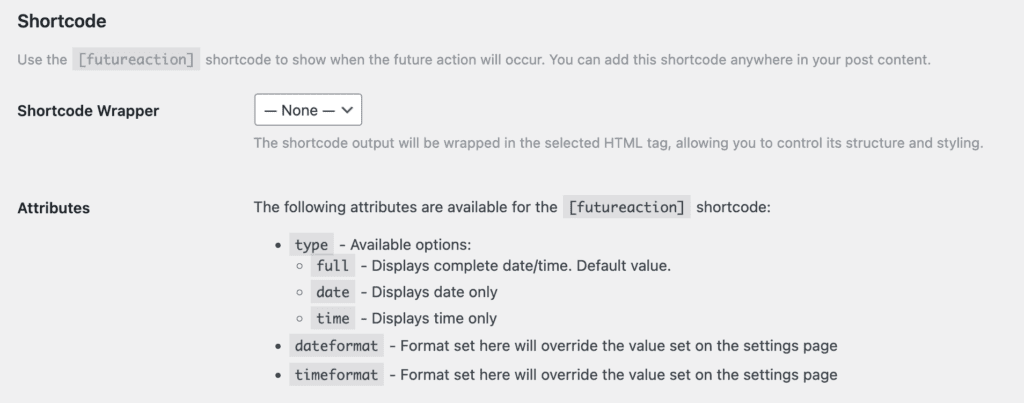
You can customize this shortcode output with extra formatting options. You can find details about the shortcode by going to the “Future Actions” menu link and then clicking the “Display” tab.
Shortcode Arguments #
type #
You can use ‘type” as a format. For example: [postexpirator type=date]
The valid options are “full, “date”, and “time”. The default is full.
[postexpirator type=date] will show only the expiration date. [postexpirator type=time] will show only the expiration time.
dateformat #
The format set here will override the value set on the settings page. For example, [postexpirator dateformat=l F jS, Y]
timeformat #
The format set here will override the value set on the settings page. [postexpirator timeformat=g:ia]