Advanced Custom Fields (ACF) is a WordPress plugin that allows you to create custom fields within WordPress. These custom fields range from basic text inputs to more advanced options like Repeaters, Select fields, and Galleries.
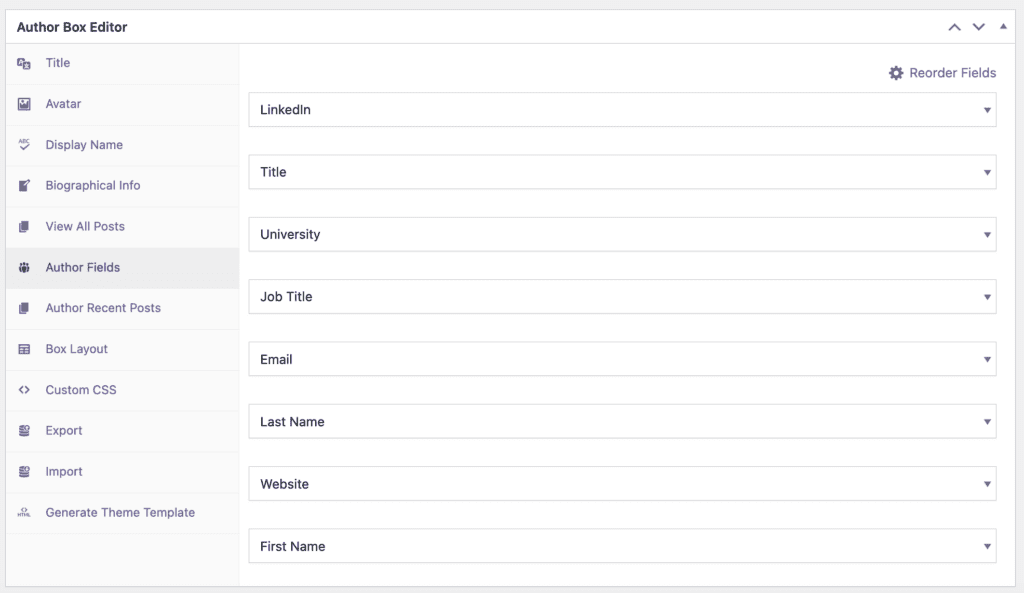
PublishPress Authors offers five field types for the Author Fields:
- Text
- Multiline Text
- WYSIWYG Editor
- Link
While these field types often meet users’ needs, some users may require more advanced options. Fortunately, you can use custom fields from ACF with your Author Profiles in PublishPress Authors.
Tips: Author Profiles in PublishPress Authors are essentially WordPress terms.
Since Author Profiles are just WordPress terms, you simply need to assign the custom fields to the Author terms.
Here is an example using the Select field type from ACF:
- Ensure both PublishPress Authors and Advanced Custom Fields are installed.
- In the WordPress admin panel, navigate to ACF > Field Groups.
- Click “Add New”.
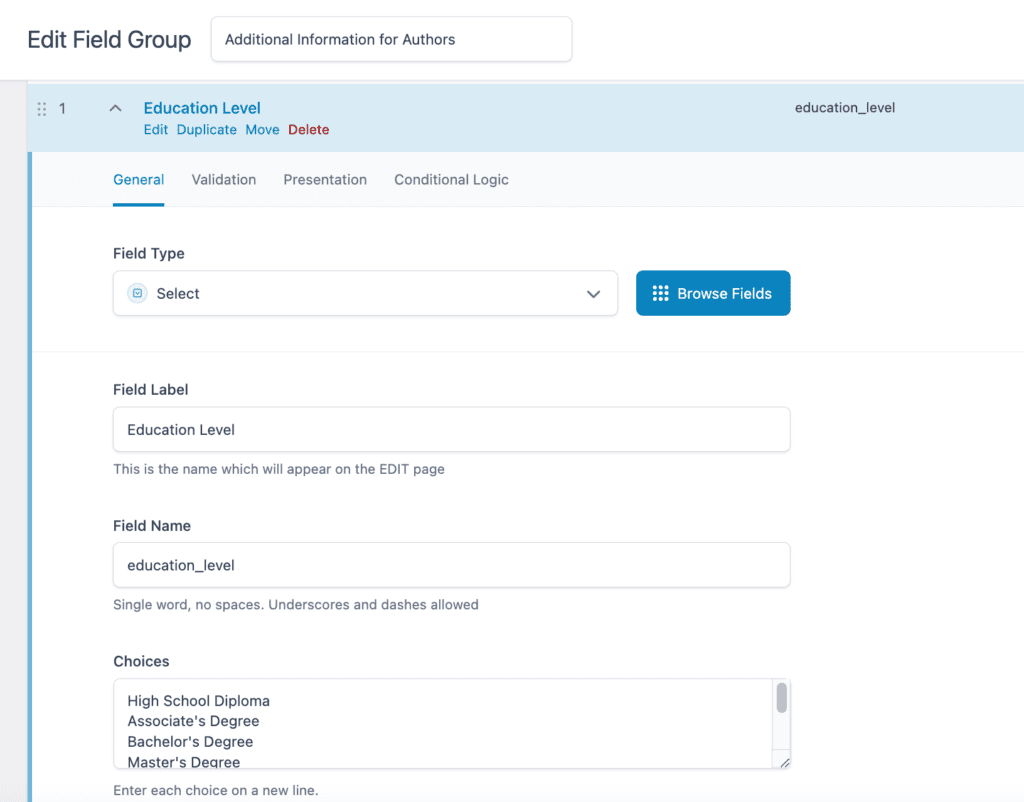
- Add a title for the field group and then add your fields. In this example, I used a “Select” field type with options such as the Education Level of the Authors.
- In the settings, ensure you set your field group to apply to the taxonomy “Author”.
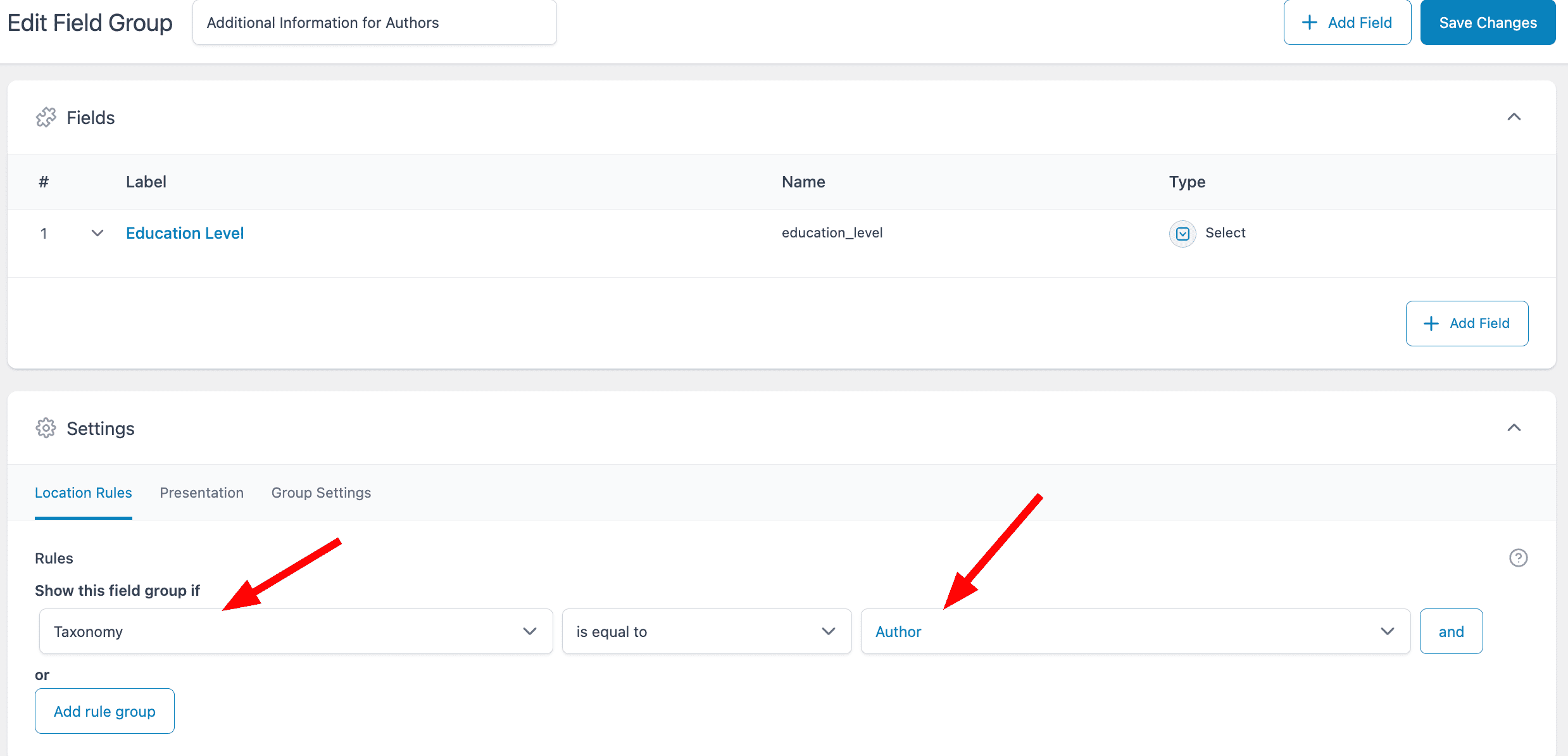
- Click “Save Changes”
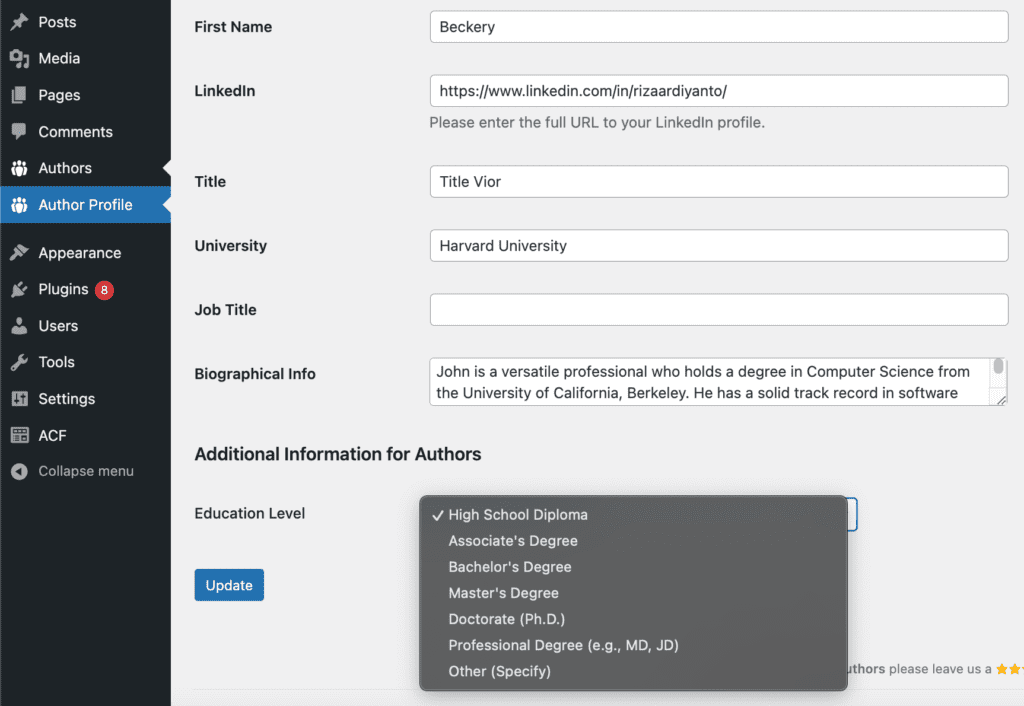
After completing these steps, you should be able to see your custom fields when editing author profiles.
Currently, there is no integration with some of our other features, such as the Author Boxes Editor. This means the values set in these fields won’t be displayed on the frontend by default. The current workaround to display custom field values on the frontend. You can export the Author Box template and manually add your custom field values using the get_value function from ACF.