This feature requires the Pro version of the PublishPress Checklists plugin.
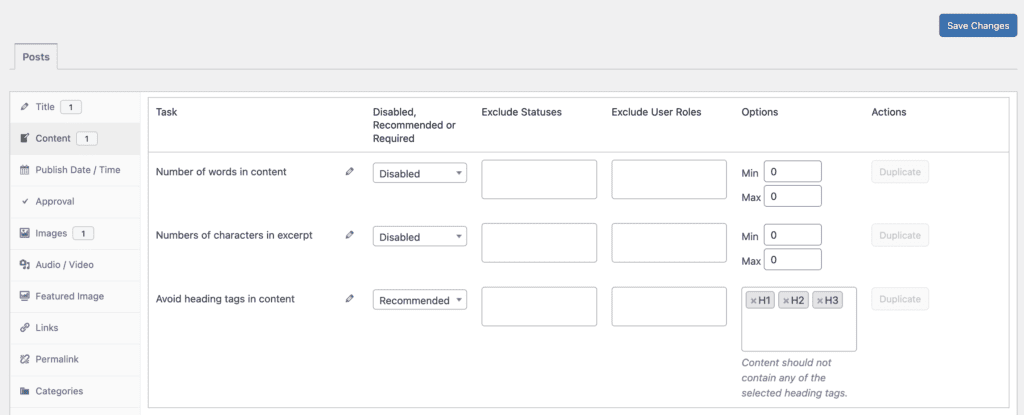
With the Pro version of the PublishPress Checklists plugin, you can control which heading types are added to your posts. If the wrong headings are in a post, you can choose to show a warning, or prevent the post from being published.
- You can choose from “Disabled, Recommended, or Required” options.
- You can enter choices for the headings to prohibit. The options are H1, H2, H3, H4, H5, and H6.
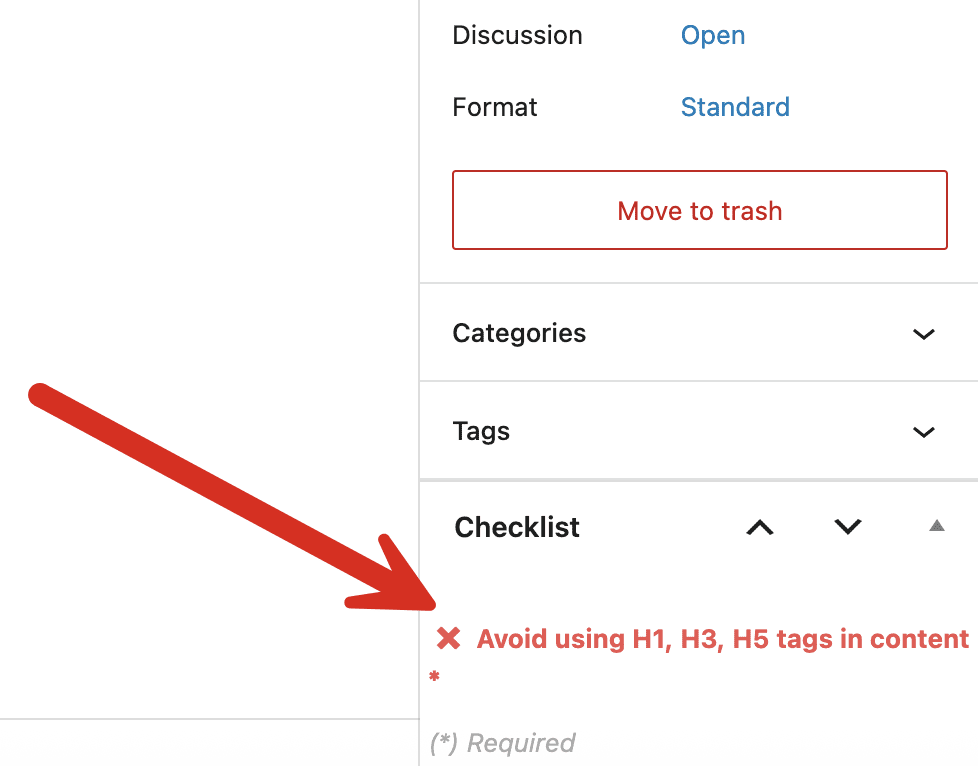
If you enable this content option, it will be visible when you edit content. If your content does not have the correct headings, this task will be marked in red in the sidebar.
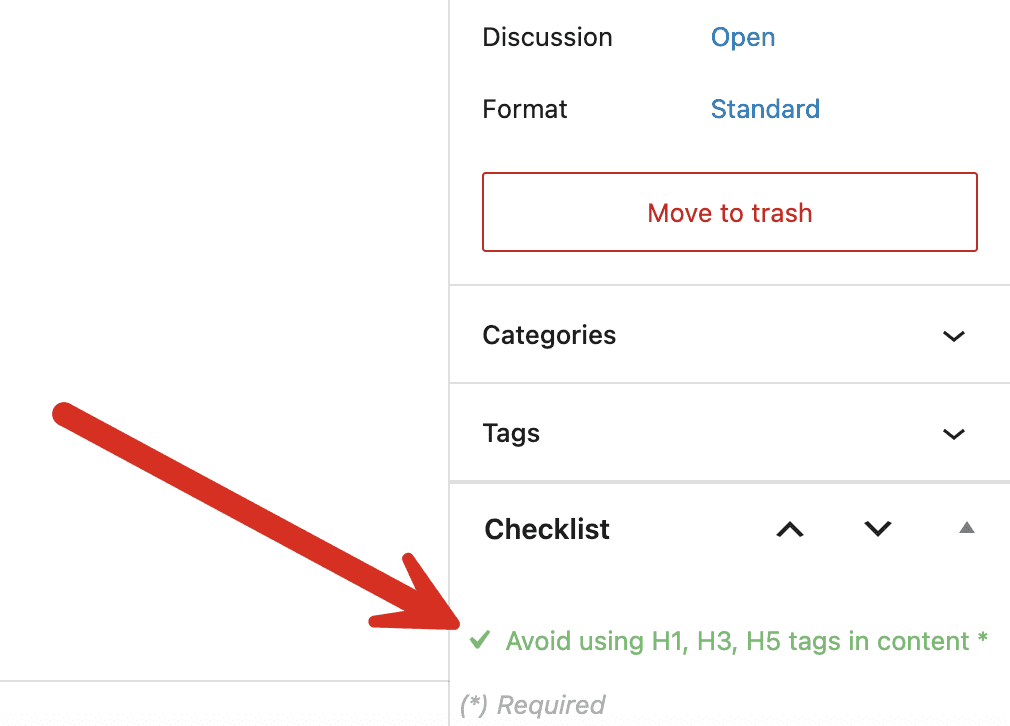
If your content text has the correct headings, this task will be marked in green in the sidebar.