
Show Author Bios for Your WordPress Stories With PublishPress Authors
One of the things we talk about often at PublishPress is transparency. Good journalism requires building a kinship between yourself and your audience. In most situations, if you want people to trust your publication, you need to include information about your authors.
PublishPress Authors is a WordPress plugin that makes it simple to show details of your authors. With this plugin, you can create a biography for each other. You can add multiple authors in one post. You can also create guest author who don’t need a login for your site.
As soon as you install PublishPress Authors, you’ll see an author box under every post. You can add all the profile details you need for each author. You can easily modify the design using a visual builder that looks like this screenshot below.

With PublishPress Author box editor, you can easily create author box. This image below show the default author box layout which a new color:

This next image shows a slightly modified version of the author box layour:

This next image shows an author box with a vertical layout and a listing of the author’s most recent posts.
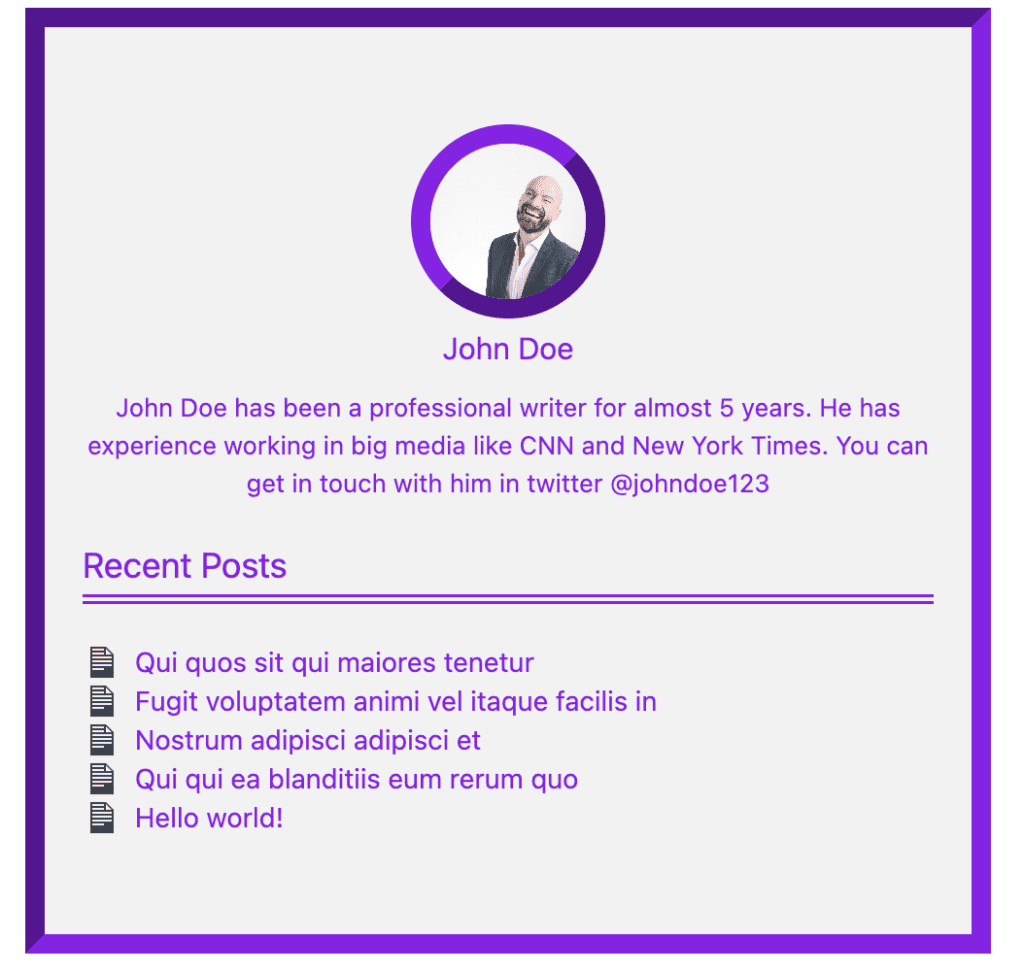
The PublishPress Authors plugin is very useful for publishers that need to give clear attribution for their stories. Make sure to check out PublishPress Authors here.
Table of Contents
More about PublishPress Authors settings
In this section of the post, we’ll introduce you to more of the possibilities with the author box editor in PublishPress Authors:
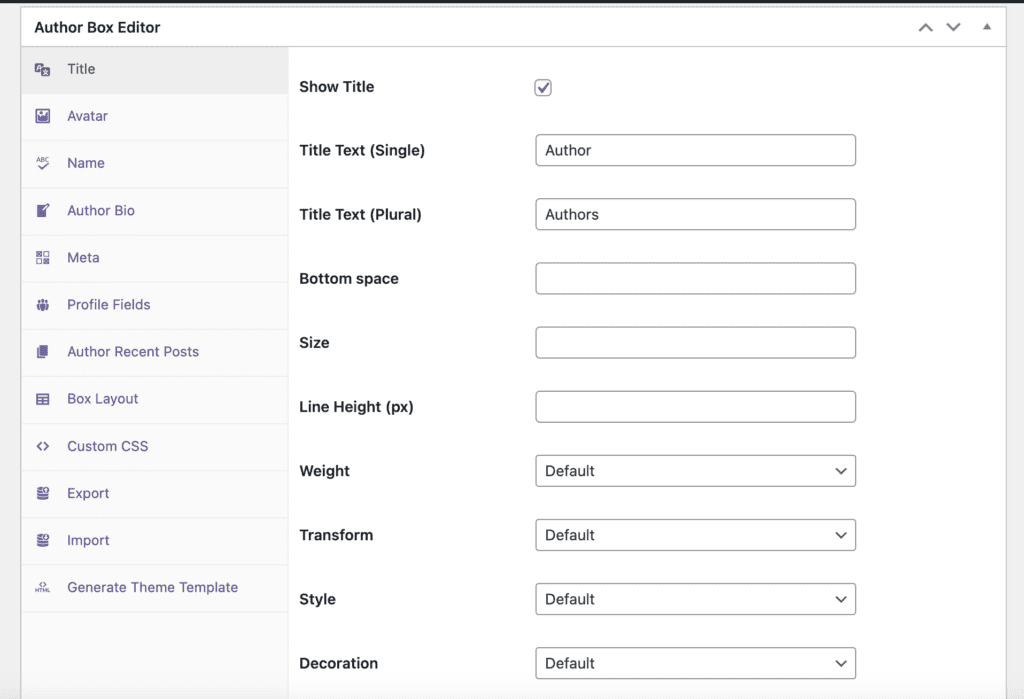
This image below shows the settings for the Title (The one that says “Author” on the top of authors box).
- Show/hide Title
- Single/Plural Title
- Margin bottom
- Font manipulation (size, line height, weight, transform, style, decoration, alignment, color)
- HTML tag
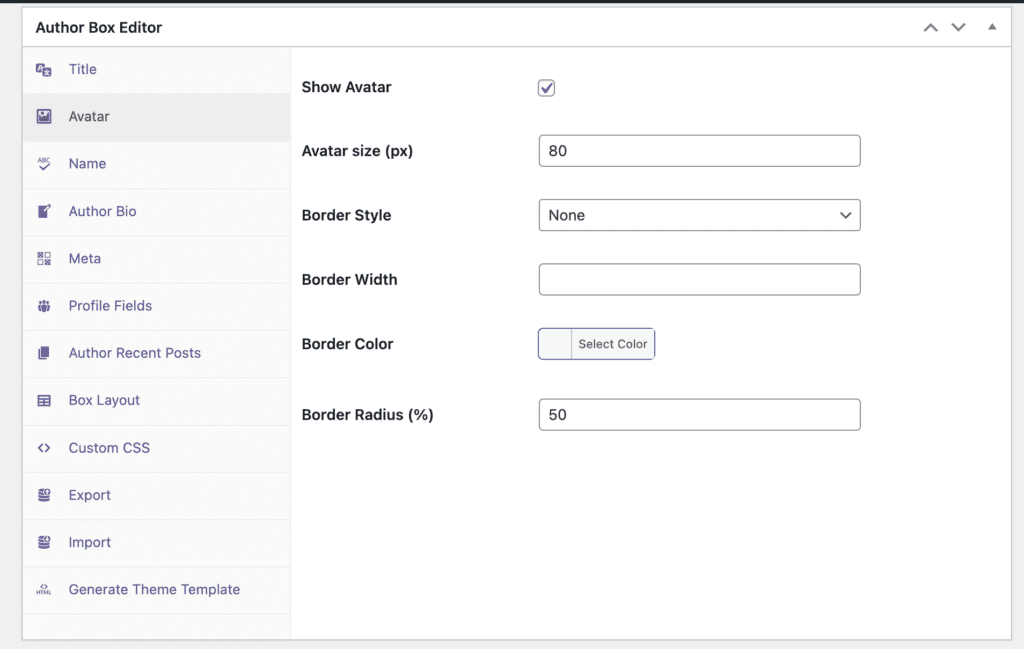
This next area shows the settings for the authors’ avatar:
- Show/hide Avatar
- Avatar size
- Border manipulation (style, width, color, radius)
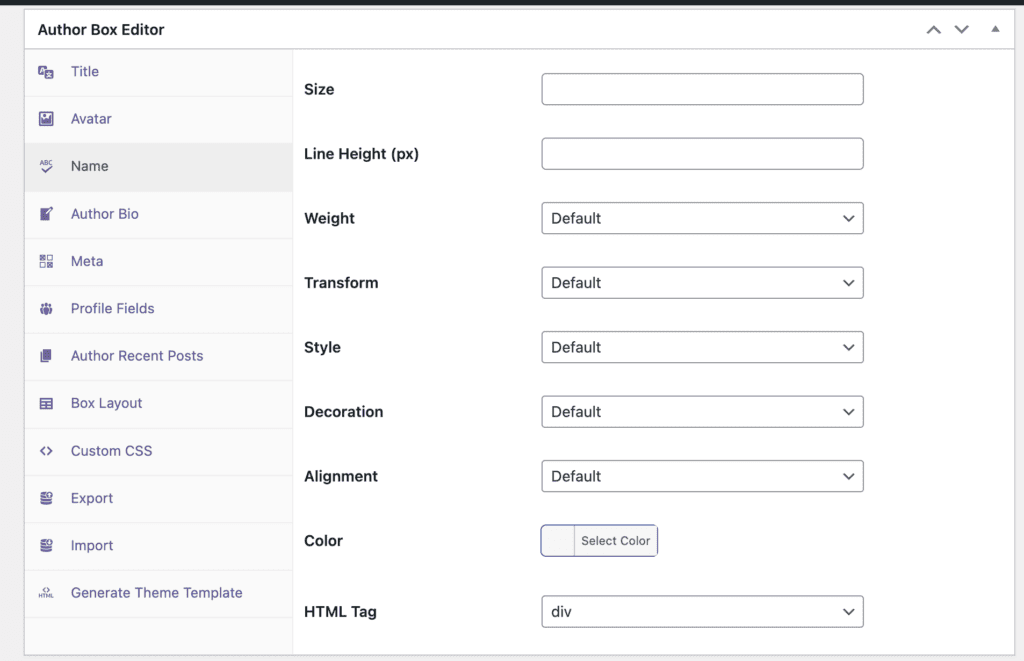
This next area shows the settings for the authors’ name:
This next area shows the settings for the authors’ biography:
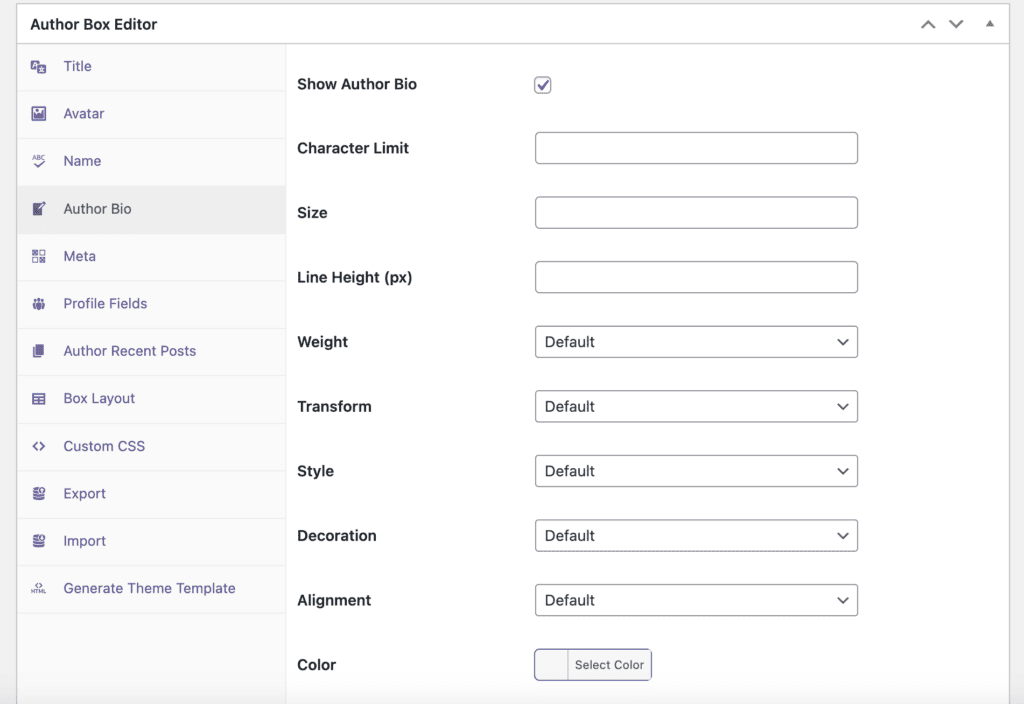
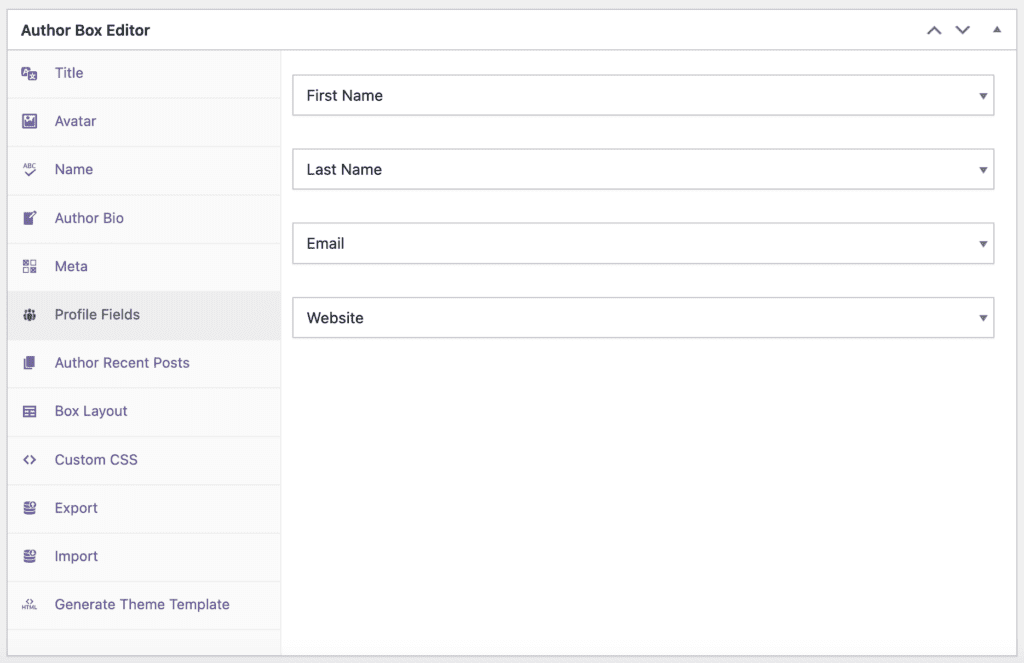
This next area shows the settings for the authors’ profile fields which include First name, Last name, email, website & additional custom fields.
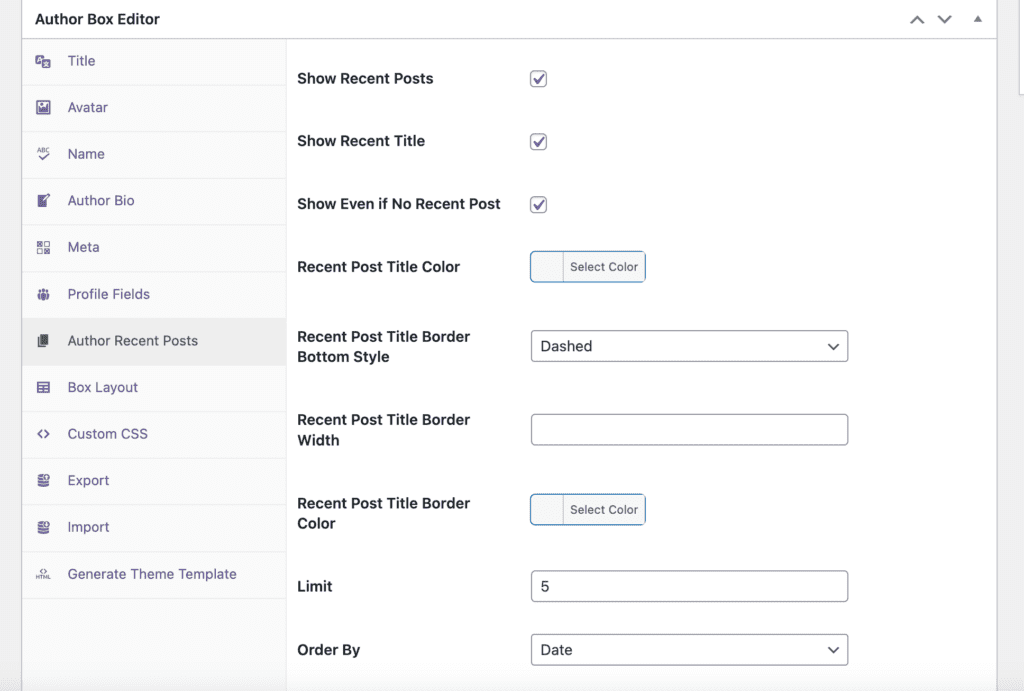
This next area shows the settings for the authors’ recent posts:
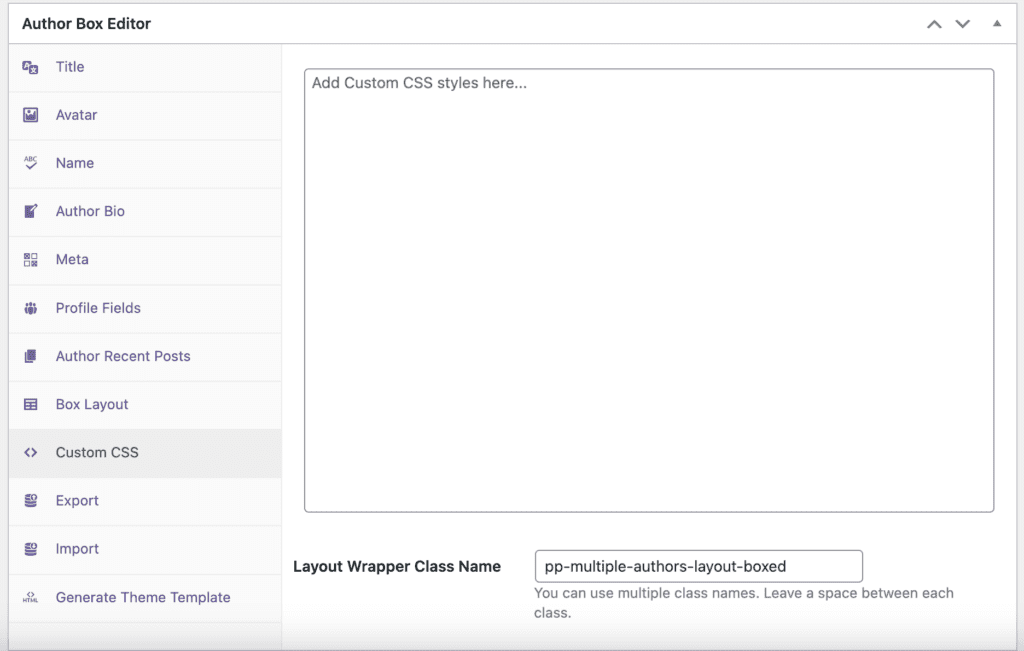
In addition to the many customization options in the PublishPress Authors settings, you can also add your own custom CSS. You can input your own custom styles in the box shown in this image below:

The Best Plugin to Plan and Manage Your WordPress content
PublishPress Planner has all the tools you need to plan and schedule WordPress content, including a Content Calendar, Kanban Board, editorial notifications and more.

The Best Author Profile Plugin for WordPress
The PublishPress Authors plugin allows you to create beautiful profiles for your site’s authors. You can add social media links, recent posts, custom layouts and much more.
