
Show Author Content from All WordPress Post Types
On a normal WordPress site, every author automatically gets their own page. So, if my username is “steve”, I’ll have my own URL which will look like /author/steve/. This contains all the Posts I’ve written on the site.
A good example of this can be found on the popular WordPress.com blog. One of the main authors is called “Nick” and you’ll find his content at a URL like this: /author/nick/. This screenshot shows how this author page can look:
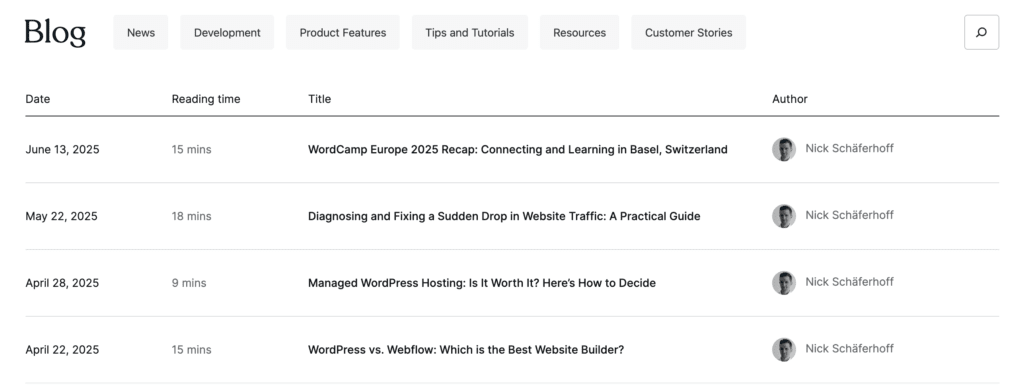
This “Authors” URL feature is useful for many sites. However, it is somewhat limited because it does only show Posts. You are not able to show content created in other post types.
One solution to this is the PublishPress Authors plugin, which can you give you control over the “Authors” URL.
- Install the PublishPress Authors. Here’s a quick start guide to the plugin.
- Go to “Authors”, then “Settings” in your WordPress admin menu.
- On this screen, you can use this setting: “Post types to display on the author’s profile page”. In the example below, I can choose from Posts, Pages, and also WooCommerce products (here’s a guide to authors and WooCommerce).
- Click “Save Changes”.
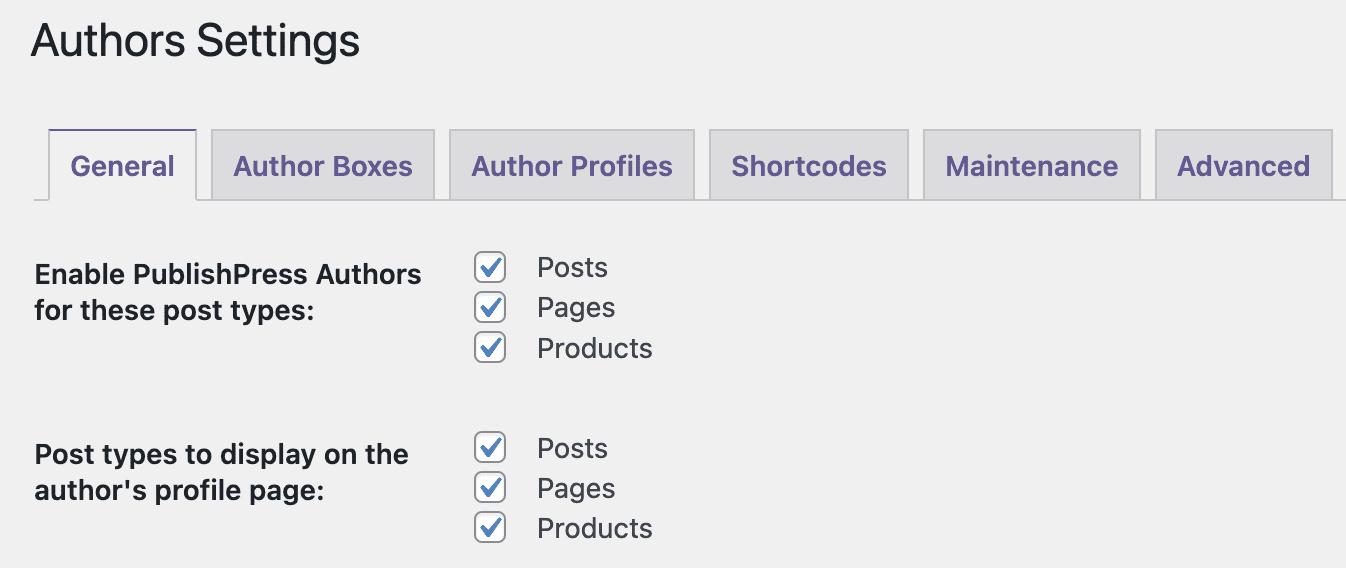
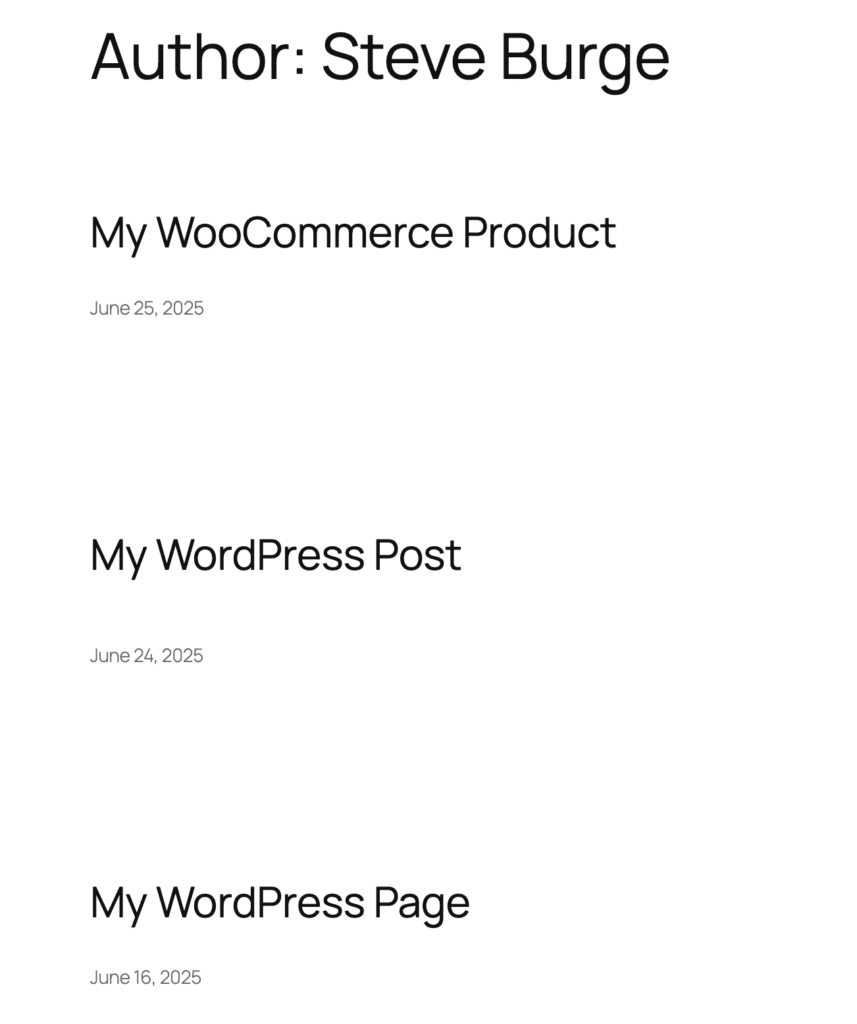
It’s as simple as that. You can now choose the author for Posts, Pages, and Products. When you visit the author URL for any user on your site you’ll be able to see items from all your post types.
One easy way to test this is by going to the “Authors” link in your admin menu. You’ll be able to see a “Author URL” column with quick access to all the URLs. Click here if you have any issues with the URLs.

In the image below you can see an example Author URL with a WooCommerce product, a Page, and a Post.

The author profile plugin for WordPress
The PublishPress Authors plugin allows you to create beautiful profiles for your site’s authors. You can add social media links, recent posts, custom layouts and much more.
