
The 5 Best WordPress Slider Plugins
Slideshows are vastly under-rated by webdesigners. Slideshows can be fast, stylish, accessible and mobile-friendly.
You'll find slideshows on the homepages of Apple, Microsoft, Nvidia, Netflix and many other leading businesses.
A gorgeous slider plugin can really help you to create a great looking website. And if you choose right, you don't have to see your Google PageSpeed score. A dynamic site does not have to mean a slow site.
In this post, we'll compare five slideshow plugins that deliver cinematic visuals without sacrificing your site's SEO.
Table of Contents
1. MetaSlider: The Best Choice
MetaSlider is our recommendation as the best slider plugin for WordPress. It doesn’t try to be a graphic design suite; it focuses on being fast, accessible, SEO-friendly, and easy to set up. Click here for MetaSlider demos.
- Fast: While many slideshows may slow down your site. MetaSlider is regularly reported to be the fastest slideshow plugin. MetaSlider has the lowest impact on page load times.
- Accessible: Business owners who value site speed and simplicity over flashy animations. Those heavy, layered designs are often not accessible and can't be viewed by many visitors. MetaSlider works hard to make sure all slideshows are accessible.
- Key Feature: Intelligent Image Cropping ensures all your slides are uniform without you having to resize them in Photoshop first.

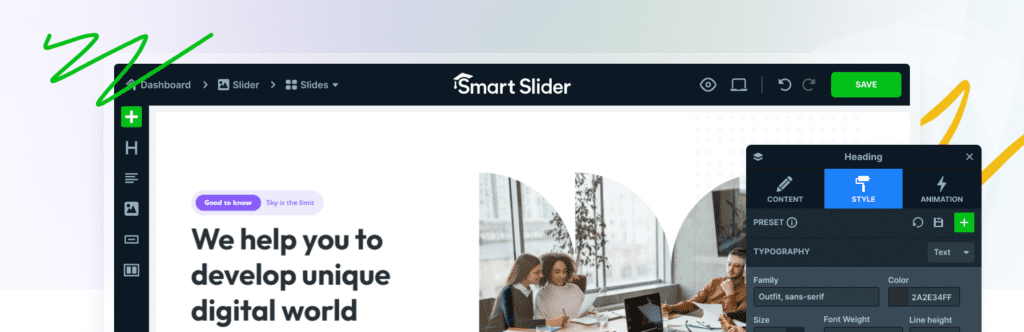
2. Smart Slider: Fancy Effects
If you want the perfect middle ground between a simple image fader and a complex design tool, Smart Slider 3 is worth considering.
- Best For: Most users who want professional results without a steep learning curve.
- Key Feature: A library of 180+ templates and a unique “Canvas” mode where you can drag and drop layers (text, buttons, images) anywhere.
- Pros: Very generous free version; intuitive interface; excellent “Dynamic Post” feature to turn blog posts into slides automatically.
- Cons: The “Pro” features (like Layer Animations) can get expensive.
3. Slider Revolution: Visual Powerhouse
Slider Revolution is less of a plugin and more of a full-blown visual editor.
- Best For: Professional designers and developers building high-end landing pages.
- Key Feature: The Object Library and Special Effects which includes particles, 3D parallax, and bubble effects.
- Pros: Great visual potential, with over 2000+ elements included.
- Cons: There's a steep learning curve: the UI looks like Adobe Photoshop. The plugin is heavy on resources, and there's no free version.
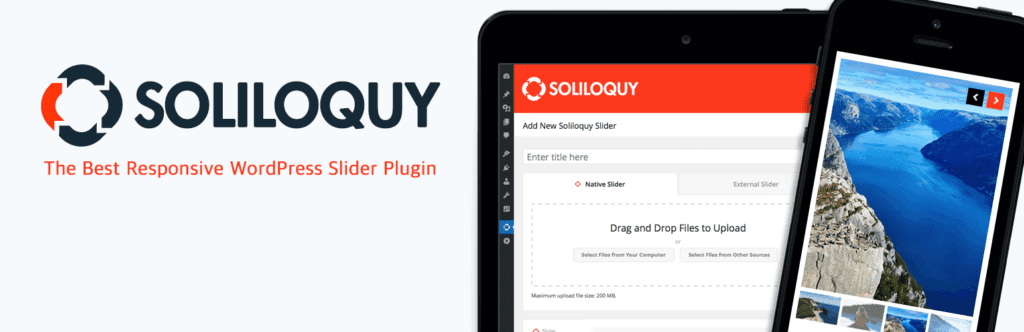
4. Soliloquy: The Performance Specialist
Soliloquy was built with a “code-first” philosophy. It is widely considered the best-coded slider plugin, making it a favorite for developers who want a “lean” site.
- Best For: Users who need a lightweight but powerful slider with specific integrations such as WooCommerce.
- Key Feature: PDF Slider Add-on: it can literally turn your PDF presentation into a web slideshow.
- Pros: Fast, with a dedicated WooCommerce integration for product sliders.
5. LayerSlider: The Creative Suite
LayerSlider is a direct rival to Slider Revolution. It’s slightly more user-friendly but still offers professional-grade animation tools.
- Best For: Creative portfolios and agency sites.
- Key Feature: The Revisions Feature. It saves snapshots of your work, so if you mess up a complex animation, you can revert to a previous version instantly.
- Pros: Great 3D transitions; includes a “Popup” builder; cheaper than many premium alternatives.
- Cons: Can be overwhelming for beginners; requires a powerful hosting environment for smooth editing.
Comparing the 5 Slider Plugins
| Plugin | Complexity | Pricing |
| MetaSlider | Low | Freemium ($39+) |
| Smart Slider | Medium | Freemium ($49+) |
| Slider Revolution | High | Premium ($39+) |
| Soliloquy | Low | Freemium ($39+) |
| LayerSlider | High | Premium ($29+) |
