
Introducing “Editor Features” in PublishPress Capabilities
If you use the PublishPress Capabilities plugin, you’re going to find the new “Editor Features” really useful!
What does “Editor Features” do? It allows you to clean up the post editing screen. You can decide what users see when they’re writing posts.
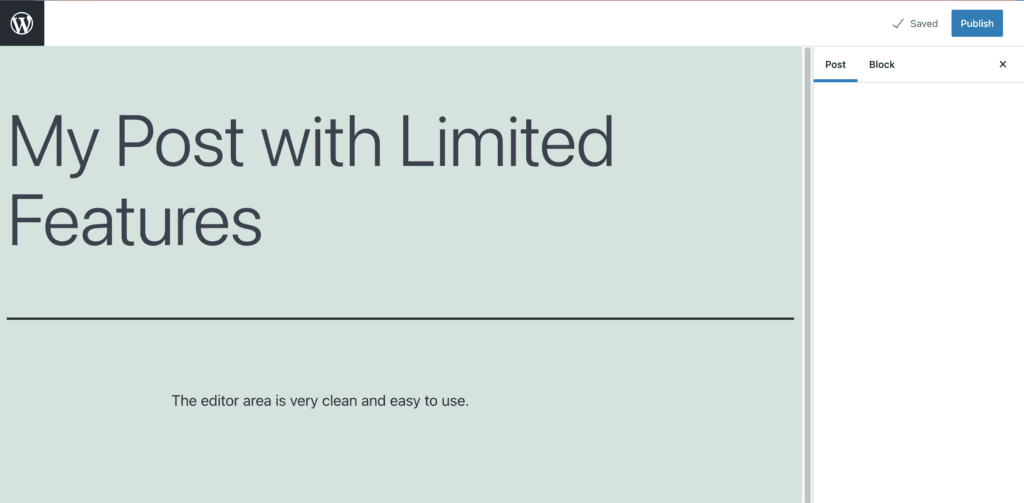
Take a look at the screenshot below. This is the Gutenberg Editor with very limited features. The user can write the post as normal, but they have no access any of the extra settings. All they can do is save the post as a “Draft” or click “Publish”.
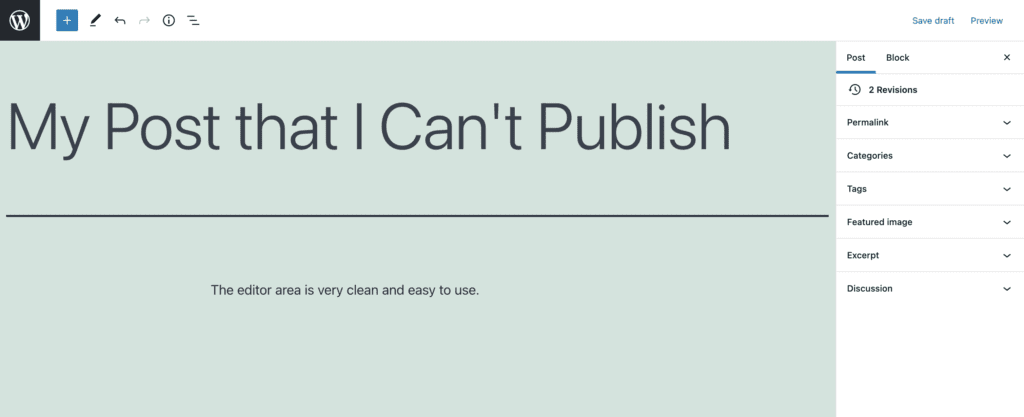
You can also use “Editor Features” to do exactly the opposite. You can give users access to every setting except for the “Publish” button. In the screenshot below, the user can manage everything about this post, but they can’t change the status or publish it. All they can do is save new drafts.
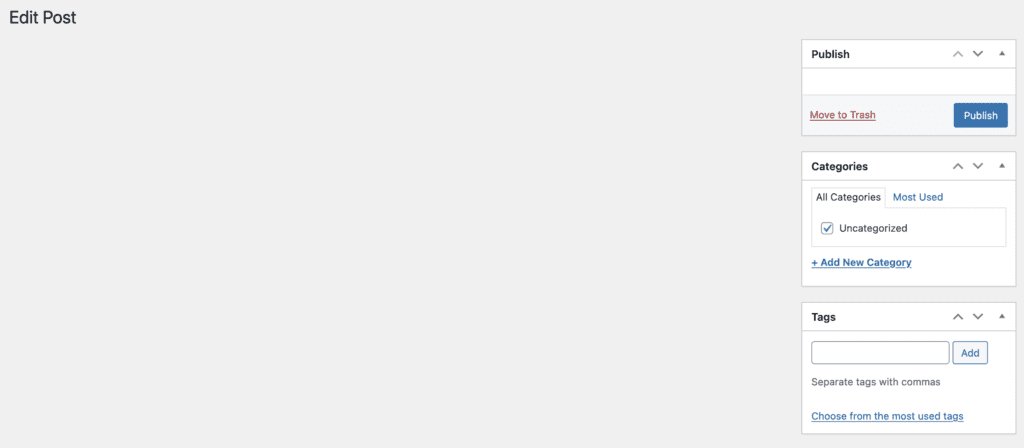
“Editor Features” works with Classic Editor also. You could set up your site so that user can’t see anything about the post. All they can do is add Categories and Tags.
Alternatively, you can allow a user to have access to the body of a post, plus the “Featured image” box:

Table of Contents
How to Use “Editor Features”
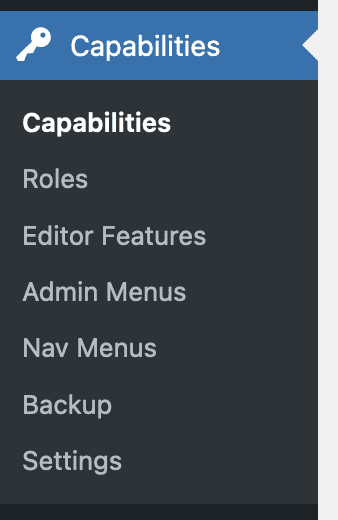
This is available in both the Free and Pro versions of PublishPress Capabilities. You’ll find a new “Editor Features” menu link:
On this screen, you’ll be able to choose which features to hide for different user roles:
- There is a role selection dropdown in the top-left corner.
- If you have both Gutenberg and Classic Editor installed, you’ll see tabs for both.
- Scroll down the screen and you can place a red X for every feature you want to hide.

Your feedback, please
We’d love your feedback on where to take this feature. Click here to test the Free version of PublishPress Capabilities.
Here are some questions we’re thinking about:
- Are there other features you want to hide on the post editing screen? For example, metaboxes or custom fields?
- Are there other editors you would like us to support?
- At the moment, this feature supports Posts and Pages. Are there other plugins or post types where you want to hide specific features?
Please let us know in the comments below, or open a support ticket if you’re a PublishPress member.
Control your WordPress users
PublishPress Capabilities enables you to customize what users see in every area of WordPress from editing posts and pages to admin menus, profile pages.
