
How to Increase the Font Size in the WordPress Admin Area
Not everyone needs the same font size in the WordPress admin area. By default, almost all the text in WordPress is shown with a 13 pixel font.
However, that font size may be too small for some users. Some people want larger text because they have aging eyes or vision conditions. Some people find that it makes reading easier and less tiring. Using bigger fonts ensures that everyone can actually use your website without straining.
If a larger font in the WordPress admin would help you, then try this new Admin Styles feature in the PublishPress Capabilities plugin. You can choose the font and text size for your WordPress admin area:
- Need to bump up the font size to 15px or 18px? Easy
- Want to use Verdana, Helvetica, or another font? No problem
Inside the PublishPress Capabilities area in your WordPress site, go to the “Admin Styles” link. This feature allows you to customize the WordPress admin area with your own design. You can change the color scheme and visual features for the admin screens.
Go to the “Admin Font Size”, area and you’ll be able select a different size. You can either choose one of the named sizes, or a specific font size such as 14px, 15px, and so on.
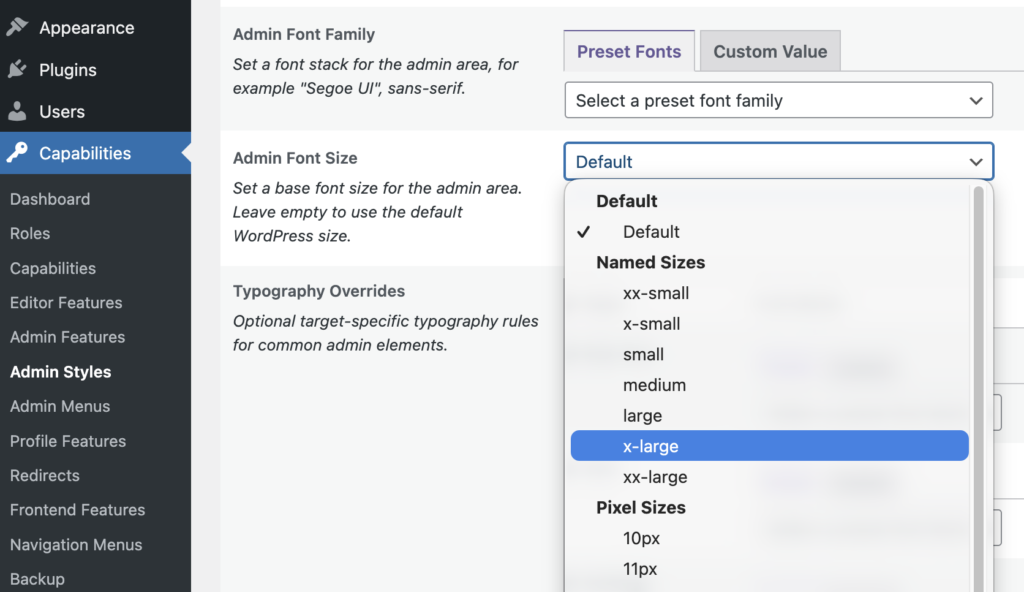
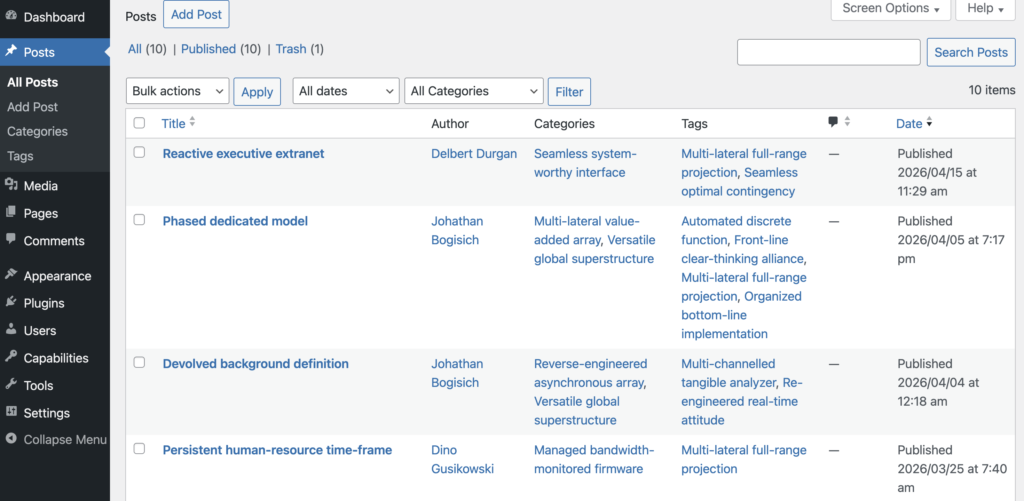
For example, if you choose the “large” option, this next screenshot shows what you’ll see. All the text on the screen will be noticeably larger then before.
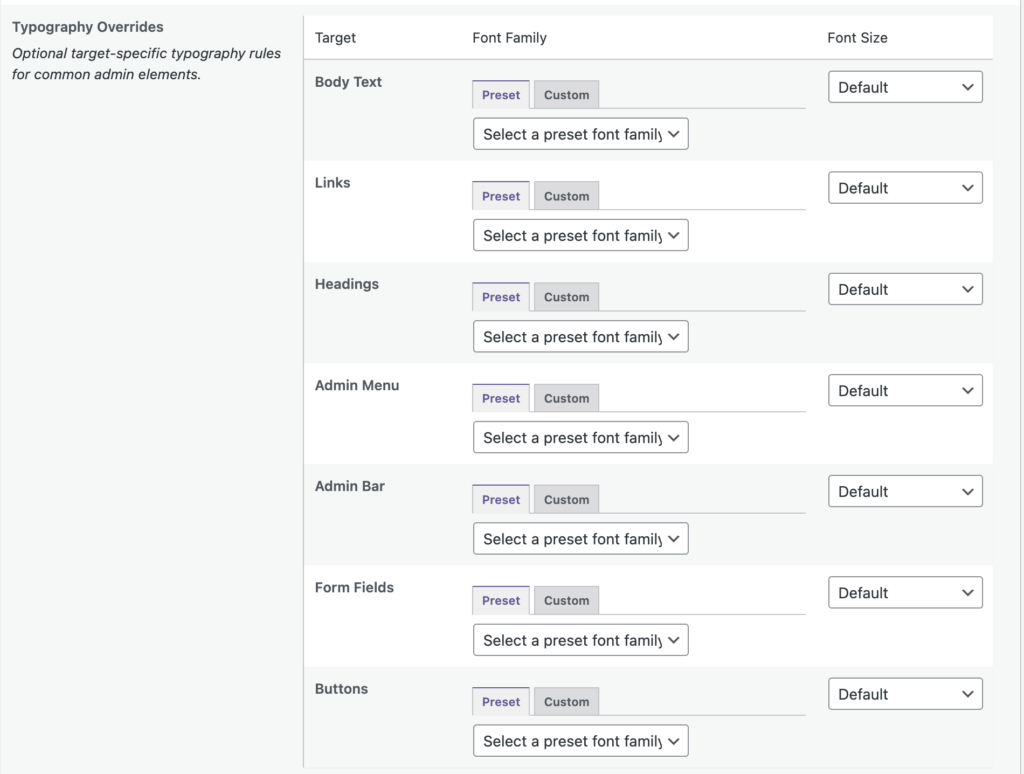
You are also able to choose custom font options for common admin elements: Body Text, Links, Heading, Admin Menu, Admin Bar, Form Fields, and Buttons.
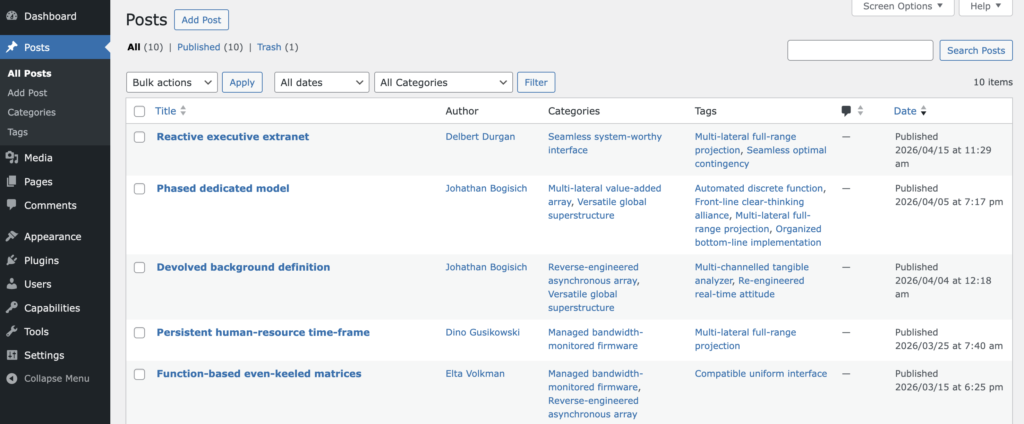
In the Admin Styles feature, you can also change the font for your WordPress admin area. The default font for WordPress is the system font in your browser, so it will change slightly depending on what browser you’re using. In the screenshot below, we changed the admin area to use the Verdana font.
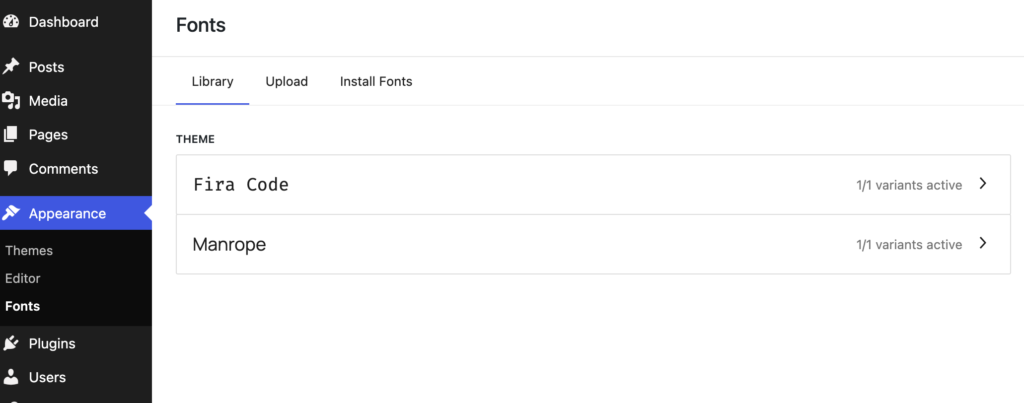
This works nicely with the “Fonts” feature in WordPress 7.0, so you’ll be able to choose any font you want for your WordPress admin screens. The fonts feature allows you to install and use your own fonts, plus those from Google Fonts.
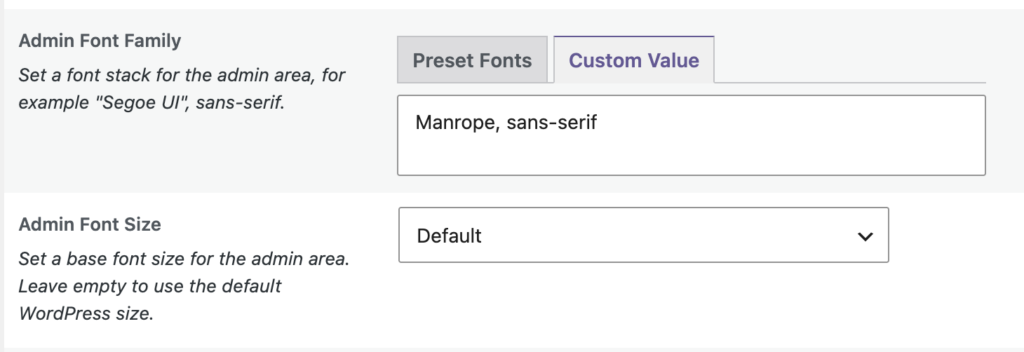
Inside the Admin Styles feature, you can click the “Custom Value” tab and enter your own font name. In the example below, we’re using a font called “Manrope”.
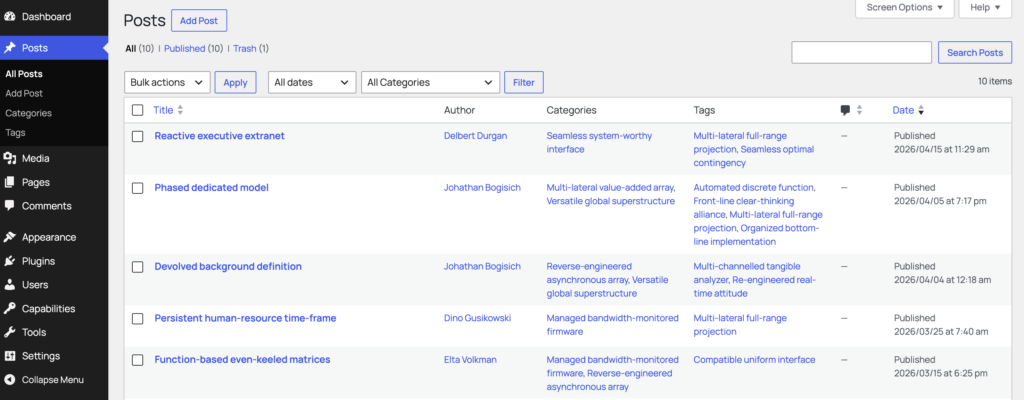
Here’s the result of the setting shown above. Your whole WordPress admin now uses the Manrope font.

Control your WordPress users
PublishPress Capabilities enables you to customize what users see in every area of WordPress from editing posts and pages to admin menus, profile pages.
