
PublishPress Taxonomies 3.0.4 Allows You to Create and Manage Taxonomies
PublishPress Taxonomies 3.0.4 is now available for download on WordPress.org.
This is a major release that turns PublishPress Taxonomies into a full taxonomy-management plugin. You can now use PublishPress Taxonomies to create, edit and manage all your taxonomies.
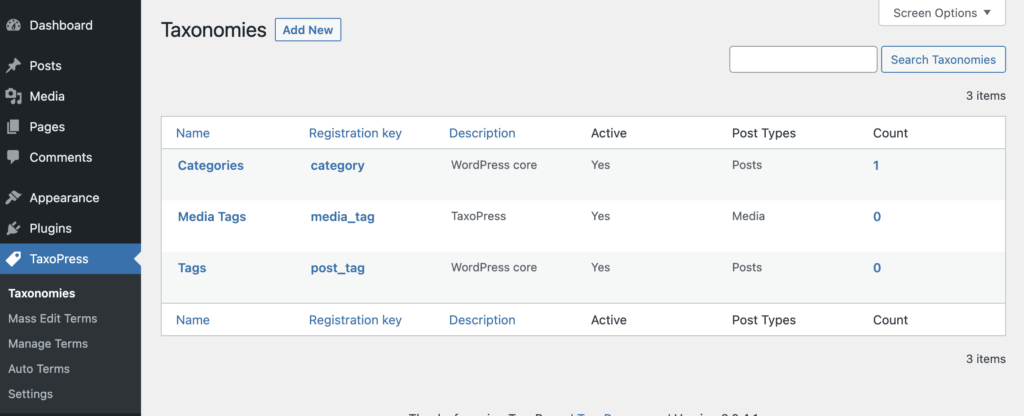
There is now a “Taxonomies” screen. This will show all the taxonomies created by WordPress and your plugins and themes. You will see that PublishPress Taxonomies now provides a “Media Tags” taxonomy so you can organize your Media Library. You can also click “Add New” and create your own taxonomies.
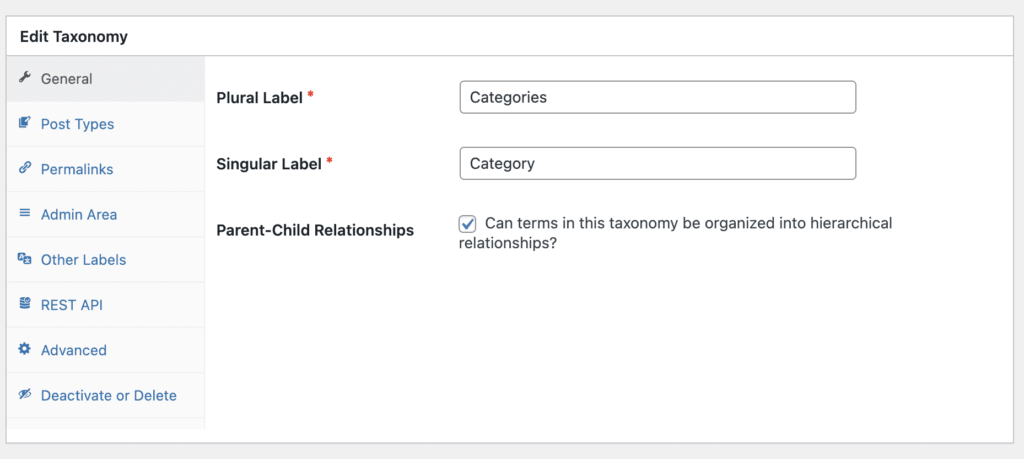
When you click “Edit”, you’ll be able to change the settings for each taxonomy. For example, you can change the visual labels, and control whether the taxonomy is organized in parent-child relationships.
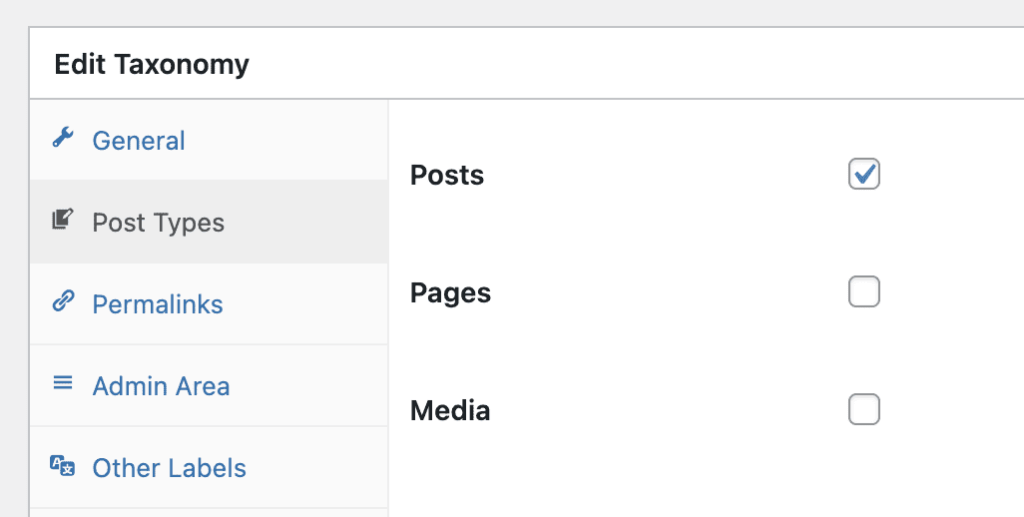
In the “Post Types” area, you can assign any taxonomy to any post type, including your Media Library.
Inside each taxonomy, you’ll find many useful settings. For example, in the “Admin Area” settings, you can control how your taxonomy appears in your WordPress dashboard.
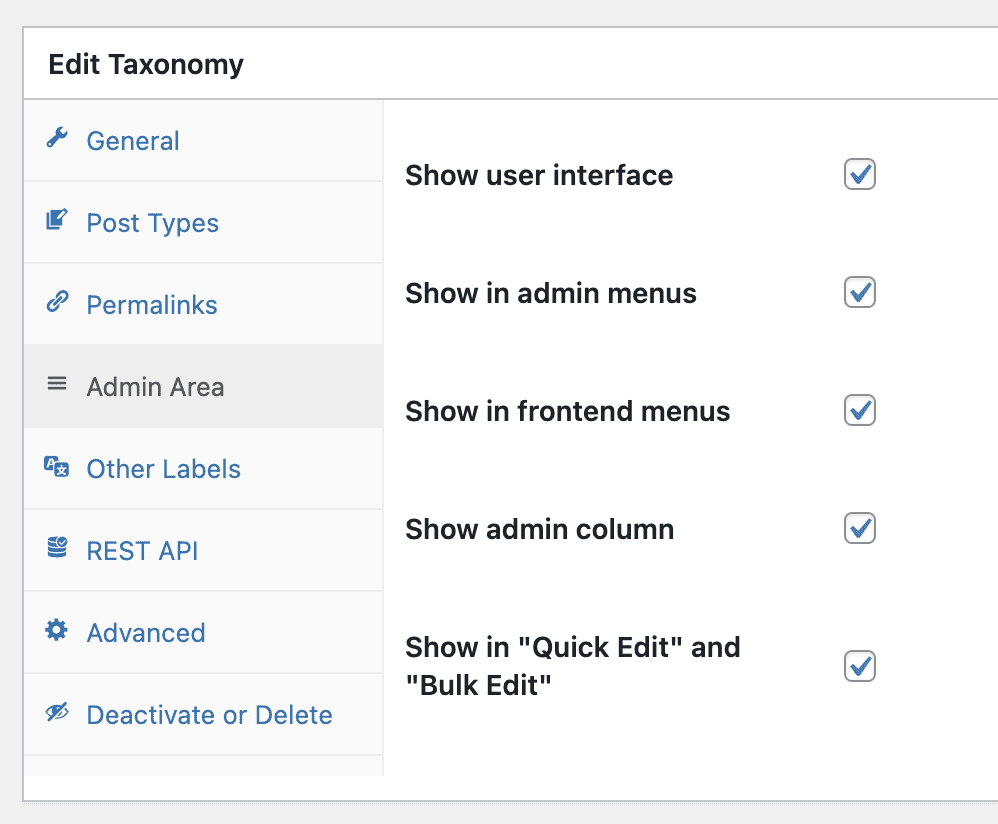
Table of Contents
Thank You and Looking Ahead
PublishPress Taxonomies is built on top of work by many great developers including Kevin Drouvin, Martin Modler, Vladimir Kolesnikov and Olawale Adesina. Version 3.0.4 of PublishPress Taxonomies also relies on code from the excellent Custom Post Type UI plugin. That plugin is a great choice when you want to create whole new post types.
Here at PublishPress Taxonomies, our work is tightly focused on taxonomies. Before now, many PublishPress Taxonomies features were only available for the “Tags” taxonomy. Thanks to the release of 3.0.4, we can now expand our features to all taxonomies. Over the next few weeks, look for functionality such as Tag Cloud and Auto Links to be available throughout your site.

Organize your WordPress content
PublishPress Taxonomies allows you to create and manage Tags, Categories, and all your WordPress taxonomy terms.
