
How to Add Admin Taxonomy Filters in WordPress
This week we had a question from a PublishPress Taxonomies user who wanted to filter posts by custom taxonomies in their WordPress dashboard. They had created a custom taxonomy name and now wanted to show it on the “Posts” screen as a filter.
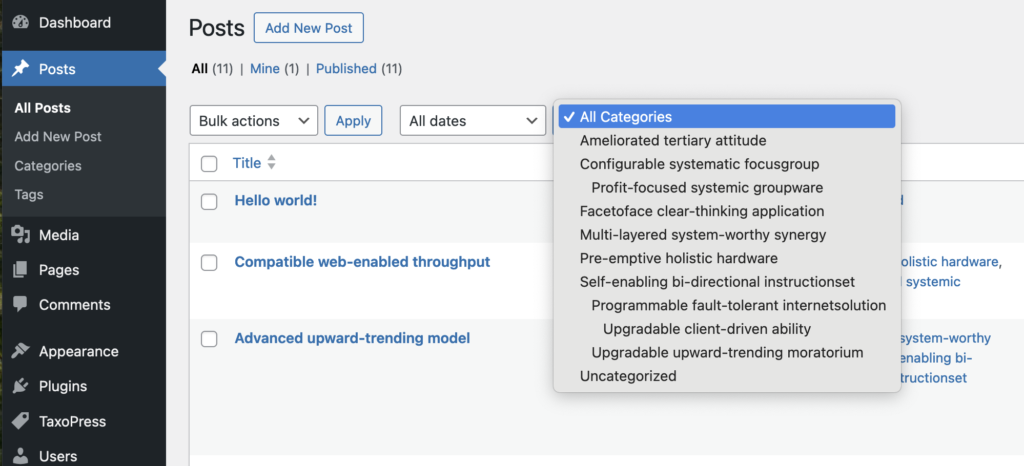
You can see an example of this feature on a normal WordPress site. In this screenshot below, you can see a filter for the “Categories” taxonomy.
You can add these filters with the PublishPress Taxonomies plugin:
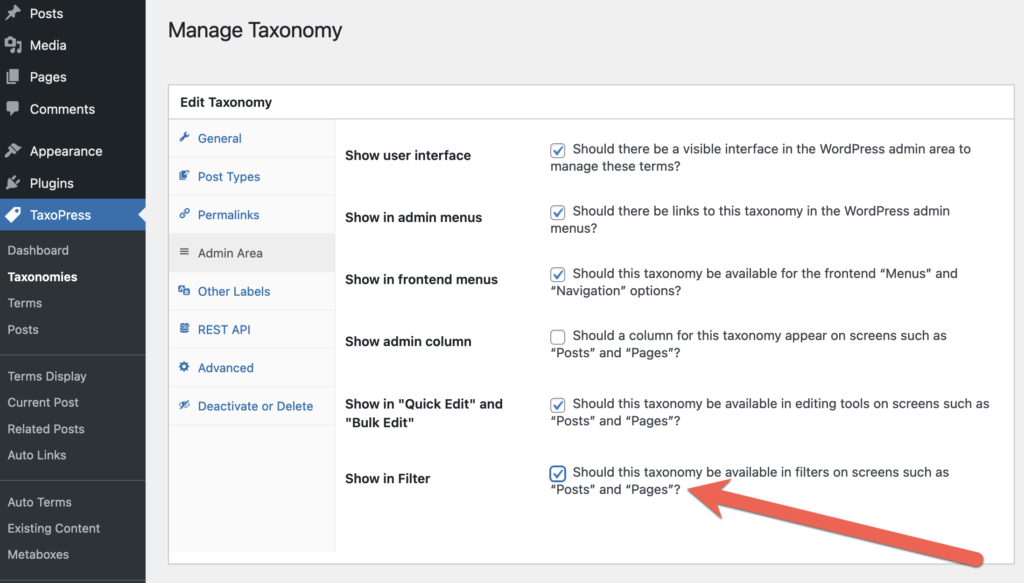
- Go to “PublishPress Taxonomies” then “Taxonomies“.
- Choose the taxonomy you want to edit.
- Click the “Admin Area” tab.
- Check the “Show in Filter” box and save the settings.
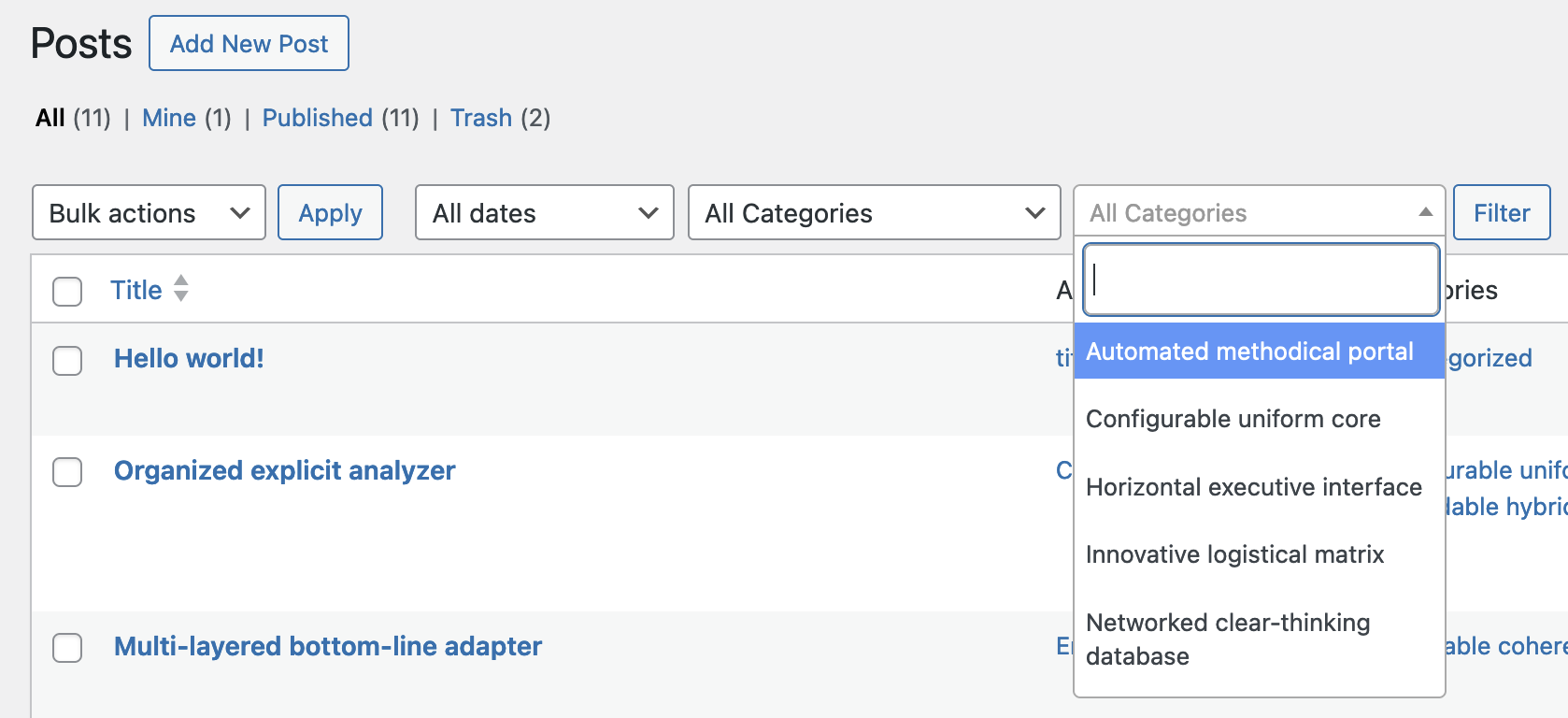
Once you’ve enabled the Filter settings, go to the “Posts” screen and you can now see the filter for this taxonomy. This improves on the default WordPress core by offering a search box that can scale to support 1,000’s of terms.

Organize your WordPress content
PublishPress Taxonomies allows you to create and manage Tags, Categories, and all your WordPress taxonomy terms.
