
How To Hide Screen Options in WordPress
We received an interesting question this week from a PublishPress user. One of our customers wanted to remove elements from the “Screen Options” dropdown panel in WordPress.
The “Screen Options” tab is available in most areas of the WordPress admin area. This image below shows an example from the “Pages” screen.

In this article, we will explain how to hide elements in Screen Options.
Please note that this will not actually hide anything on the main screen. In this article, we're only showing you how to remove choices from inside the Screen Options dropdown. For example, we will remove the “Site Health Status” option in the screenshot below.
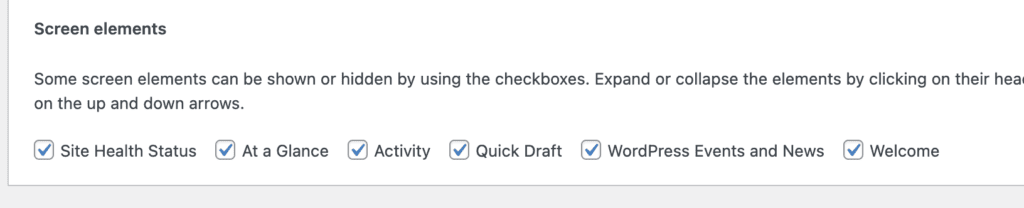
First, decide on the element you want to hide. For example, I want to hide the “Permissions: Read this Post” element that you can see in this image below:
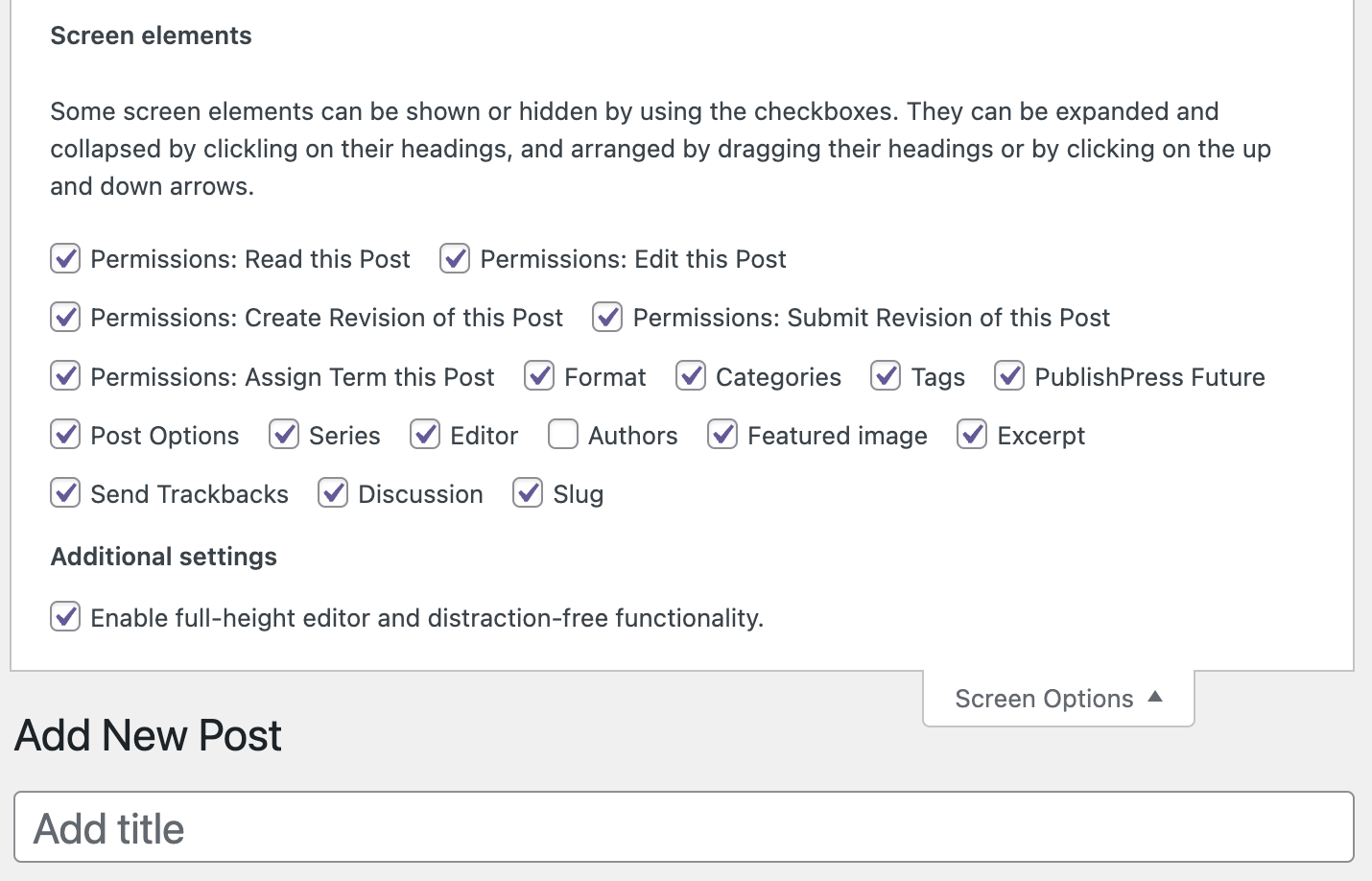
To hide this element, we need to find the selector for this part of the WordPress admin area. You can do that by going to the Developer Tools feature in Chrome. Most other browsers have a very similar feature. From the screenshot, you can see that I have found this selector: pp_read_post_exceptions-hide.

Now add the code below to your theme's function.php file:
add_action('admin_head', 'hide_custom_elements');

function hide_custom_elements() {
  echo '<style>
    #screen-options-wrap label[for="pp_read_post_exceptions-hide"] {
    display: none;
}
  </style>';
}
After you insert that code, you will not see the element in Screen Options. This next screenshot shows how the area appears after we applied the code:


The Best Plugin to Control Your WordPress Users
PublishPress Capabilities enables you to customize what users see in every area of WordPress from editing posts and pages to admin menus, profile pages.


Is this something it would be possible to add to the PublishPress Capabilities plugin? I’d rather not resort to code to implement turning off some options that a new free plugin has added. They seem to be ON by default, but they mess up the basic Pages screen, so OFF by default would be better!
Hi Rae. Unfortunately there’s no easy way for a plugin like ours to predict what other plugins will do. We can solve problems once we see what other plugins have done.