
PublishPress Capabilities 2.50: Disable Roles and Faster Capability Controls
This post is about a release of the PublishPress Capabilities plugin. This is the best plugin to control permissions in WordPress. You can completely customize what your users can do inside your website.
PublishPress Capabilities v2.50.0 gives site owners more control over WordPress roles, including a new way to disable a role without deleting it and faster tools for changing capabilities across a role. This release also improves exports, tightens import permissions, and adds useful multisite options.
Table of Contents
Feature highlights
The biggest changes are aimed at teams that manage multiple user roles and need safer, more efficient permission workflows.
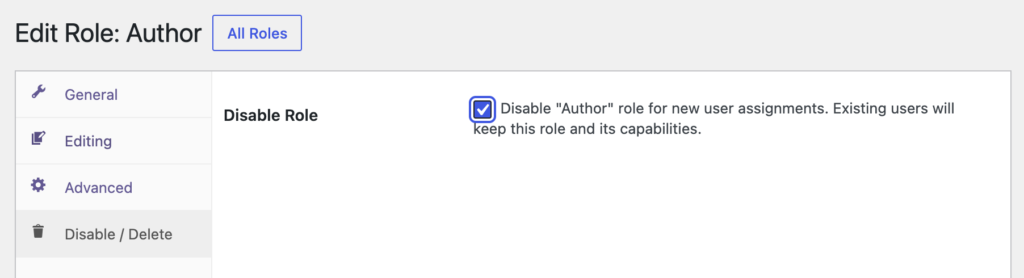
- Disable Role: Turn off a role when you want to stop it being used while keeping its configuration available for later.
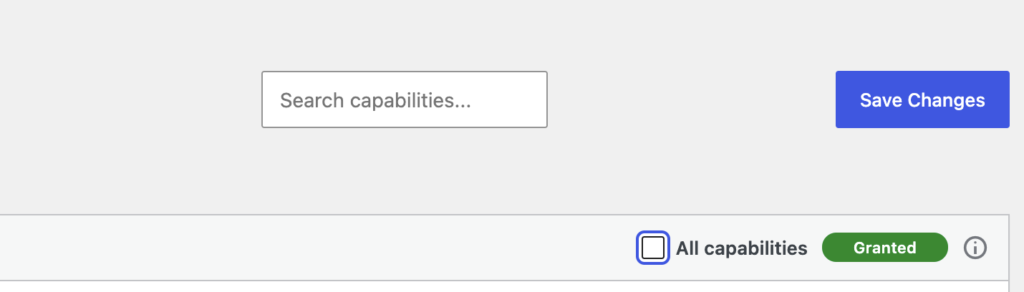
- Global capability controls: Use global on, off, and negate options on the Capabilities screen to apply changes more quickly.
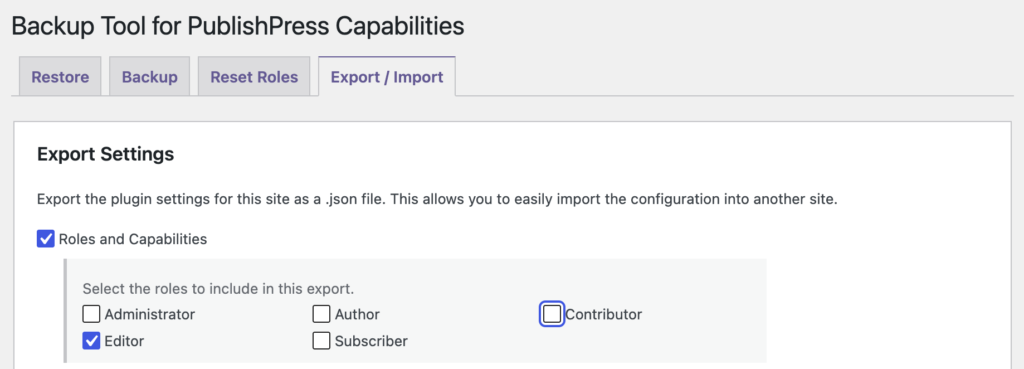
- Single role exports: Export one selected role instead of exporting everything, making backups and migrations more precise.
- Safer capability imports: Imported capabilities are limited to the permissions the current user is allowed to grant, reducing the risk of over-permissioning.
If you manage editors, shop managers, membership roles, client accounts, or custom workflow roles, these updates should make testing and maintaining permissions easier.
Multisite and management improvements
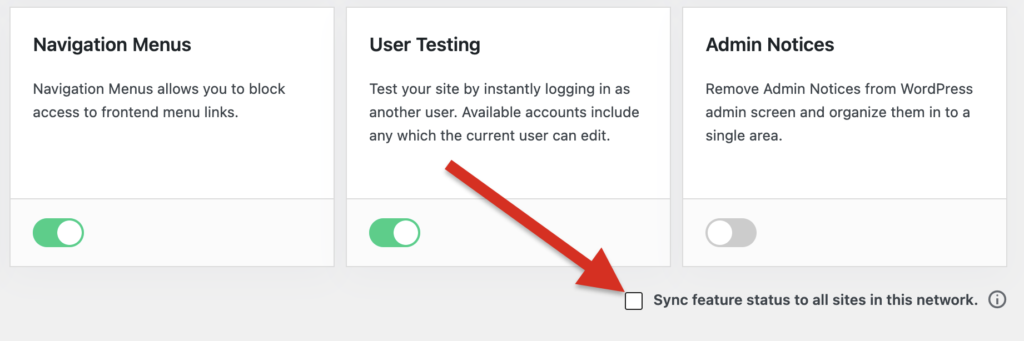
Multisite installations now have better control over where the Capabilities menu appears. Network administrators can hide the menu for subsite users, which helps keep permission management centralized.
Custom role creation through the WordPress command line has also been fixed for multisite environments, which is useful for agencies, developers, and teams that automate site setup.
Other changes
- Create posts and pages fix: The Create posts and Create pages capabilities can now be set to X as expected.
- Admin notice layout: Admin notices now wrap more cleanly in the WordPress dashboard.
- Capabilities screen spacing: A layout issue that caused padding to disappear on large screens has been corrected.
- Translation loading notice: A WordPress notice about
_load_textdomain_just_in_timebeing called incorrectly has been resolved.
For developers
Multisite administrators can hide the Capabilities menu on subsites with either a filter or a configuration constant.
- Filter option: Add
add_filter('pp_capabilities_display_admin_menu_on_subsite', '__return_false');to a theme or custom plugin. - Configuration option: Define
PP_CAPABILITIES_HIDE_MENU_ON_SUBSITESastrueinwp-config.php. - WP CLI multisite support: Custom role creation now works more reliably when using the WordPress command line on multisite networks.
This post provides an overview of the new features in this release of the PublishPress Capabilities plugin. The complete changelogs for both Free and Pro versions are available in our Docs area.

Control your WordPress users
PublishPress Capabilities enables you to customize what users see in every area of WordPress from editing posts and pages to admin menus, profile pages.
