
Introducing the New PublishPress Shortlinks Plugin
When you’re writing a draft post in WordPress, do you sometimes need to share it with someone who doesn’t have access to your site?
PublishPress Shortlinks is our newest plugin. It allows you to get shareable links for all your posts, even if they're unpublished.
PublishPress Shortlinks is our 11th plugin and here's an introduction to what it does. The Free version of the plugin is available now from WordPress.org. A Pro version is coming in the next few weeks.
Table of Contents
What can you do with PublishPress Shortlinks?
With PublishPress Shortlinks you can create custom links for your posts. These links are brandable and trackable. You can share links for any type of content, even unpublished posts in draft status.
PublishPress Shortlinks will automatically generate links for all your posts and pages. These shortlinks are available from the Posts screen, as you see in this screenshot below. These links will also be available via the Post Edit screen.
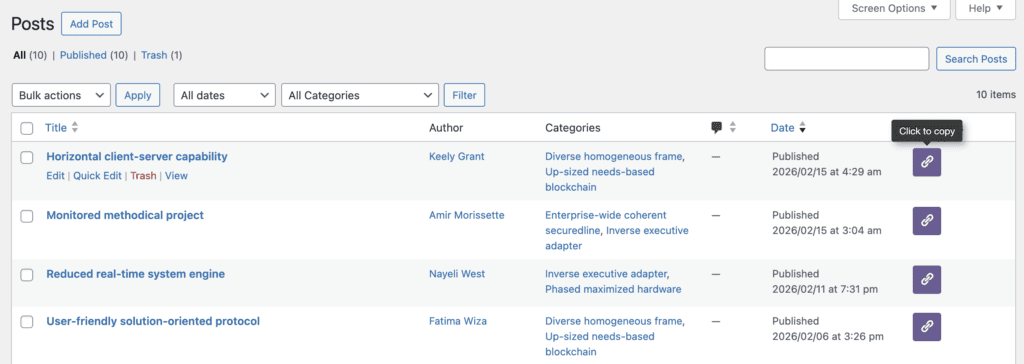
Every post has its own URL. By default, the final part of the URL will be a unique combination of 5 characters, so your shortlink will look like this: https://example.com/go/8vi3n.
However, you can customize the slugs so they have human-readable URL looks like this: https://example.com/go/shortlinks.
Share Previews of Draft Posts
PublishPress Shortlinks allows you to share posts before you make them public.
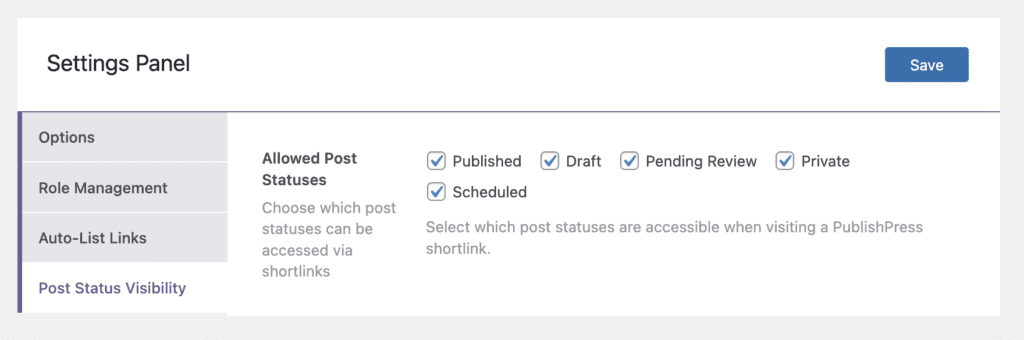
In your admin menu, go to Shortlinks > Settings > Post Status Visibility. Here you can choose which post statuses will be accessible via shortlinks. The options are shown in the screenshot below.
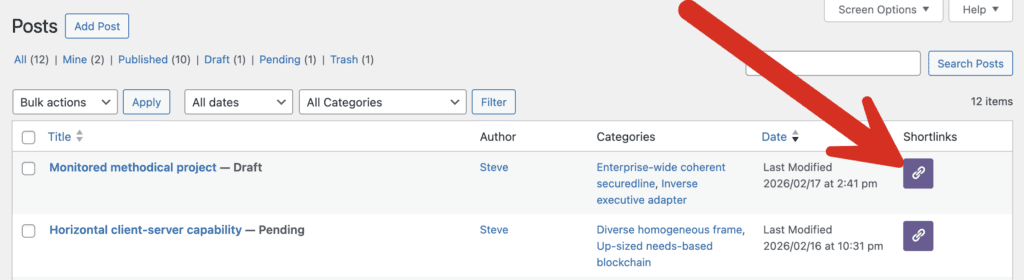
In the screenshot below, you can see one post in the “Draft” status and another post in the “Pending Review”. You can share these links and people will not need access to your WordPress site to preview the post.
Control who can view your links
It's possibe to protect your shortlinks with passwords and expiry dates. So if you are sharing previews of unpublished content, you can be reassured that only the people you choose can access the post.
To control these settings, go to “All Shortlinks” and choose to edit a shortlink. Click the “Security” tab. You will see the options in the screenshot below.
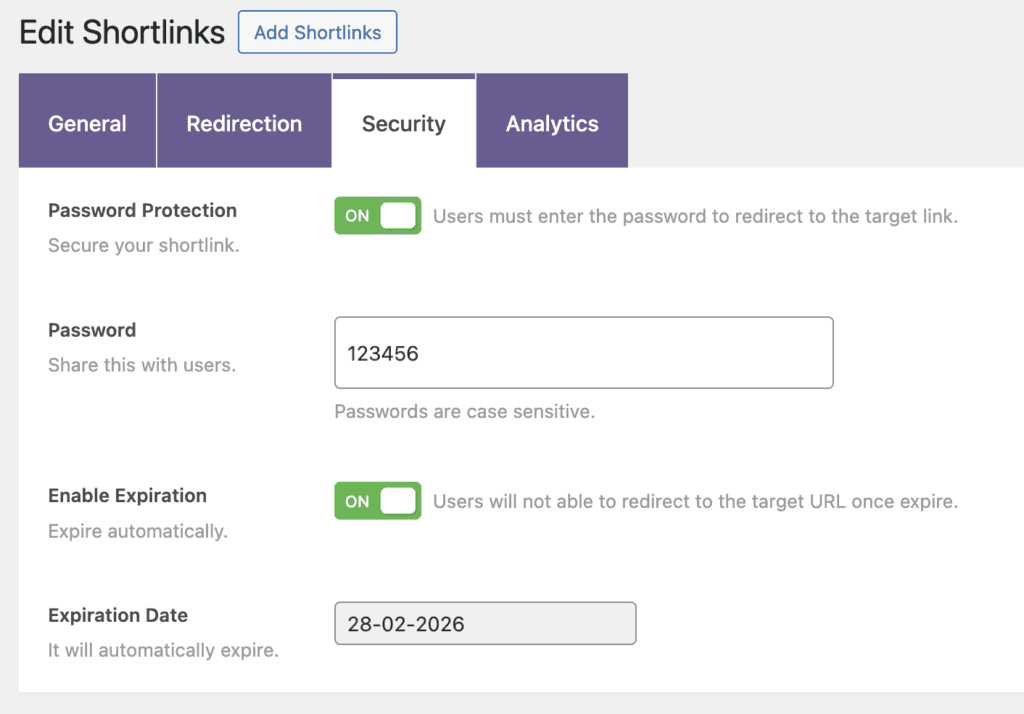
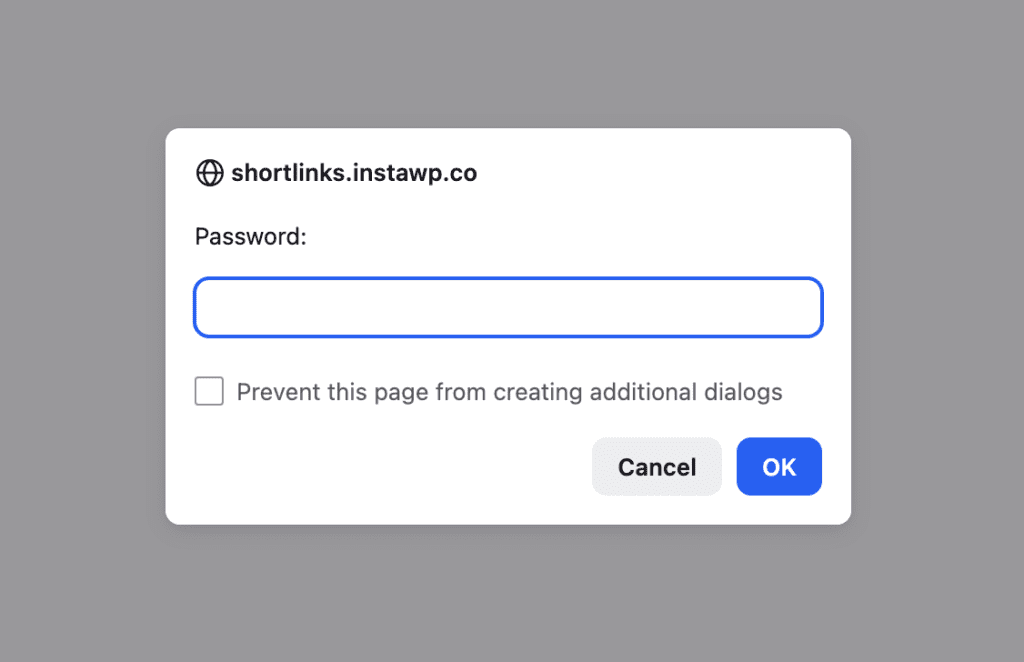
If you require a password, users will be forced to enter that password before they can view the post.
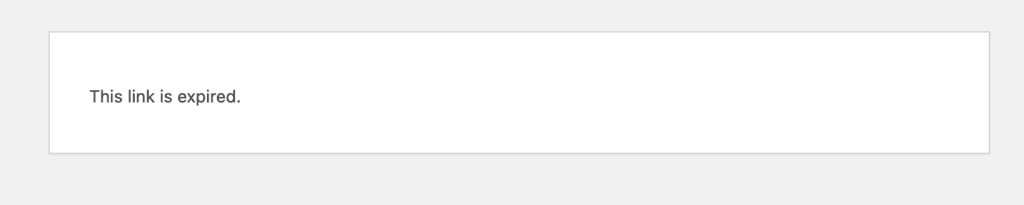
If you set an expiry date for the shortlink, anyone who tried to view the post after that date will see a message saying that the link has expired.
More about PublishPress Shortlinks
This launch is only the first version of the plugin. There are more features I haven't mentioned yet, and more that we're planning to release soon.
Other features you'll find right now include analytics and logs for your links, plus QR codes, and multiple different redirect options.
Next, we're working on the Pro version. That will arrive with detailed access control so you can decide who is able to create and edit these links.
Please give the Free version a test and let us know if there any extra features that would be helpful for you.

Custom, shareable URLs for your WordPress posts
With PublishPress Shortlinks you can create custom links for your posts. These links are brandable, trackable, and can have custom view permissions.
