
Introducing PublishPress Hub
Thank you so much for using the PublishPress plugins.
We believe that WordPress is the best publishing platform. Our goal is to help make it even better for you.
As we start 2026, I'm going to share details of what we're releasing this year.
We plan to add several new plugins to PublishPress this year. There will be small, medium and big plugins.
To handle all that growth, we're introducing a new tool to help manage these plugins: PublishPress Hub.
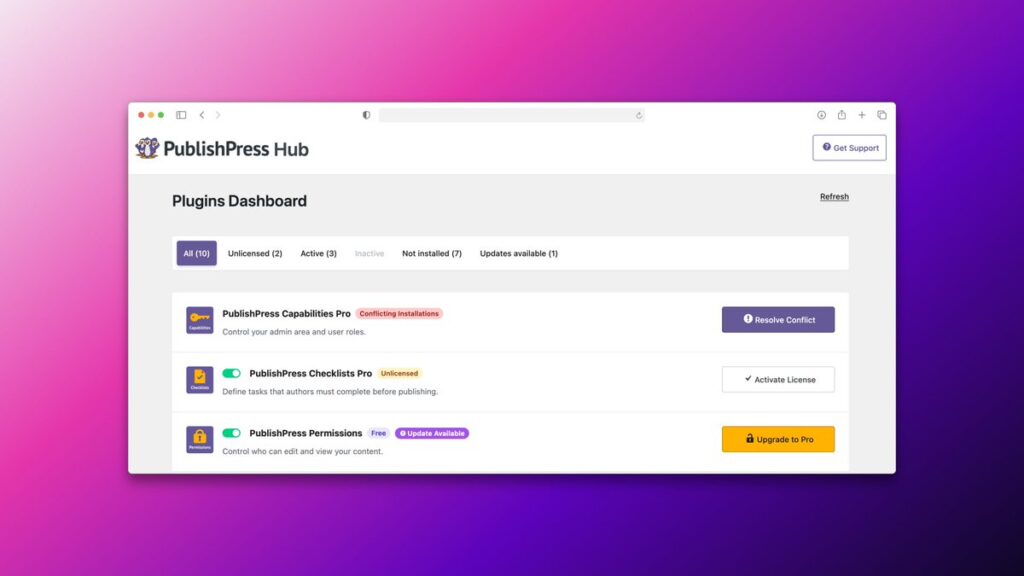
Table of Contents
Do I hear the words “New plugins”?
Yes, that's right. There are currently 10 plugins available for PublishPress users. By the end of this year, I expect that number will grow to at least 14.
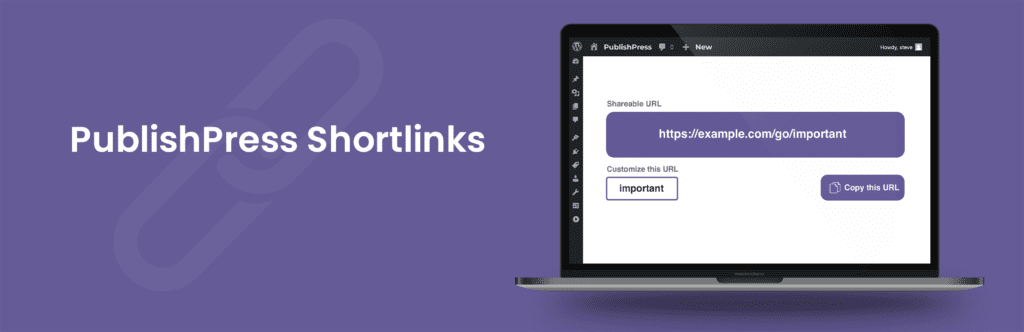
The first new plugin is called “PublishPress Shortlinks”. This plugin will allow you to create custom links for your posts. These links will be brandable and trackable. Plus, you'll be able to control who can see each link. So if you're writing a draft blog post, you can create a private link so that others can give feedback before you publish.
Introducing the PublishPress Hub
When planning these new plugins, we realized there needed to be a way to manage all these plugins. We don't expect many people to install all 14 plugins, but a lot of sites do have many of our plugins.
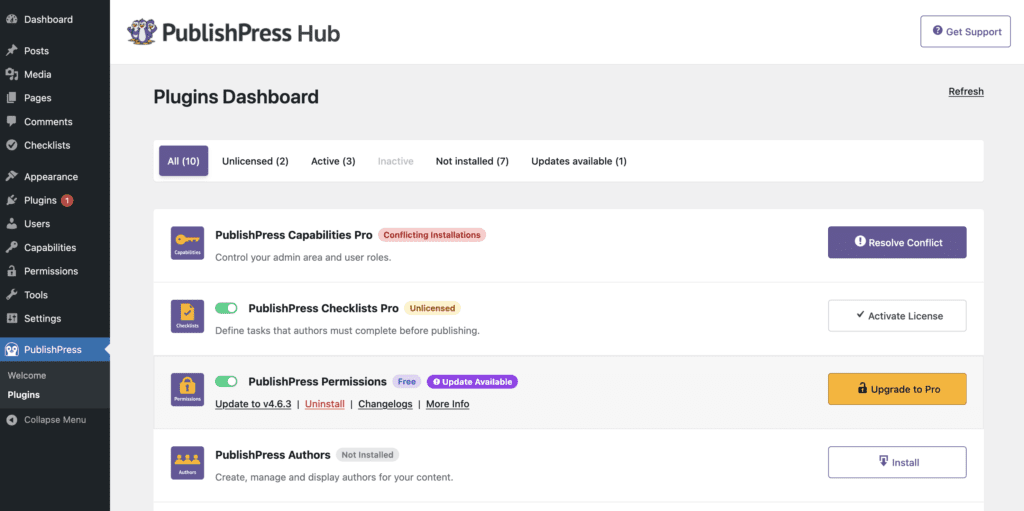
PublishPress Hub has everything you need to install, update, and manage your PublishPress plugins.
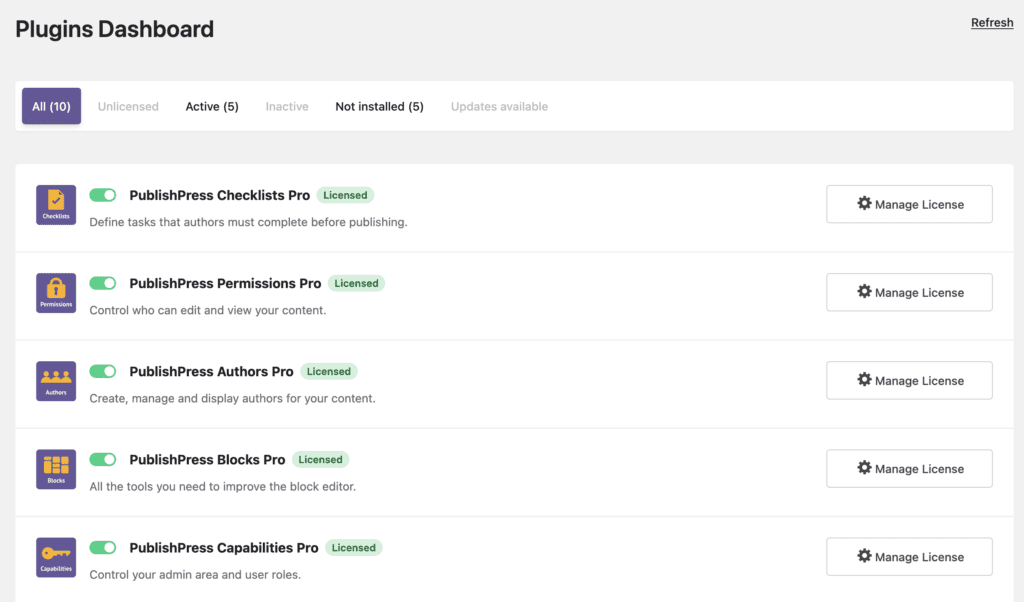
You can view all your PublishPress plugins with their licenses, versions, and key details.
You can install both Free and Pro plugins directly from the Hub.
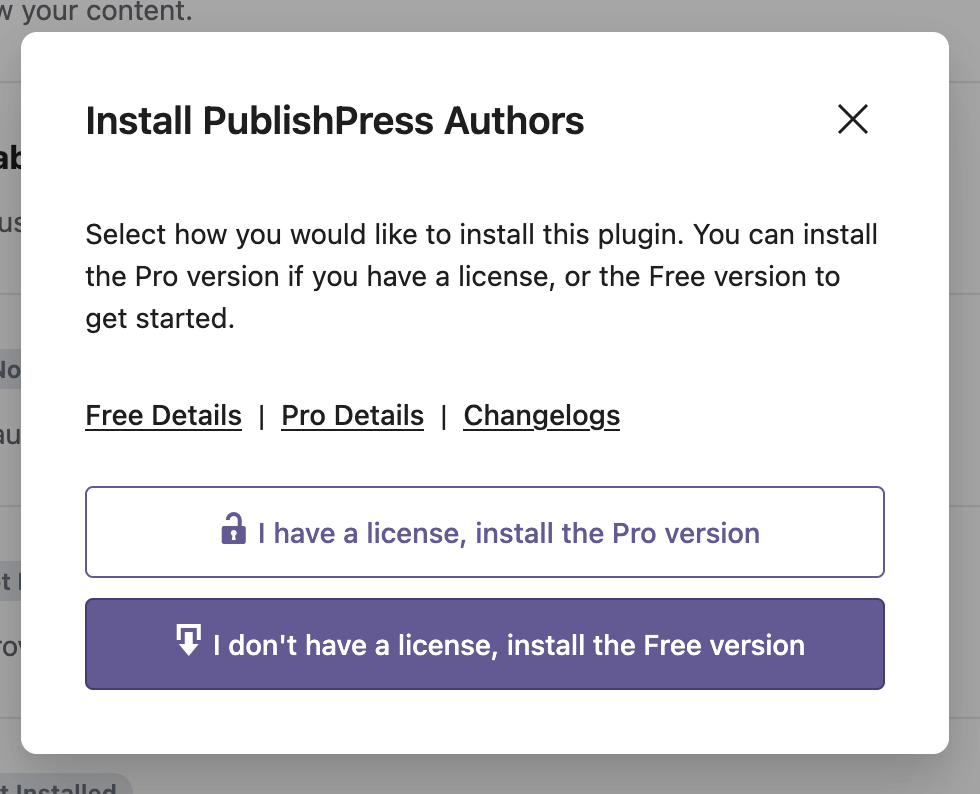
On the Hub screen, you can add your PublishPress license keys to easily install and activate Pro versions.
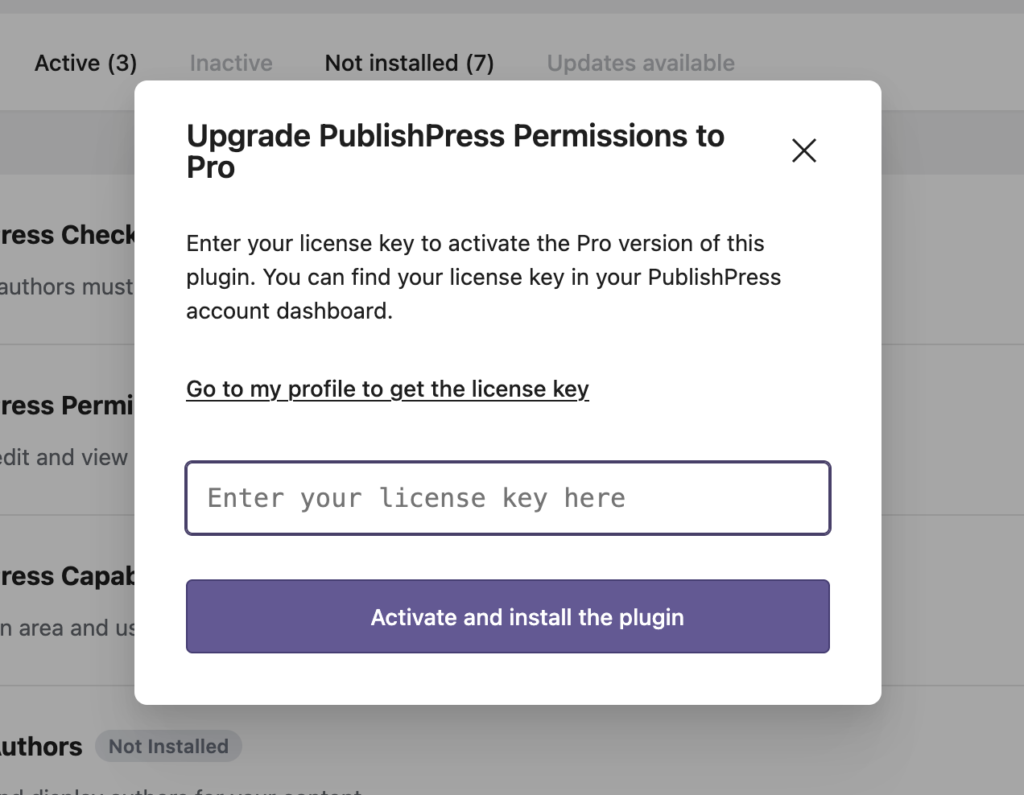
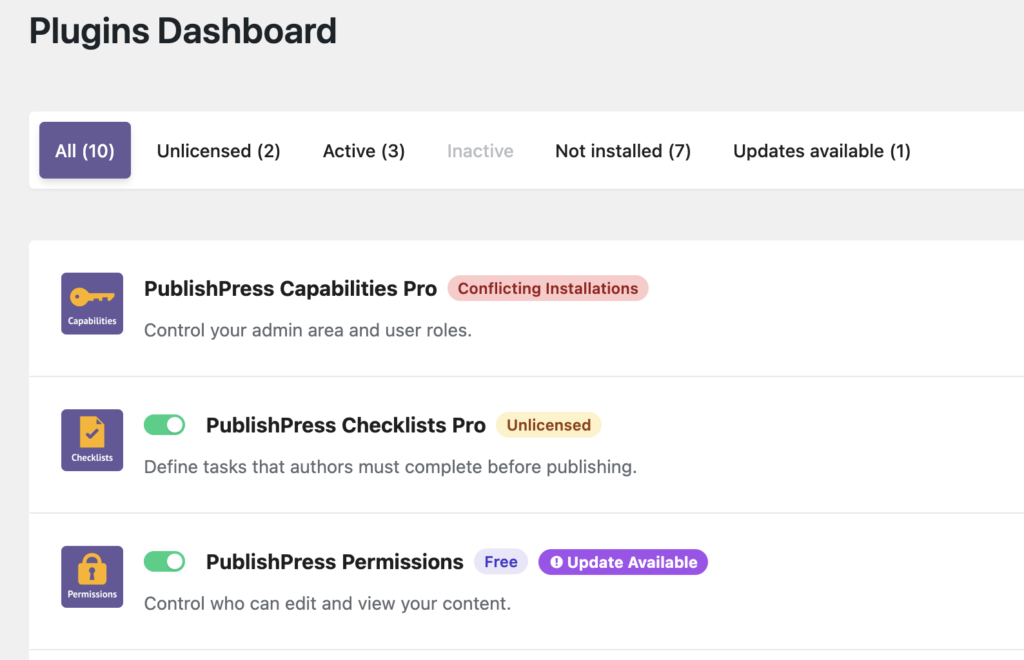
The Hub will also clarify any issues with your plugins. For example, is there a license key missing, an update available, or do you have multiple copies of the same plugin installed? The Hub screen will allow you to quickly solve all those problems.
How do I get the Hub?
The Hub is designed for Pro users of the PublishPress plugins. You can download it from your account dashboard. When you login, it will be the first thing you see on your welcome screen.
What's the long term plan for the Hub?
The Hub isn't required. You don't need to install it.
But our goal is to make it helpful enough that you'll want to install it.
In the near future, we'll add a lot more tools to the Hub. These will be import / export features, debug logs and tools to help you manage and connect the PublishPress plugins.
Oh, and as I mentioned earlier … we'll add more plugins to the Hub. Look out for those new plugin announcements throughout 2026.
