
The Teaser Feature is Now Available to All PublishPress Permissions Users
Do you need to prevent visitors from accessing some of your site's content?
With the “Teaser” feature, you can customize what happens when visitors try to view your restricted content.
This is really helpful for membership websites, or anyone who wants visitors to register to access content. The screenshot below shows how this feature works. The customizable message says “This content is for our site's members. Please login or join to read this post.”
Previously this feature was only available in the Pro version of PublishPress Permissions. Now some parts of the Teaser feature are available to everyone.
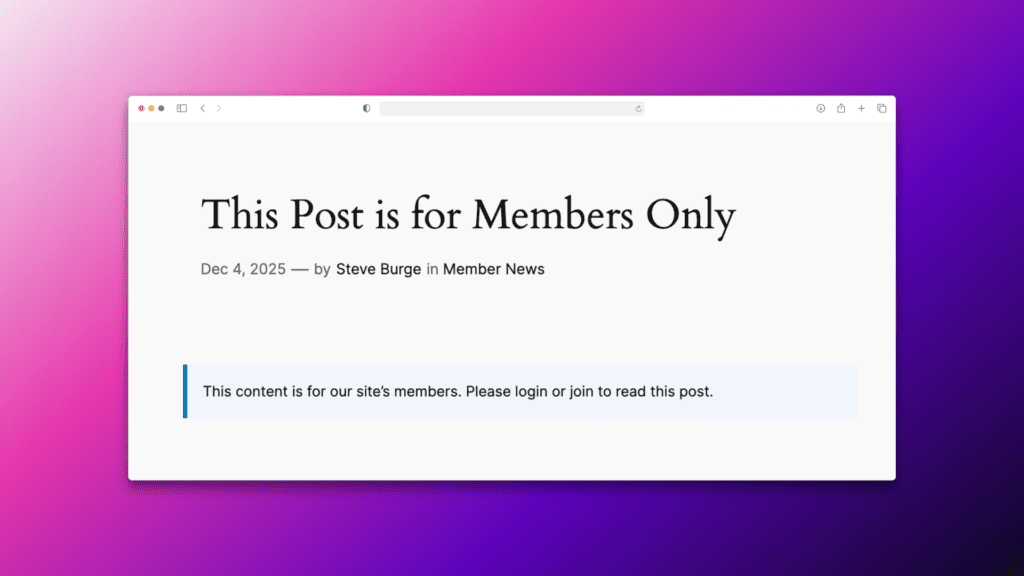
Table of Contents
How WordPress Deals With Restricted Content
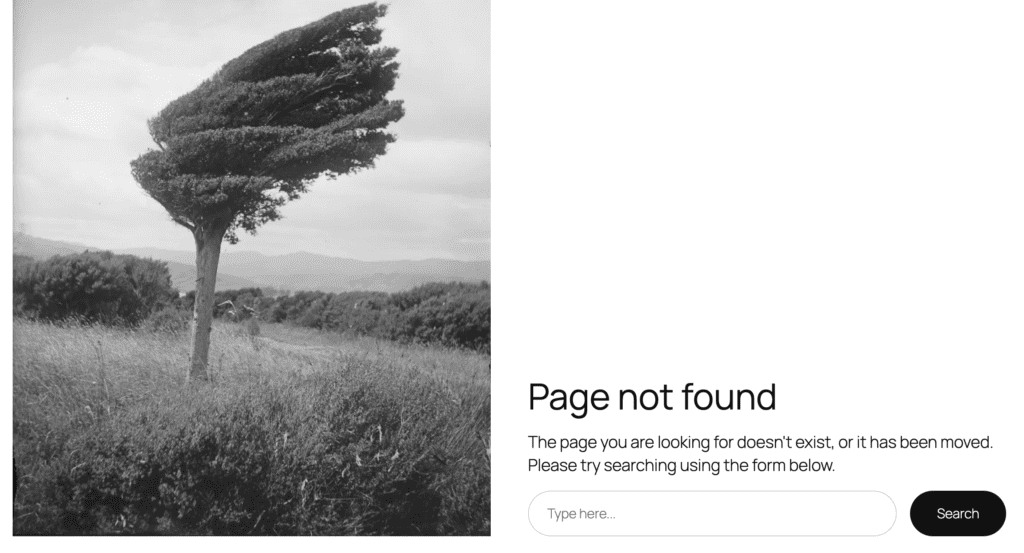
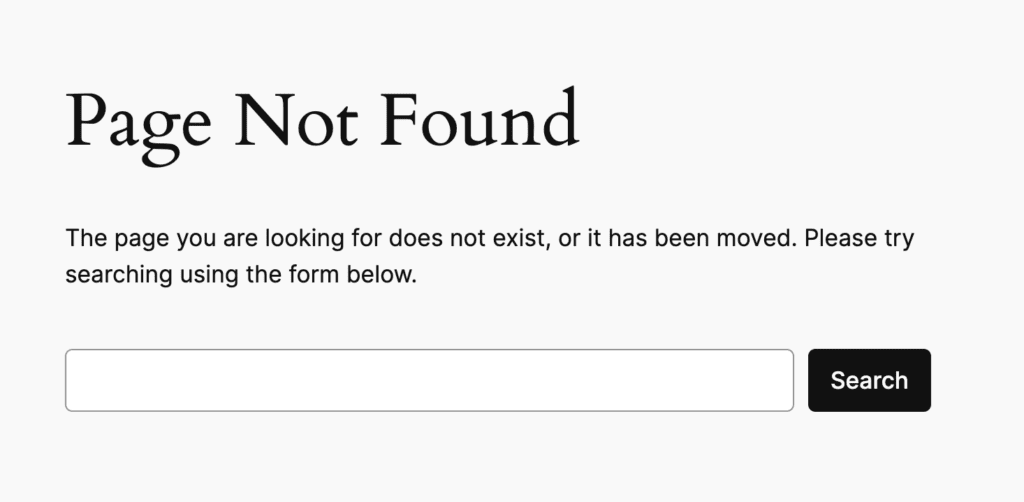
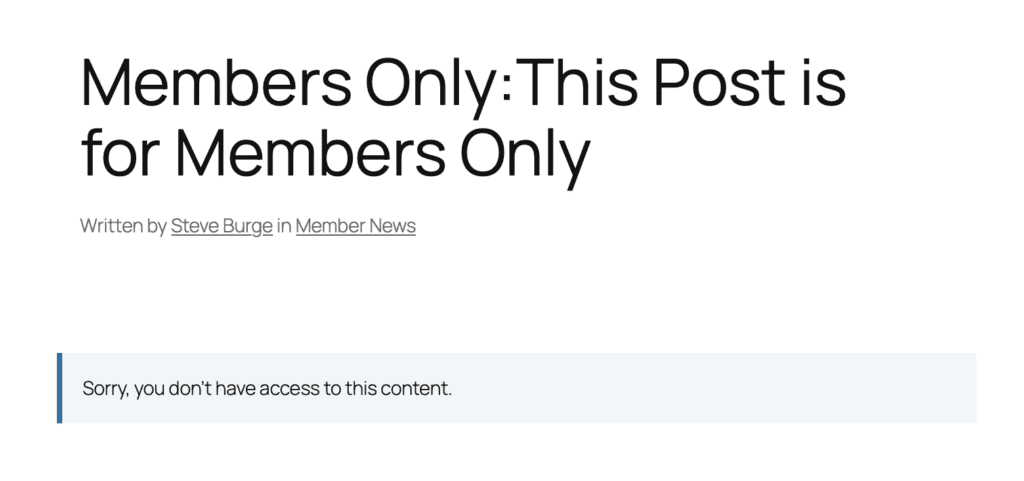
By default, WordPress will show a “Page Not Found” message when users do not have access. Your site will pretend that this content does not exist. What this screen looks like will depend on your theme. This screenshot below shows the “Page Not Found” layout from the Twenty Twenty-Five theme.
This screenshot below shows the “Page Not Found” layout from the Twenty Twenty-Four theme.
Introducing the Teaser Feature
With the “Teaser” feature, you can customize what happens when visitors try to access a restricted URL. For example, you can add a message encouraging people to join your site, or you can redirect them to your site's login form.
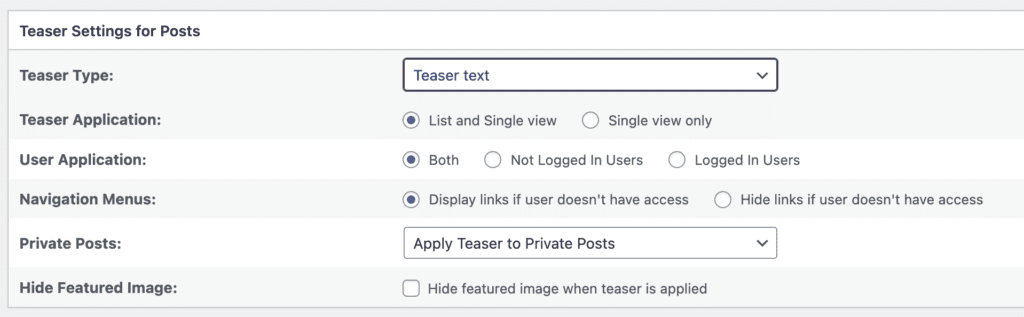
In this new version of PublishPress Permissions, you'll see the “Teaser” screen is now available. It looks like this screenshot below:
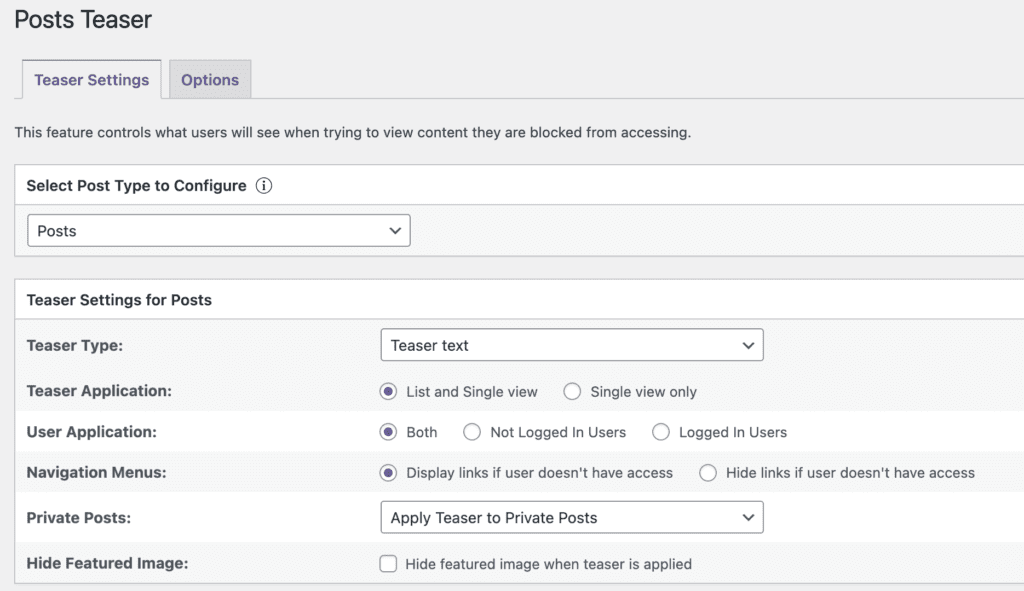
The main option in the free version of PublishPress Permissions is Teaser text. This will show text that you choose. You can replace the post content with a message. You can also add text before or after the post title and content.
There are several settings available for each Teaser type:
- Teaser Application: Should the Teaser apply only when accessing the post directly, or also in the blog / list view?
- User Application: Does this apply to Not Logged In Users, Logged In Users, or both?
- Navigation Menus: Should the posts with a Teaser be linked to from site menus?
- Private Posts: Should the Teaser apply to posts that are restricted using the “Private” status?
- Hide Featured Image: Should the Featured Image be hidden if users don't have access to the post?
Teaser Options in Permissions Pro
There are four extra Teaser options available with the Pro version of PublishPress Permissions.
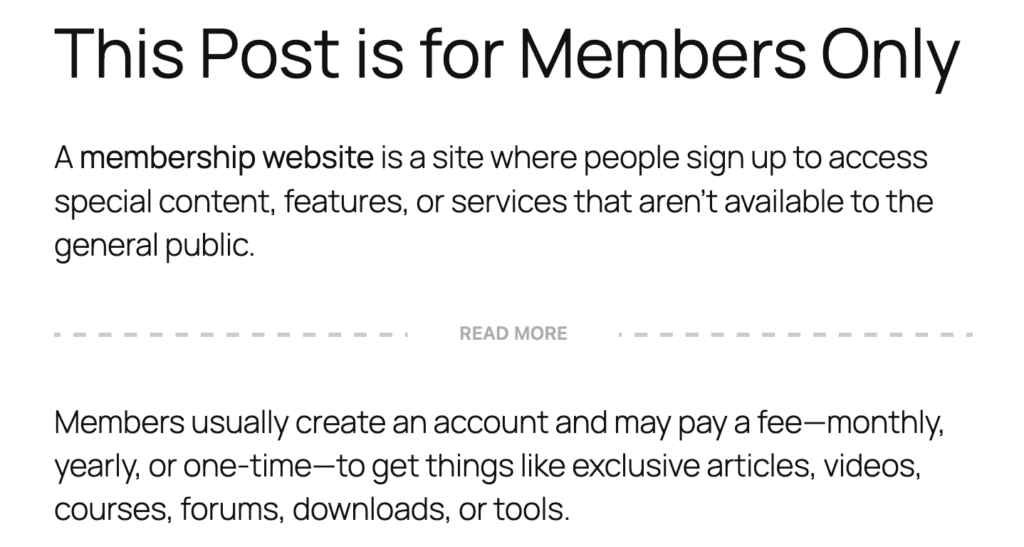
- Use content before Read More link as teaser text (available in Permissions Pro): This shows the content before the “Read More” link in your post, but hides the content after that link.
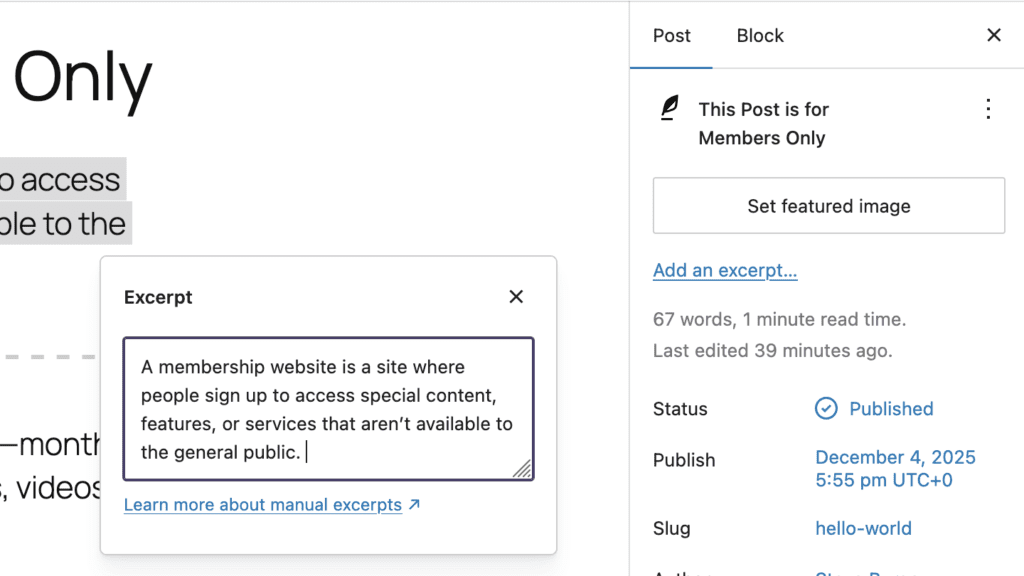
- Use Excerpt as teaser text (available in Permissions Pro): This shows the content in the Excerpt for the post, but will hide the post content.
- Use first X characters of content as teaser text (available in Permissions Pro): This shows the first characters of the content, but hides the content after that link. In this screenshot below, the restriction is set to 50 characters.
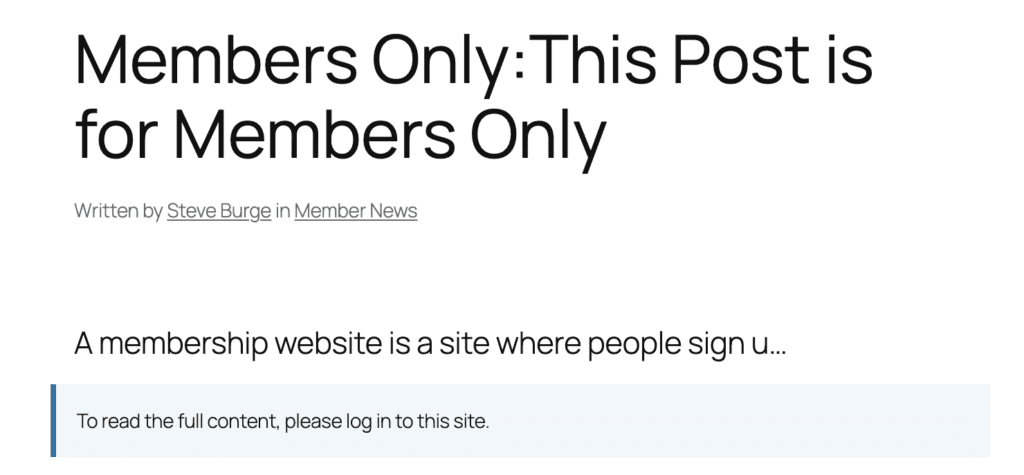
- Redirect to another page (available in Permissions Pro): This will automatically redirect visitors to a URL of your choice.

Video guide to the Teaser feature
The Best Plugin to Control Access to Your WordPress Content
PublishPress Permissions allows you to enable or deny access to posts, pages, categories, tags and more. You can control who can view and edit your WordPress content.
